CHYRON Corporation
Directory Features 8-18 Revision D
The same can be done with names. To choose all names
starting with the letter “
B”:
•Enter
B* in the Range field.
To directly select messages or directories without speci-
fying a range:
[ ] 1. Use the cursor
ÎÏ keys to locate a particular
file or directory, then press
.
[ ] 2. Repeat this procedure until you have chosen all
files or directories that you want to list, move
copy or delete.
%ORFN/LVW
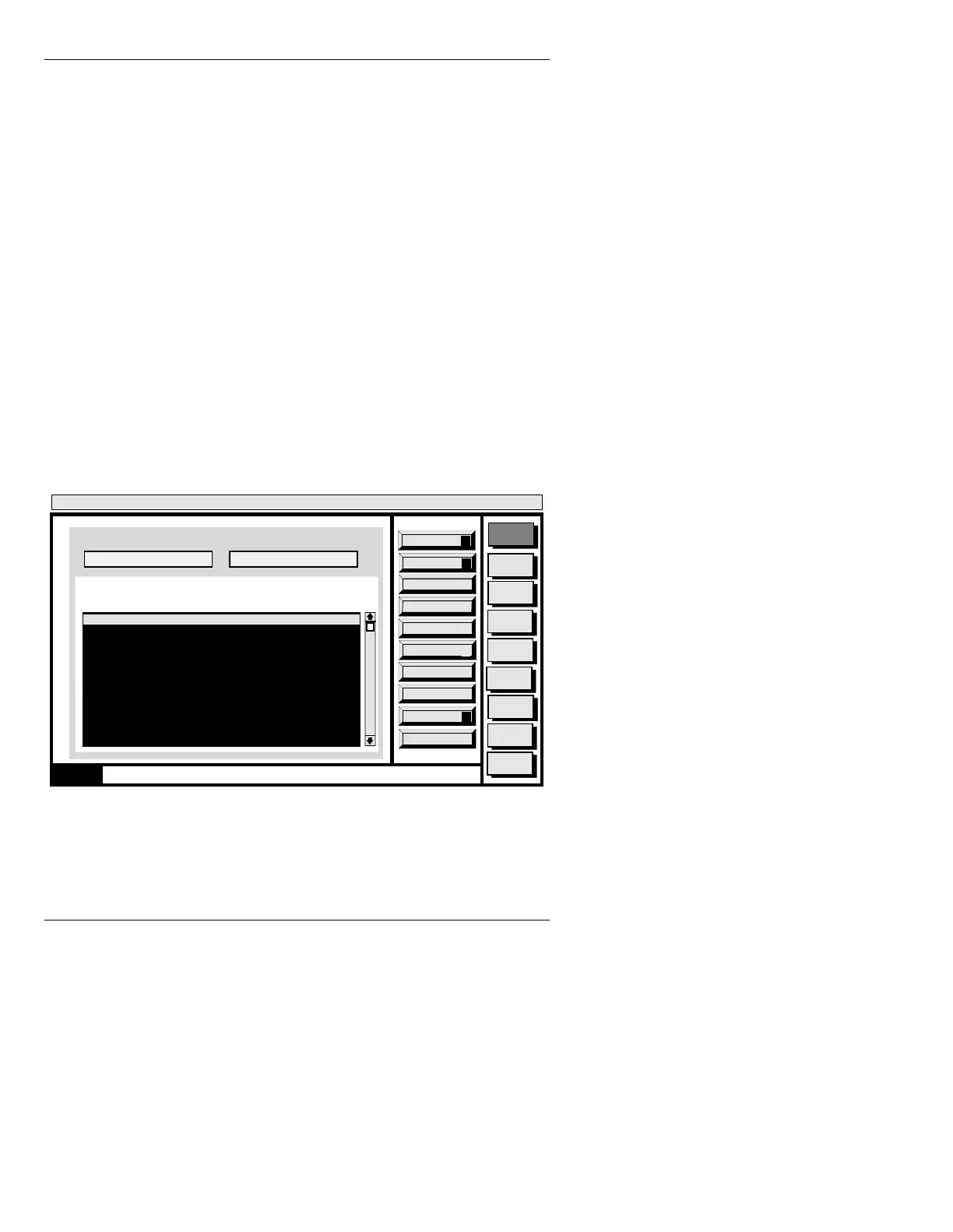
To display a numerically sorted list of all messages in the
current directory (Figure 8-7):
• Press
L or select the List icon in the Block Message
Utility window.
Figure 8-7. Block List Window
Message
Compose
Advcd.
Font
Disk
Utils
Network
Utils
Font
Create
Logo
Compose
Message Compose
<version>
15:07 5/9/96
List Dirs
D
Quit
Q
Block Message List
Dir: C/MAX!>
List Files
L
0000 Full Page Message
1331 Tab Message
1365 Multi FX: Multiple Effects
1370 Full Page Message
2000 Template Data Message
2001 RGBA: NEWS ANCHOR
2002 Full Page Message
2005 Full Page Message
6500 Transform Message
6501 Full Page Message
0000 Enter source drive/directory
Range:
Dir: C/MAX!> Range: All Files: 103
CNTL



 To Next Page