CHYRON Corporation
Video Input Option 20-16 Revision D
NOTE
MAX!> supports either an Analog
RGB VIM, or a digital CCIR601 VIM,
but not both types.
$QDORJ9,0&RQILJXUDWLRQ
L1)L1L7D QG0$;!
Explanations for each of the analog VIM adjustments fol-
low Figure 20-9 on the next page.
From the Video Input Control menu, press
C to adjust the
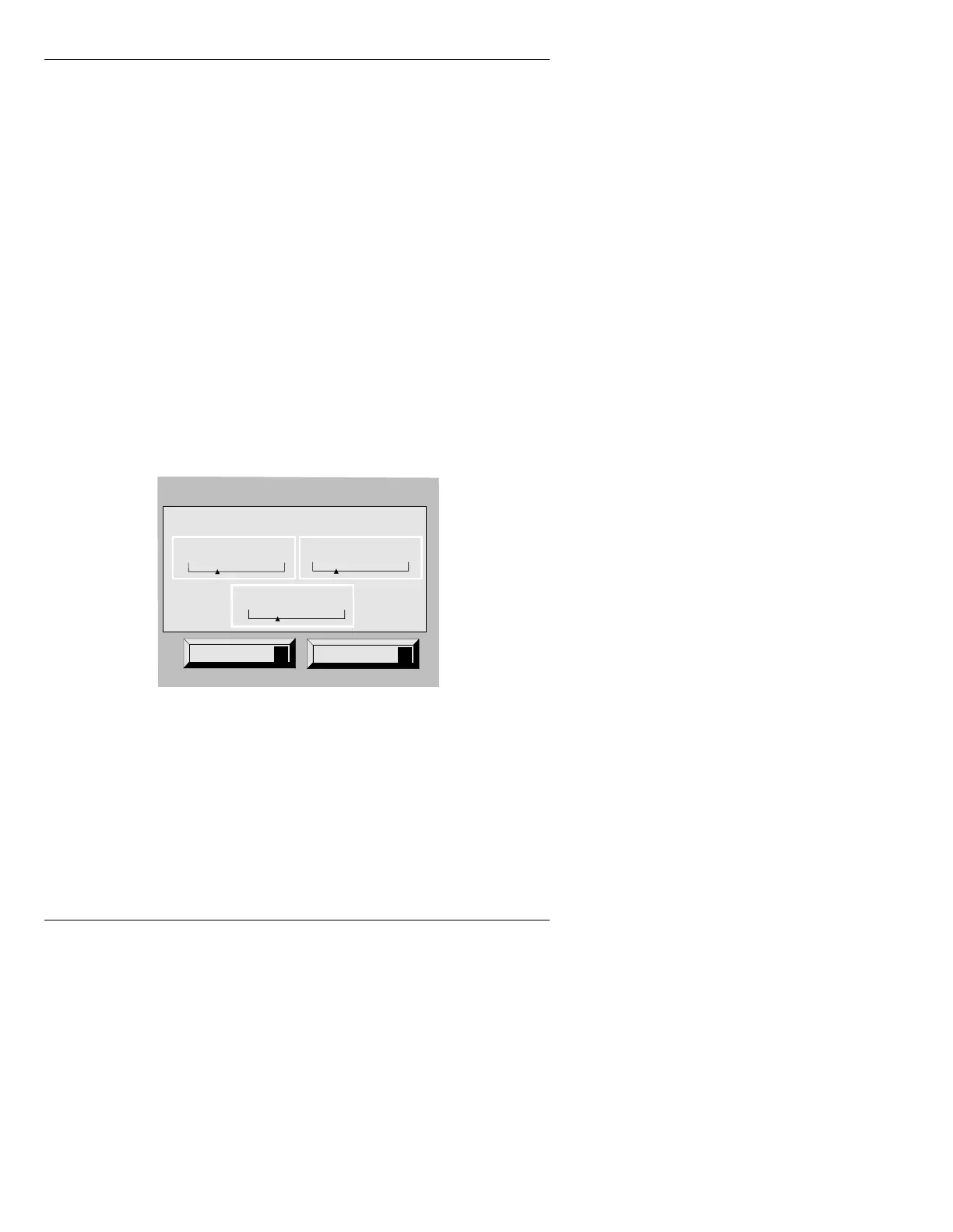
VIM configuration. The Video Input Configuration
menu (Figure 20-8) is displayed.
Figure 20-8. Video Input Configuration Menu - iNFiNiT!
Quit
Q
Help
?
Video Input Configuration
RGB
40 Black
25
Gain
Delay
30



 To Next Page