CHYRON Corporation
RGB Tools 21-8 Revision D
message consumes roughly 1.5
megabytes; a typical PAL message,
about 1.6 megabytes.
To toggle Full Screen On and Off:
• Press
X or select Full Screen.
6FDOH &RQWURO6
Scale allows you to change the size and/or location of
objects in the RGB mode, and the aspect ratio in which
you create the graphic (4 X 3 or 16 X 9). The Scale oper-
ation is performed in two steps: Setting the Scale Box
and execution. Before each Scale execution is per-
formed, the displaying frame buffer is erased.
The Scale function has the following restriction if the
Full Screen function is On:
• A Full Screen image can be scaled down, but the
inverse does not necessarily apply. A smaller image
can be enlarged to Full Screen size, but may tend to
be distorted at the larger size.
NOTE
The Crop Box must be adjusted
around the image BEFORE opening
the Scale Control Window.
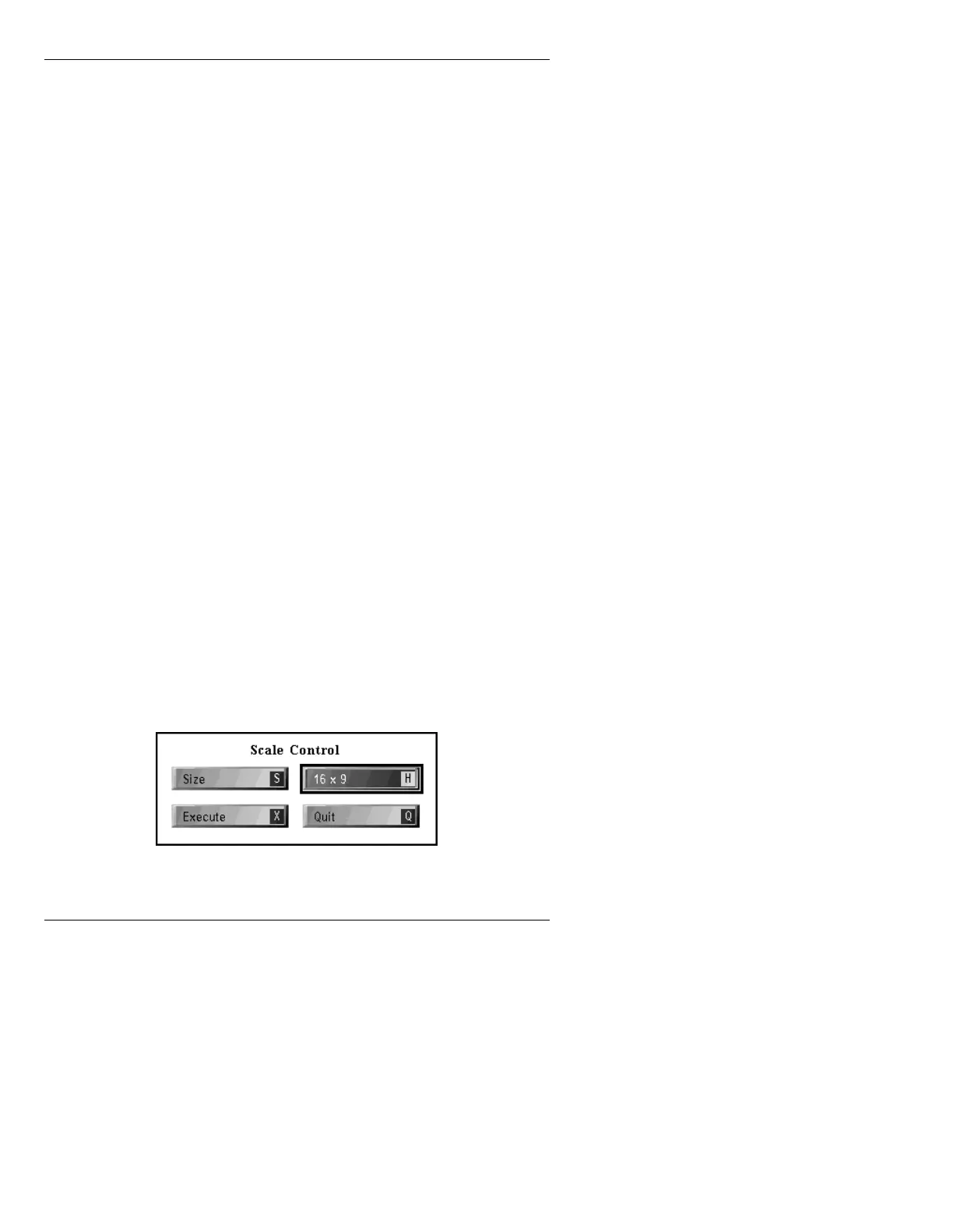
To display the Scale Control menu (Figure 21-4):
• Press
S or select Scale Control.
Figure 21-4. Scale Control Menu



 To Next Page