iNFiNiT! Family Operation Manual
Revision D 21-13 RGB Tools
(GJH&RQWURO(
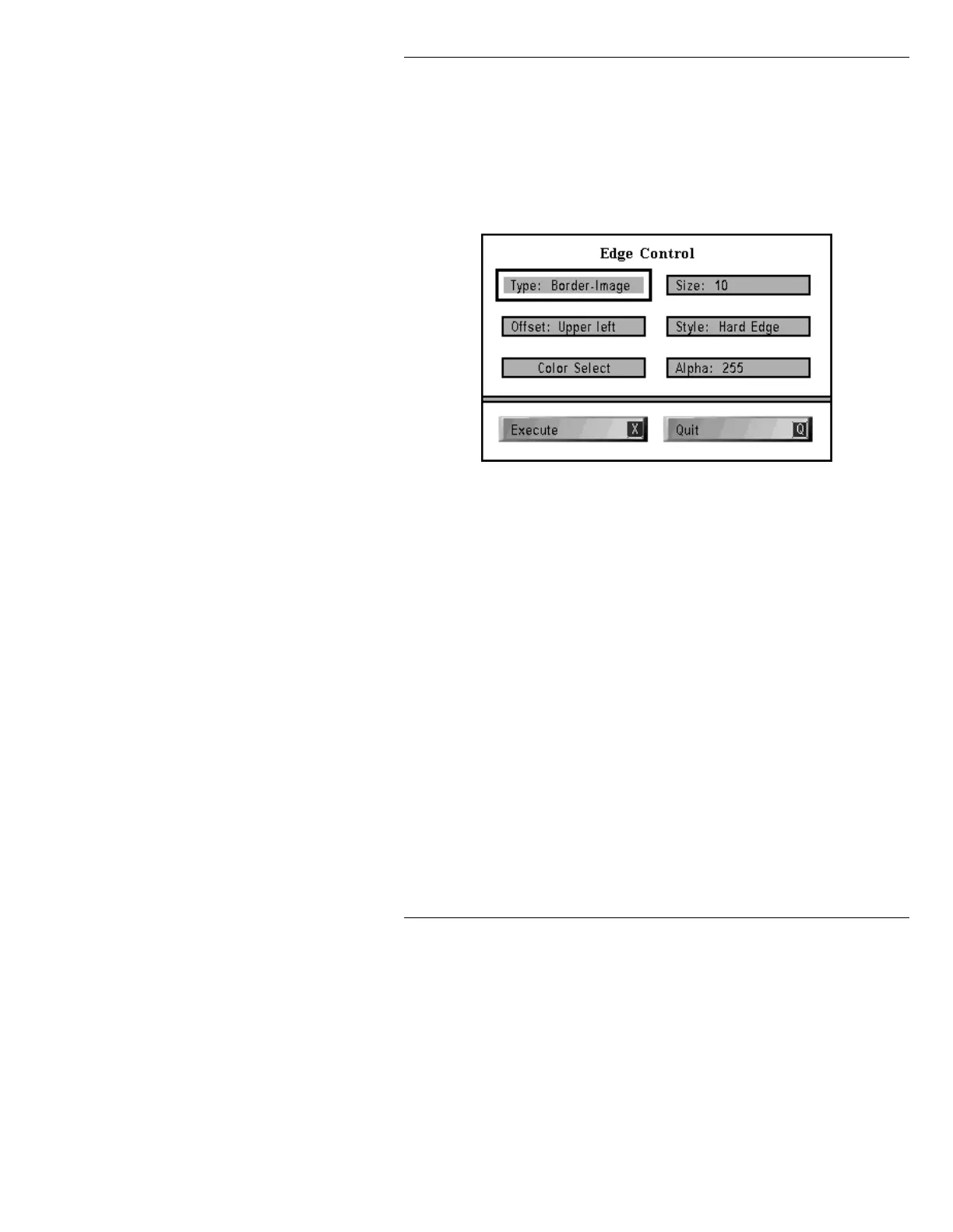
Edge Control is used to place a border or an offset to an
object defined by the Crop Box. Press
E or select the
Edge Control icon from the RGB Tools main menu to
display the Edge Control window (Figure 21-6).
Figure 21-6. Edge Control Window
The Crop Box must be used to define the object prior to
entering Edge Control.
Full Screen must be turned Off
in order for the Edge Control to operate.
Edge Control puts a border or offset on the area defined
by the Crop Box or image. The Edge tool cannot be used
when
Full Screen is On, because placing an edge outside
the limit of the screen is meaningless. The following
parameters are adjustable:
Type Choose Border-Image, Offset-Image, Border-Crop, or
Offset-Crop. A Border-Image surrounds an object
equally on all sides within the Crop Box. An
Offset-
Image
produces a secondary image with direction speci-
fied in the
Offset: field. A Border-Crop is a border
around the entire Crop Box; an
Offset-Crop applies an
offset edge to the entire Crop Box.



 To Next Page