CHYRON Corporation
Total Motion Control 23-38 Revision D
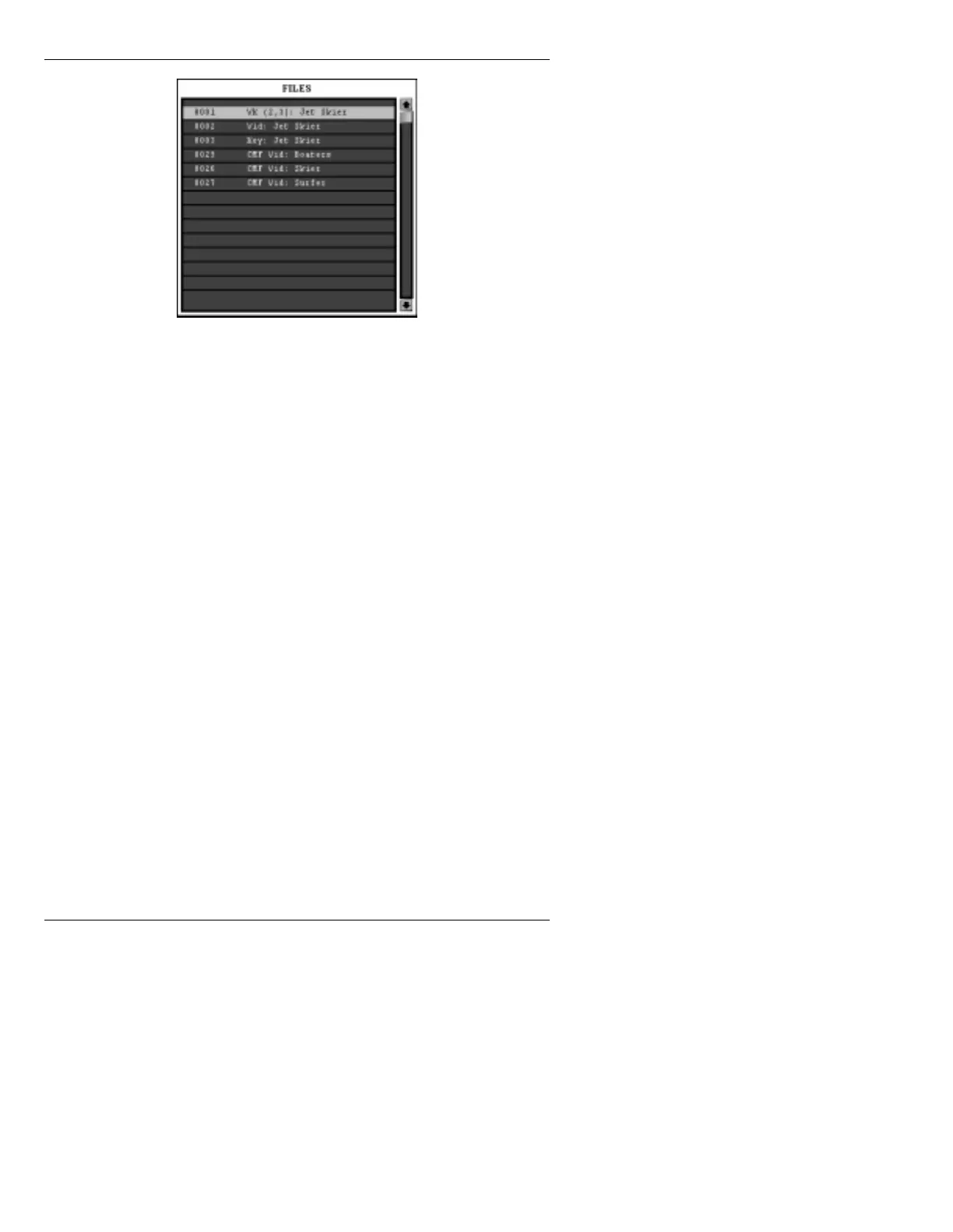
Figure 23-15. File List
[ ] 2. Press CLR; if file not selected from list, enter
the ID number, then press
READ. The first
frame of the CMF or JPEG is displayed in the
Foreground buffer of the Extended Effects
Frame Buffer.
The file can be viewed using the control
buttons described starting on page 23-28. Note
that when CMF or JPEG execution is
complete, the last frame remains on screen.
$ERXW([LWLQJWKH 7RWDO
0RWLRQ&RQWURO3DQHO0HQX
Upon exiting the Total Control Panel menu, the current
frame of a JPEG erases from the screen. The current
frame of a CMF remains on screen.
To clear the frame buffer:
• Press
ESC or ERASE.



 To Next Page