CHYRON Corporation
Font Create Utility 18-32 Revision D
NOTE
You may store just an accent under a
key. For example, type “a” followed
by
“¨”. The character “ä” results.
Figure 18-16. Resulting Machine Fonts
5HFRUGLQJD &KDUDFWHU
3ODFHPHQW7DEOH
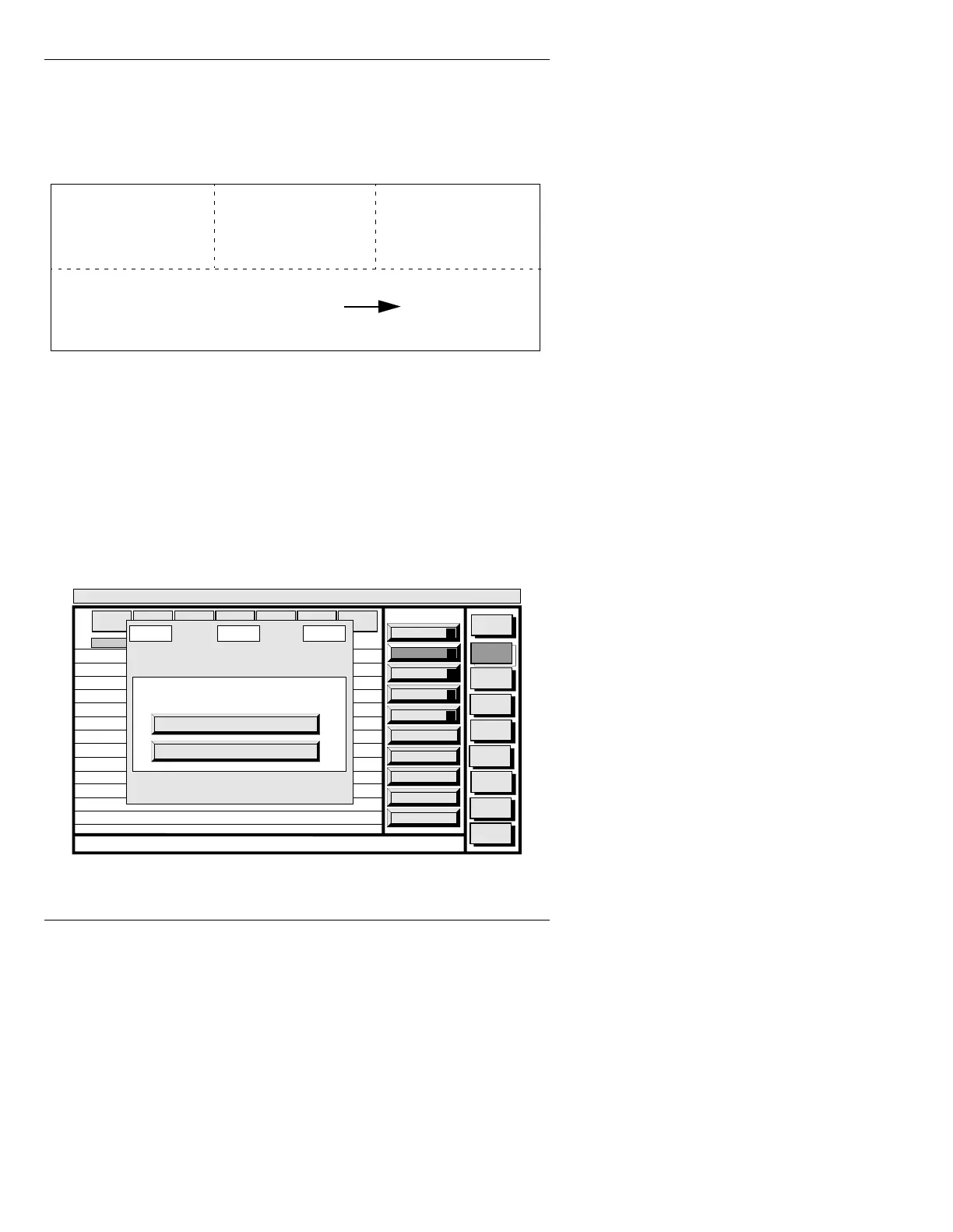
To record the finished Character Placement Table:
[ ] 1. Press
RCD. The Character Set Identification
window is displayed.
Figure 18-17. Character Set Identification Window
ñö
ö
o
Key 91 Key 92
Key 111
+
Key 93
Key 96
¨
é
Paste
A
Copy
O
Placement
P
List
L
Convert
C
Message
Compose
Font
Create
Disk
Utils
Network
Utils
Message
Compose
<System>
Font Create
< version >
11:27 4/26/95
CNTL
MASTER
FONT
MACH
FONT
FONT
SIZE
EDGE
DIR
EDGE
SIZE
OPT
IONS
EDGE
TYPE
1
2
3
4
5
6
7
8
9
10
11
12
13
14
65
66
67
68
69
70
71
72
73
74
75
76
77
78
1/0
2/0
3/0
4/0
5/0
6/0
7/0
8/0
9/0
10/0
11/0
12/0
13/0
14/0
0/0
0/0
0/0
0/0
0/0
0/0
0/0
0/0
0/0
0/0
0/0
0/0
0/0
0/0
KEY
CHR. ID ACCENT
NEWLINE to perform the read, ESC to quit..
Character Set ID:
STD or ITL
Directory: C/INFINIT
Character Set Identification



 To Next Page