iNFiNiT! Family Operation Manual
Revision D 3-17 Start-Up
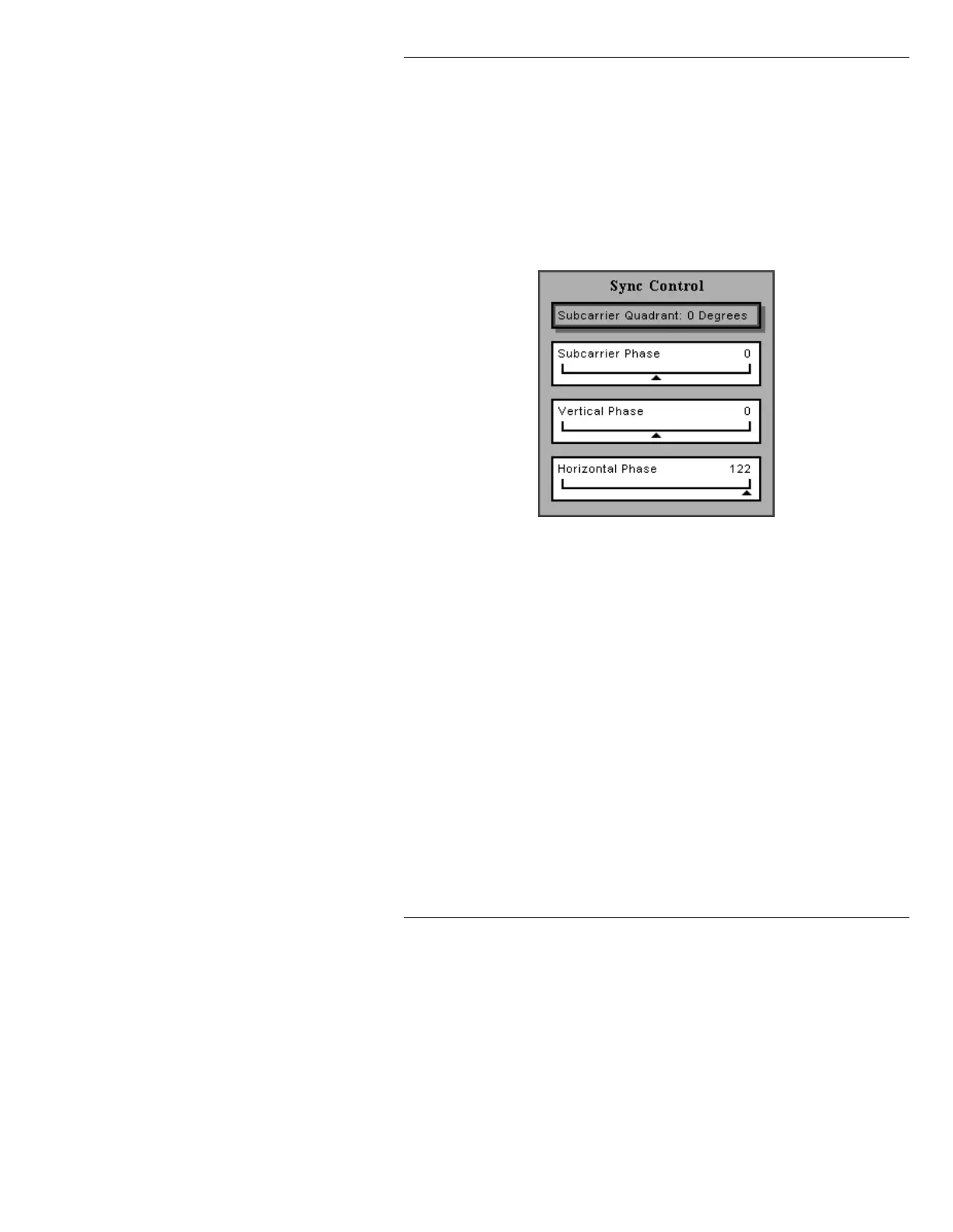
The Sync Control icon opens a Sync Control menu (Fig-
ure 3-13) for setting sub-carrier phase, vertical phase, and
horizontal phase.
NOTE
This procedure requires special test
equipment, and should only be done
by a qualified technician.
Figure 3-13. Sync Setup Window
L1)L1L76RIWZDUH
6\QF$GMXVWPHQWV
To return any of the sliders to its default setting:
• Select the slider and press the
CLR key.
Subcarrier
quadrant:
Select the Quadrant field by pressing the SPACE BAR to
toggle through
90°, 180°, 270°, or 0°.
Subcarrier
Phase:
Press Ï to move to the - /+ slider. Press SHIFT CHAR +
Ì or Í to adjust the slider.
V or H Phase:
Adjust the sliders by holding down SHIFT CHAR and
pressing the cursor keys.



 To Next Page