CHYRON Corporation
Colors & Palettes 10-16 Revision D
position appears in the Color Box. Move
the Spectrum cursor to the position where
you want to repeat the color.
[ ] 6. Press the
SPACE BAR to set the color in that
position. The color position in the Subpalette
Spectrum, and the highlighted area of the
character change to the color displayed in the
Color Box.
[ ] 7. Move the Spectrum cursor to a new position,
then repeat steps 4 through 6 until you are
finished coloring the character.
Preview all characters in the font before using them on air.
*UDGDWHG6XESDOHWWHV
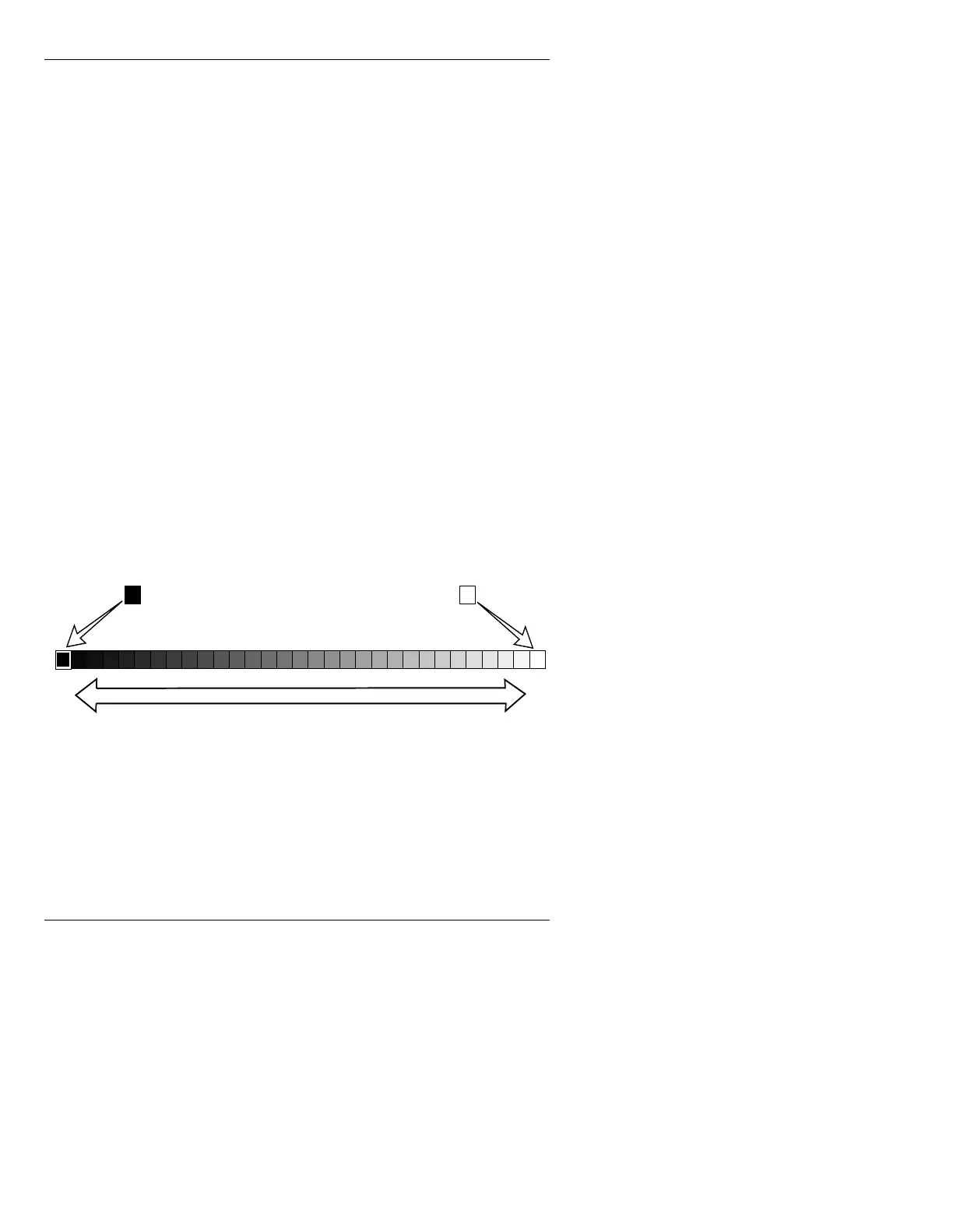
This method lets you smoothly transition from one color
to another over any number of color positions, as shown
in Figure 10-10. It is used primarily for characters cre-
ated using
Chisel, or Bevel (Advanced Font Create), or
Functional Textures or shading (Flash Font).
Figure 10-10. Gradated Subpalette
[ ] 1. Place a sample shaded character on the Edit
Monitor. All font characters will be affected
by any change, so preview each one after
establishing colors for the character.
Starting Color Ending Color
Range of sub-colors between the two chips



 To Next Page