CHYRON Corporation
RGB Tools 21-10 Revision D
See §3.6.21, §6.8 and §6.9 in the iNFiNiT! Family Oper-
ation Manual (Pub. No. 2A01976, Rev. D) for informa-
tion on
16 X 9
.
6HWWLQJWKH6FDOH %R[
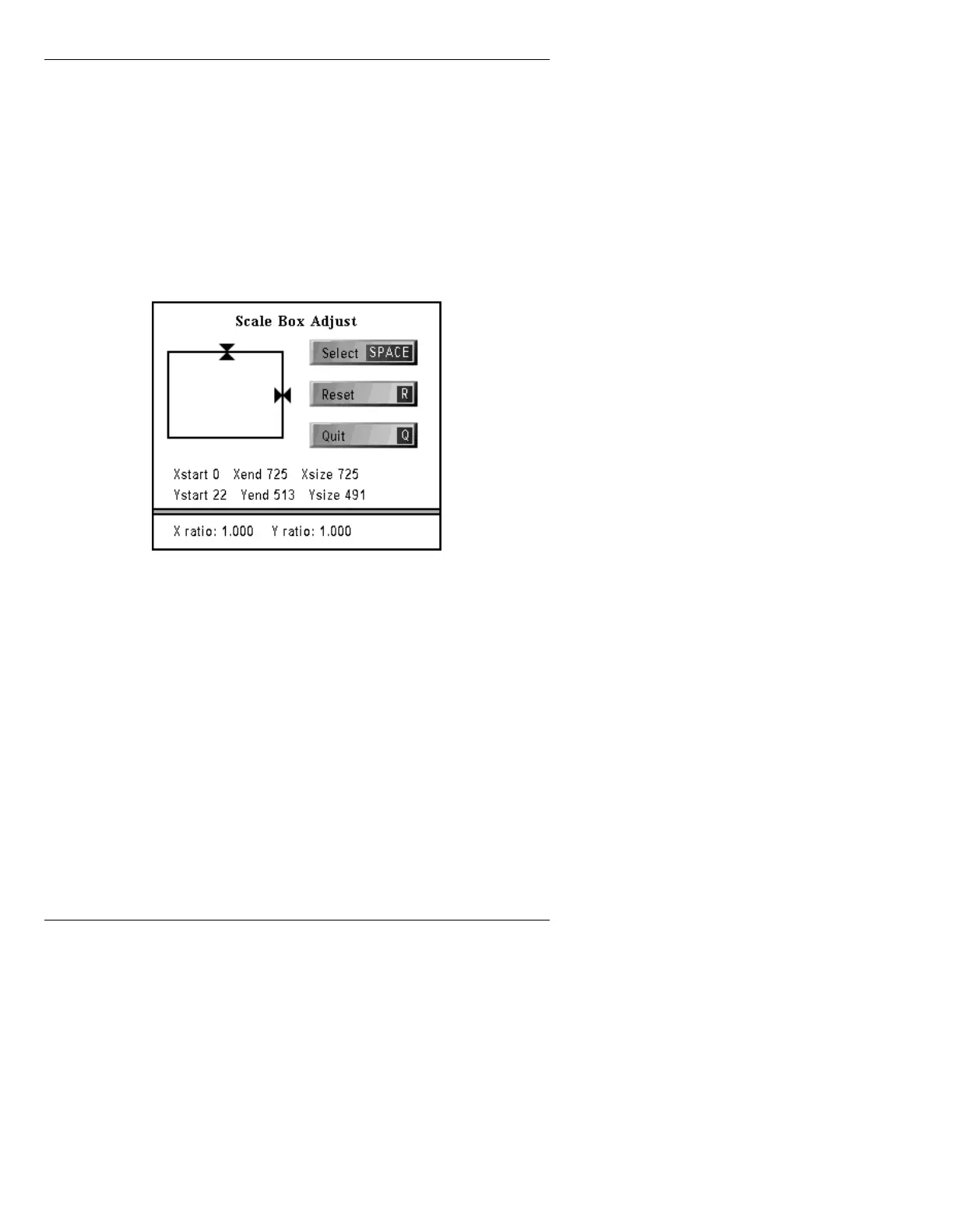
The Scale box controls the size and scale of the graphic.
To display the Scale Box Adjust menu (Figure 21-5):
• From within the Scale Control menu, press
S or
select
Size.
Figure 21-5. Scale Box Adjust Window
To adjust the Scale Box:
Mouse [ ] 1. Press the right mouse button to place the cursor
on the Edit Monitor. The cursor appears as a
cross-hair.
[ ] 2. The following operations are performed using
the left mouse button:
• To stretch the Scale Box left, right, up or
down, click and hold on a selected side,
then, while still holding the mouse button
down, stretch the box in the desired direc-
tion. Release the mouse button.



 To Next Page