Revision D 19-1 Disk Utilities
6HFWLRQ'LVN8WLOLWLHV
This section explains the file management applica-
tions within iNFiNiT! Family systems, which control
all internal and external disk storage systems.
2YHUYLHZ
Disk Utilities allows you to List, Copy, Rename, or
Delete information from any disk on the system, includ-
ing a SCSI Express drive. It also can format disks, verify
bad blocks, translate to and from SCRIBE files, config-
ure new disk drives, and optimize disk use. NFS sup-
ports the
List, Copy, Rename, Delete and Disk Status
functions. Please see §1.3.19 and the SCSI Express doc-
umentation for more information on SCSI Express.
To enter Disk Utilities:
• From the Program Loader Menu, use the cursor to
highlight the
Disk Utilities icon, then press
or the
SPACE BAR. You can also use the mouse to select
Disk Utilities.
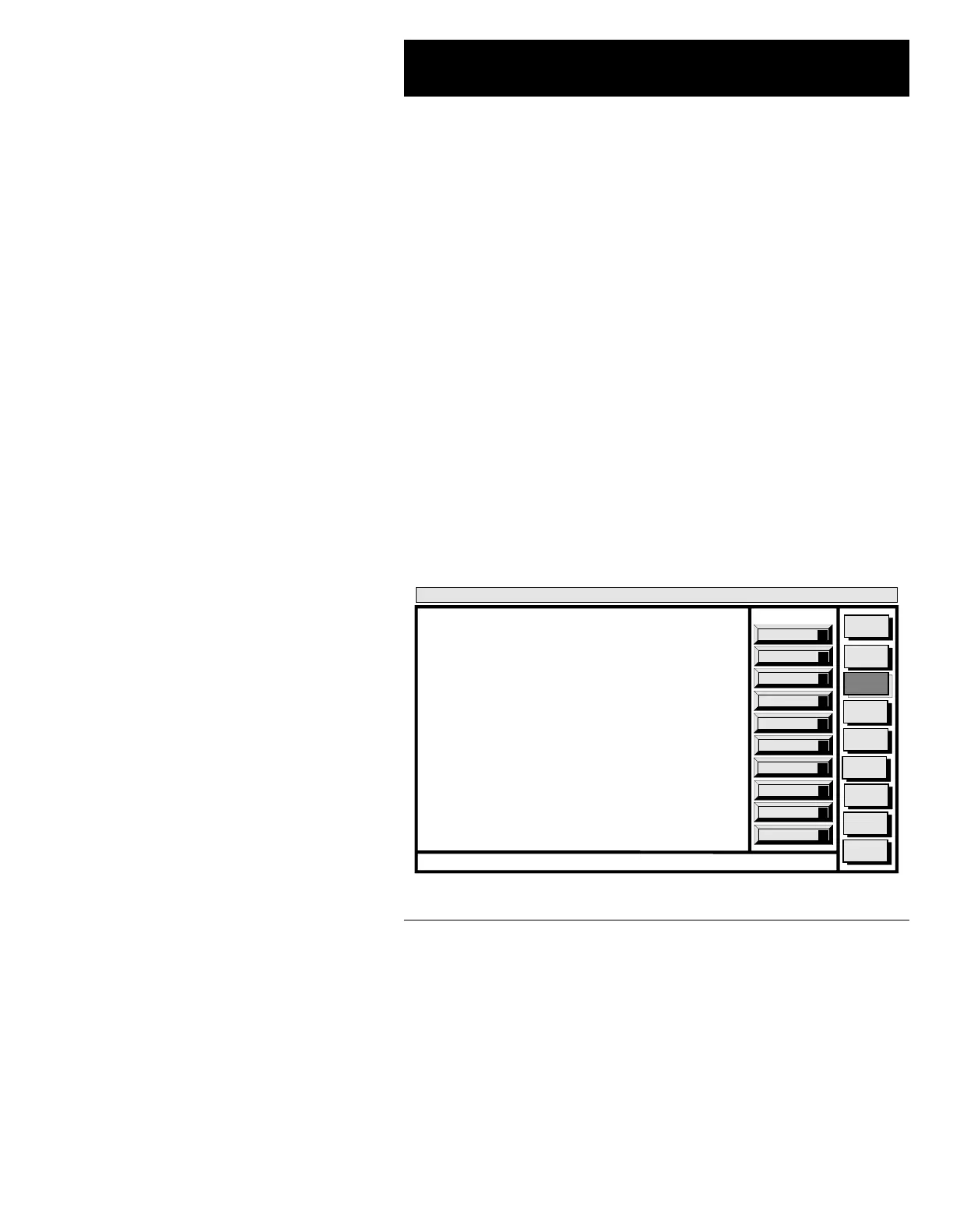
The Disk Utilities main menu (Figure 19-1) appears:
Figure 19-1. Disk Utilities Main Menu
Disk Status
S
Format
F
Delete
D
File Trans
T
Configure
I
Verify
V
Copy
C
Rename
R
List
L
Defragment
G
Message
Compose
Advcd.
Font
Disk
Utils
Network
Utils
Fonts By
Wire
<System>
Disk Utility
< version >
15:07 5/29/95
Select Function from Menu



 To Next Page