CHYRON Corporation
Start-Up 3-12 Revision D
.\EG.H\ERDUG,'6(783.
In a Dual User system (§3.6.3; iNFiNiT! only), each of
the two keyboards has a unique number, set with internal
DIP switches on each keyboard. This procedure is
described in §2.10, on page 2-40.
These switches define a
Node Number on the ArcNet
network, which iNFiNiT! uses to address each keyboard.
Also see §3.6.10 - Machine ID for more information.
It is suggested that the first keyboard in the ArcNet
chain be set to ID #3.
The default setting for the keyboard defined as #3 is Pri-
mary
. The default setting for the keyboard defined as #4
is
Secondary. They can be swapped as follows:
[ ] 1. From the Setup menu, press
K or select the
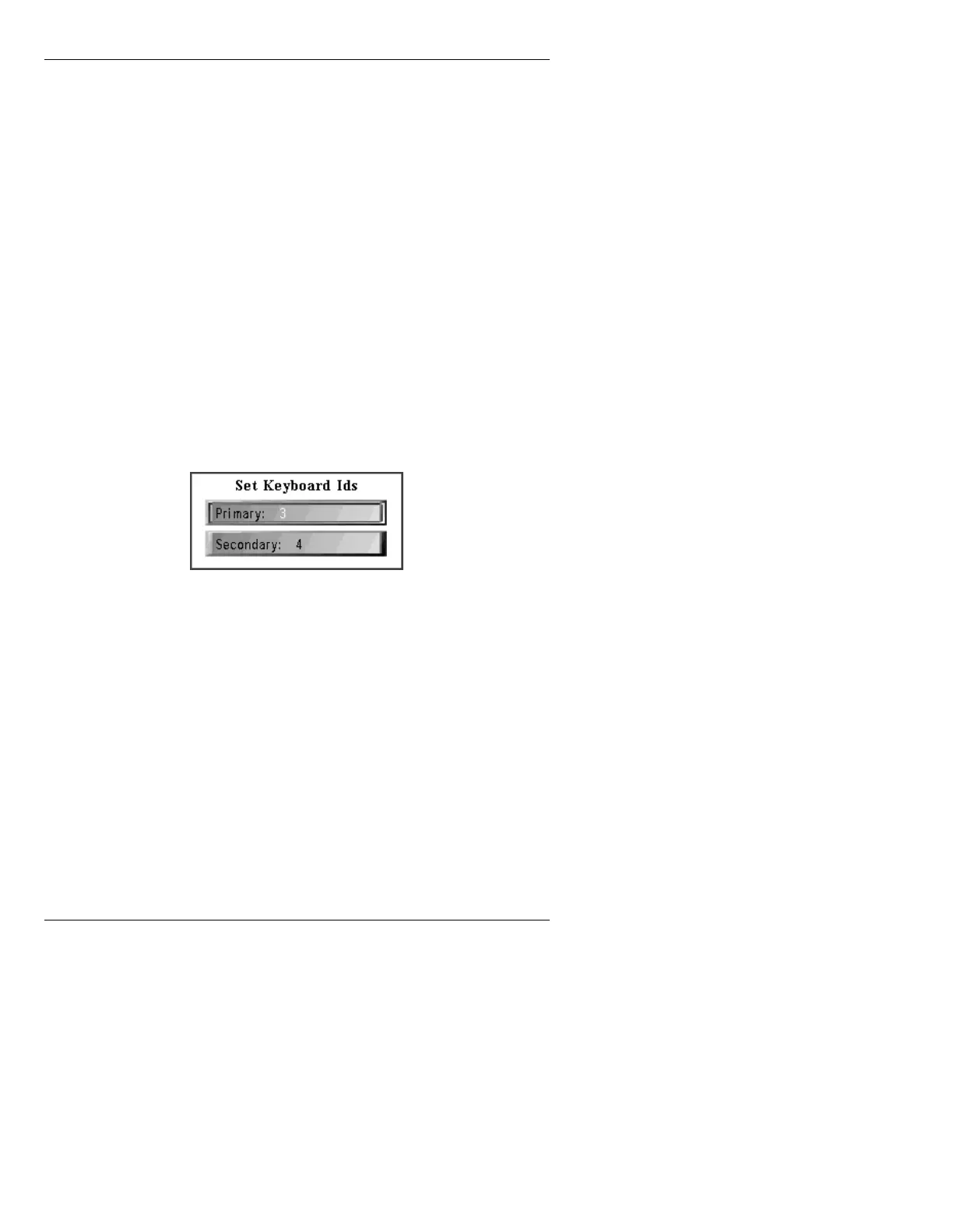
Keybd ID icon. The Set Keyboard Ids menu is
displayed.
Figure 3-10. Set Keyboard Ids Menu
[ ] 2. To switch the Primary and Secondary
keyboard assignments, enter 4 in the Primary:
field and 3 in the Secondary: field. Do not
enter the same number in both fields!
[ ] 3. Press CNTL or click outside the window to exit
the window and save changes.
[ ] 4. If you have not already set User Mode to
Dual
User
, continue to §3.6.3.



 To Next Page