CHYRON Corporation
Message Compose Basics 6-22 Revision D
&+$1 *(',5
&KDQJLQJ)RQW'LUHFWRULHV
The default directory is C/<system_name> (e.g. C/MAX,
C/MAXINE, C/INFINIT). To change font directories:
[ ] 1. In the Font Load Utility menu, select the
Change Dir icon or press C to display the
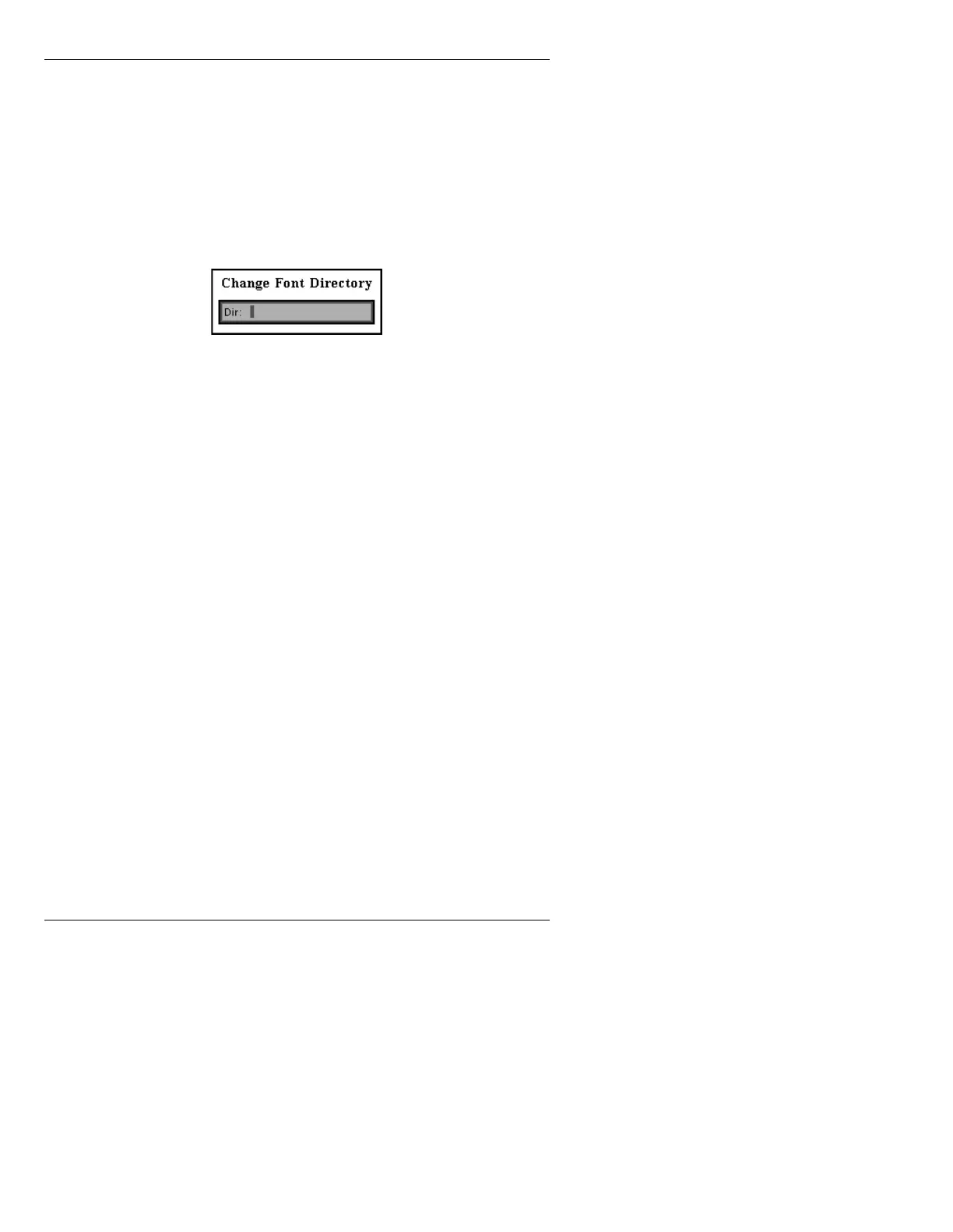
Change Font Directory window:
Figure 6-8. Change Font Directory Window
[ ] 2. Enter the path name for the desired Font
Directory (i.e.,
C/SPORTS).
OR...
Press
to build a list of directories, as shown
in Figure 6-9.



 To Next Page