CHYRON Corporation
Mix Effects 16-6 Revision D
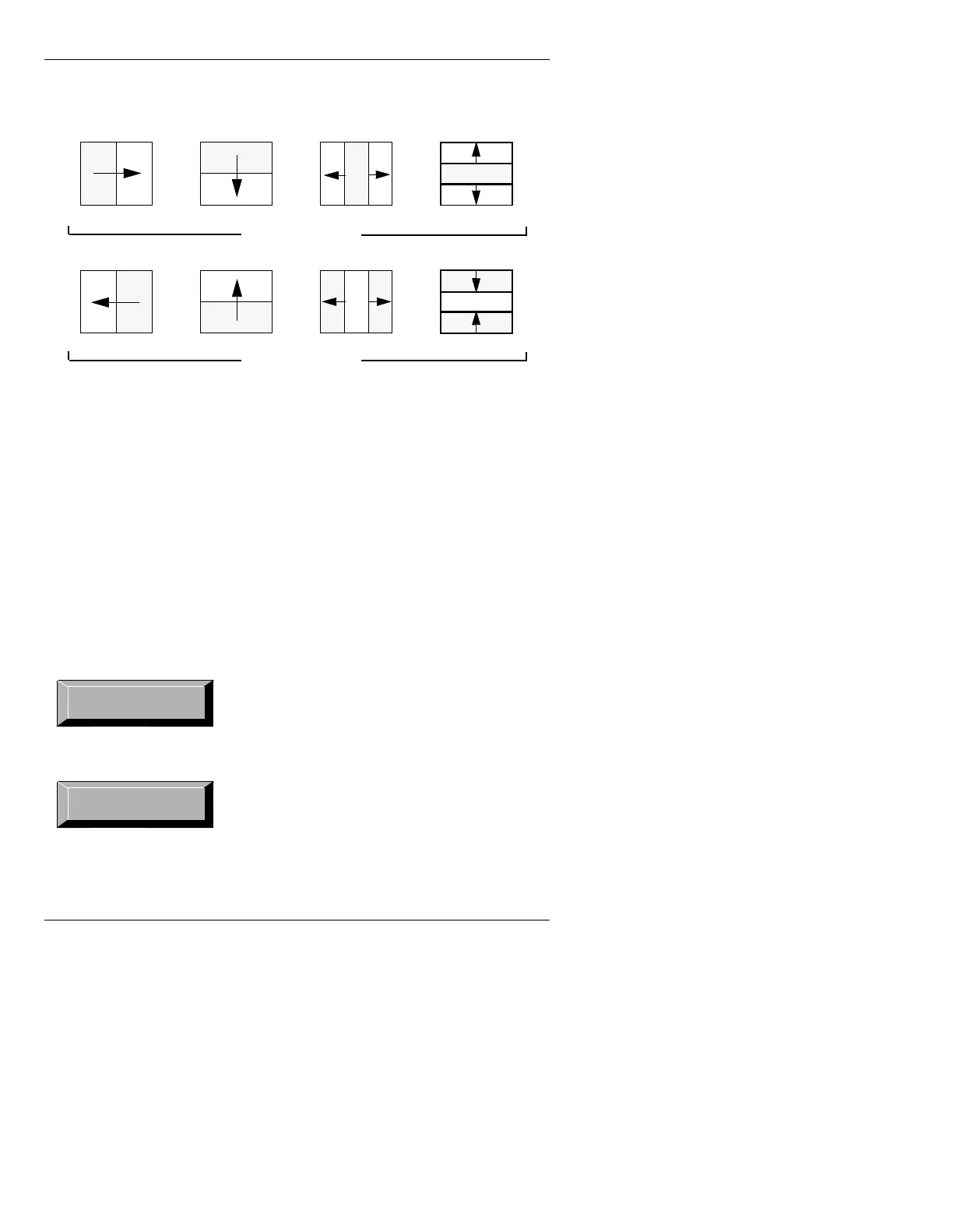
[ ] 2. Press the SPACE BAR or click to toggle the
Reverse: field On or Off.
Figure 16-3. Reverse: Off and Reverse: On
(DVH
Ease controls whether or not the transition accelerates to
set speed and/or decelerates from set speed or runs at a
constant (set) speed. The default setting is
None. Ease
is available only to
Wipe. To set Ease:
[ ] 1. Cursor to the Ease: field.
[ ] 2. Press the
SPACE BAR or click to toggle
through the following choices:
The speed of the effect gradually increases to
the set speed, and remains at the set speed until
the effect is complete. Transition is executed
within the duration set in
Speed.
The effect starts at the set speed, then gradually
slows down until the effect is complete. Tran-
sition is executed within the duration set in
Speed.
Reverse: Off
Reverse: On
ABCD
ABCD



 To Next Page