iNFiNiT! Family Operation Manual
Revision D 19-7 Disk Utilities
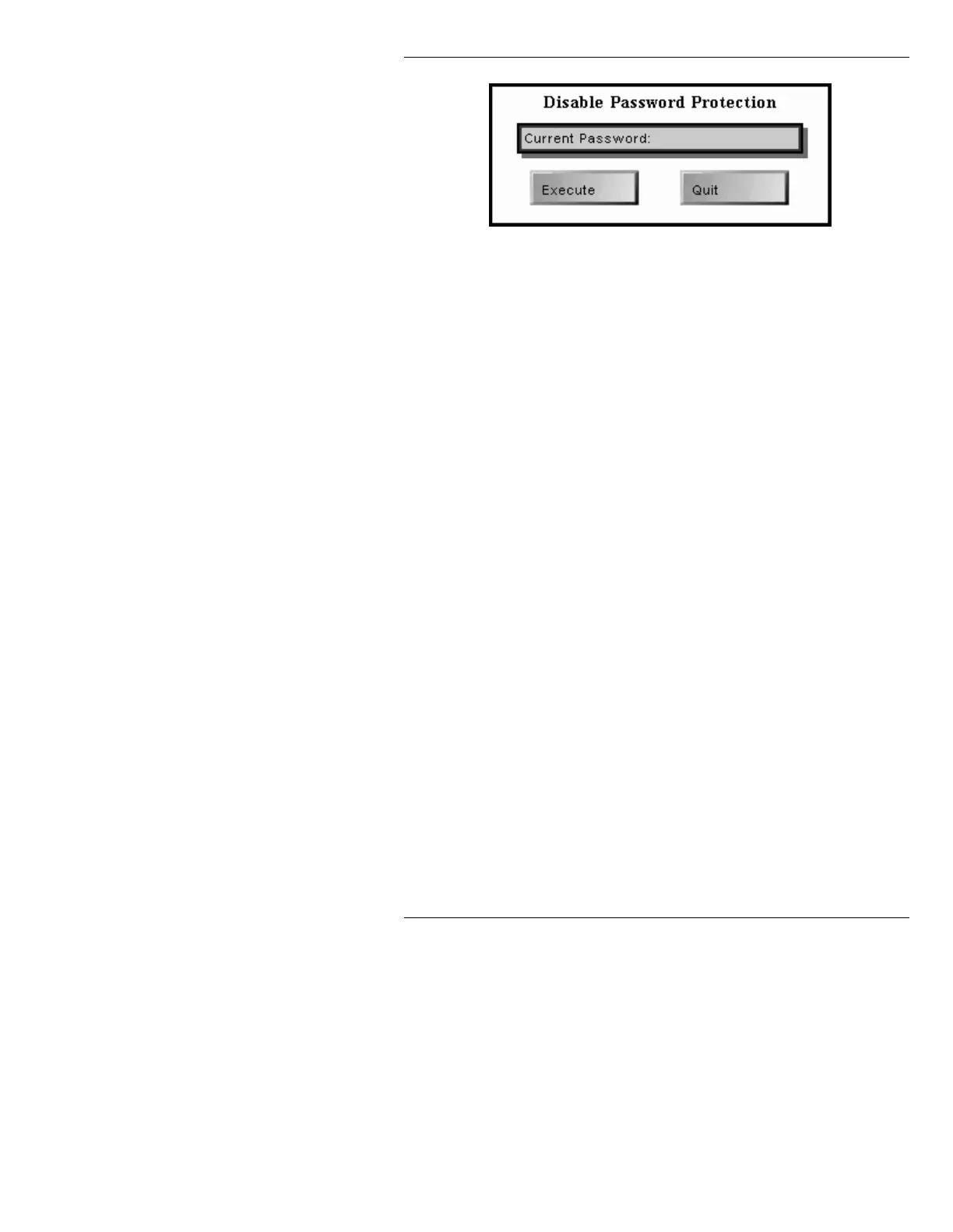
Figure 19-6. Disable Password Protection Window
[ ] 2. Enter the current password in the Current
Passwrd:
field, then press
twice to execute.
The system returns to the Disk Utilities
Password Protection window. The
ENABLED
box is no longer highlighted.
Note that there is no longer a password in the
system. To re-enable the password, it must be
reset as described in the Enable password
procedure described above.
1HZ/LFHQVH0DQDJHU
Disk Utilities now incorporates a License Manager fea-
ture, which streamlines the software distribution process,
allowing customers to site ID individual options from
their ZIP software distribution via a 44-digit License
Key.
The v10.00 software is distributed on ZIP disk, and the
distribution includes all software options. Upon installa-
tion, the customer enters a License Key (supplied) which
enables the purchased software options.
The License Key needs to be entered only one time; upon
entry of a valid License Key, Disk Utilities permanently
enables the software.
• From Disk Utilities, select
E to display the Site ID
menu (as shown in Figure 19-7):



 To Next Page