iNFiNiT! Family Operation Manual
Revision D 4-5 About Fonts
The default name for the Machine Font is the same as the
Master Font. For ease in recognition among a long list,
you may change the Machine Font’s name by using the
Disk Utility Rename function (§19.7) after conversion is
complete.
)RQW'LUHFWRULHV
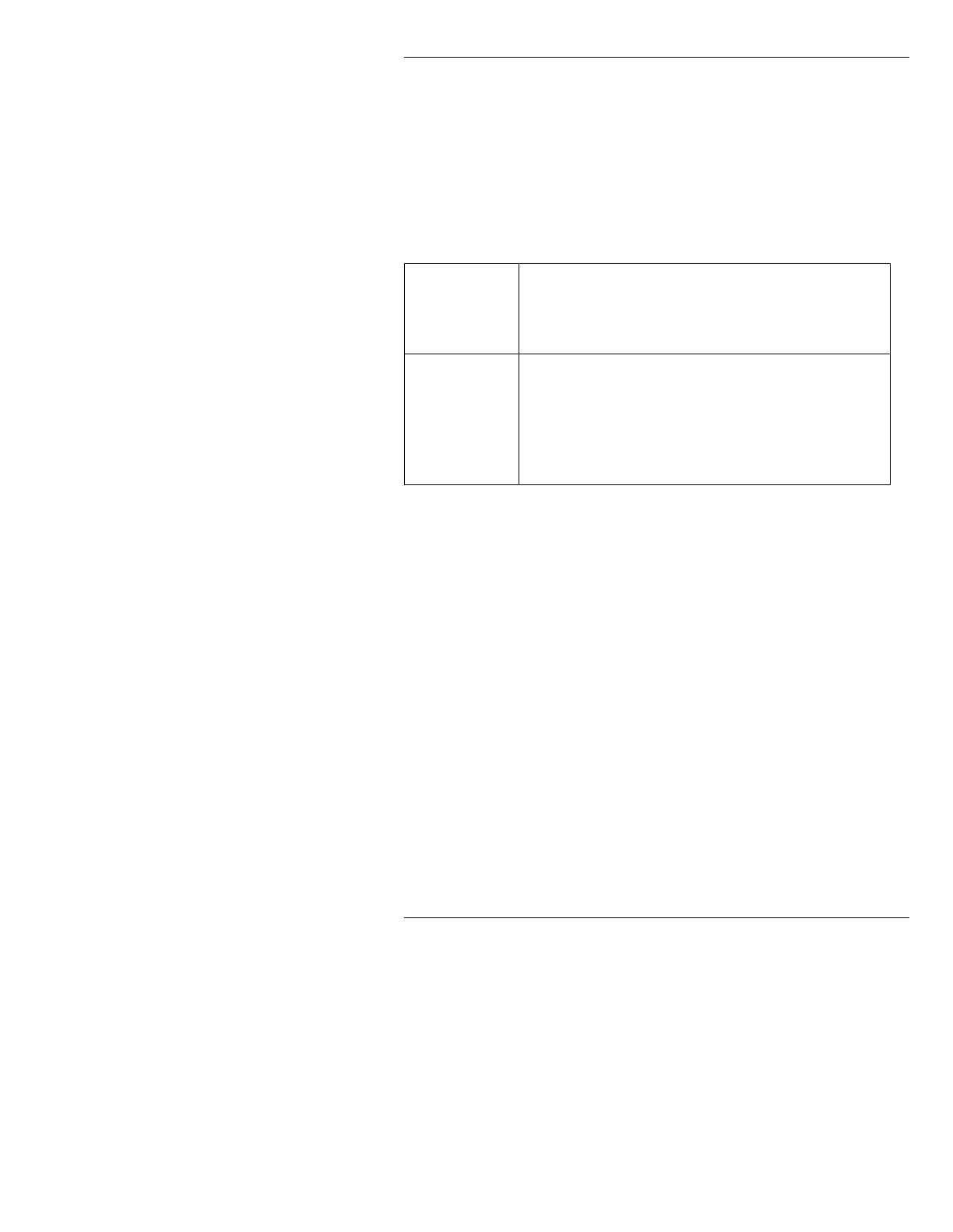
Both Master Fonts and Machine Fonts are stored in directories:
NOTE
Font subdirectories are separate from
message subdirectories. The default
directory on the hard disk contains a
message directory, and a Machine
Font directory.
0HPRU\&RQVXPSWLRQ
Machine Font memory use varies widely depending on
how you convert them. Because of the large number of
variables involved with Machine Font creation, it is not
possible to predict exactly how much memory a font will
consume before it's created. See §13.17 or§18.9 for
information on displaying memory allocation.
The system has the capability of loading 16 Machine
Fonts at one time. On Dual User iNFiNiT! systems, 16
Machine Fonts may be loaded per user).
Master
Fonts
The default Master Font directory (on the hard disk) is C/
SYSTEM
. The original 12 fonts you received with the
system are in this default directory. Logo Compose Mas-
ter Fonts are also placed in the
C/SYSTEM directory.
Machine
Fonts
There are no Machine Fonts supplied on the hard disk;
once you create one from a Master Font, it is placed in a
default directory labeled with the name of the system (
C/
MAX
, C/INFINIT or C/MAXINE.) If you choose, you
may create additional Machine Font directories using
your own labels.



 To Next Page