CHYRON Corporation
Colors & Palettes 10-26 Revision D
&XWDQG3DVWH
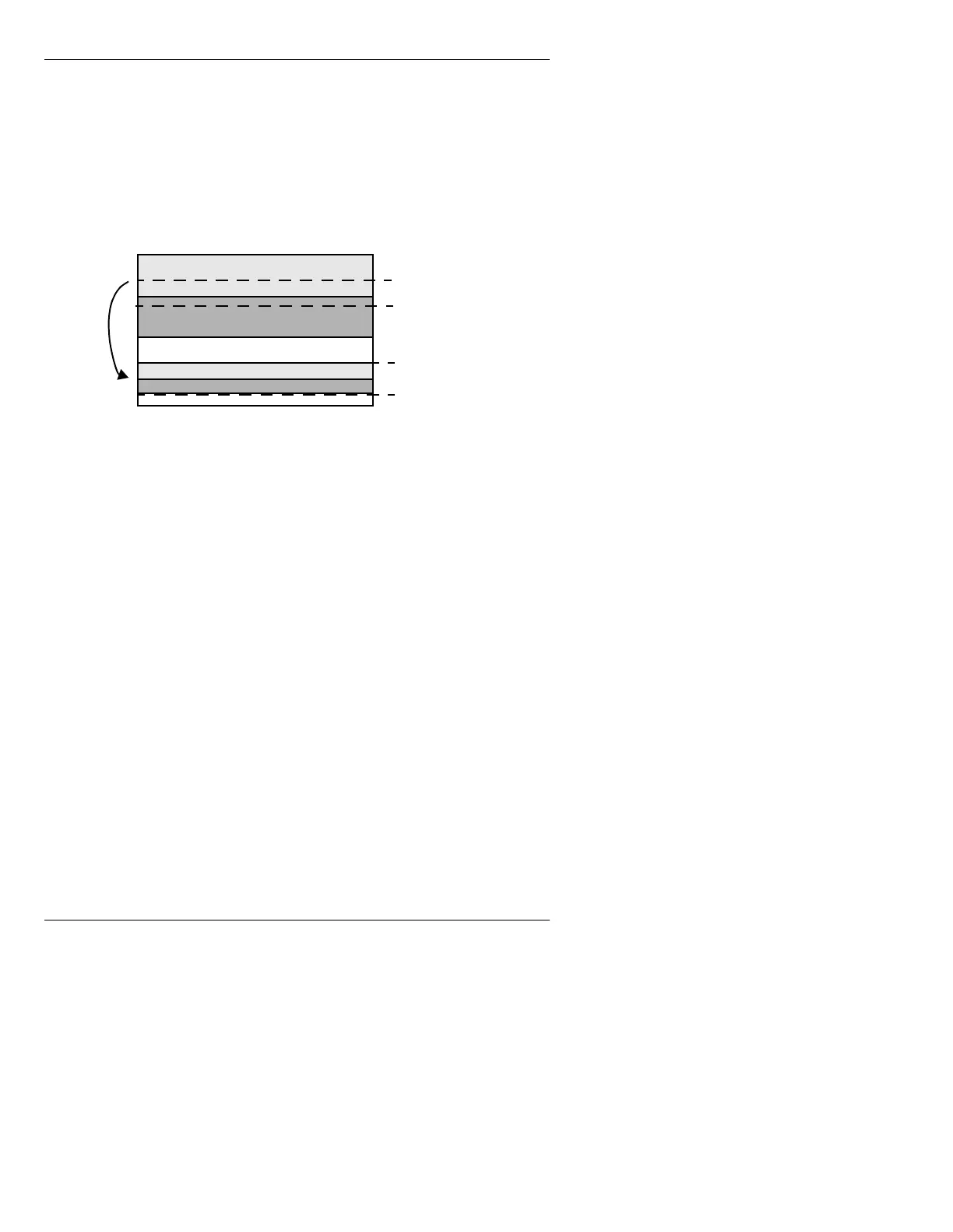
The Cut and Paste icons in the background menu allow
you to define a number of scanlines of background, copy
them into a buffer, then paste them down on another part
of the screen (Figure 10-13). The defined background is
not altered by the copying process.
Figure 10-13. Copy and Paste Operation
The Mark Pos, Cut, and Paste icons (or the M, C, and P
keys) are used in the cut and paste procedure as follows:
[ ] 1. From the Message Compose main menu, press
CNTL B or select the Background icon to
display the Background menu.
[ ] 2. Place the background cursor at the beginning
of the background section you want to copy.
[ ] 3. Select
Mark Pos, or press M.
[ ] 4. Move the background cursor to the end of the
section you want to copy.
[ ] 5. Select
Cut, or press C. The system responds by
displaying a prompt indicating the number of
scanlines cut.
[ ] 6. Move the background cursor to the location
where you want the cut section placed.
[ ] 7. Select
Paste, or press P.
Starting Scanline
Ending Scanline
Pasted Scanlines



 To Next Page