CHYRON Corporation
RGB Tools 21-46 Revision D
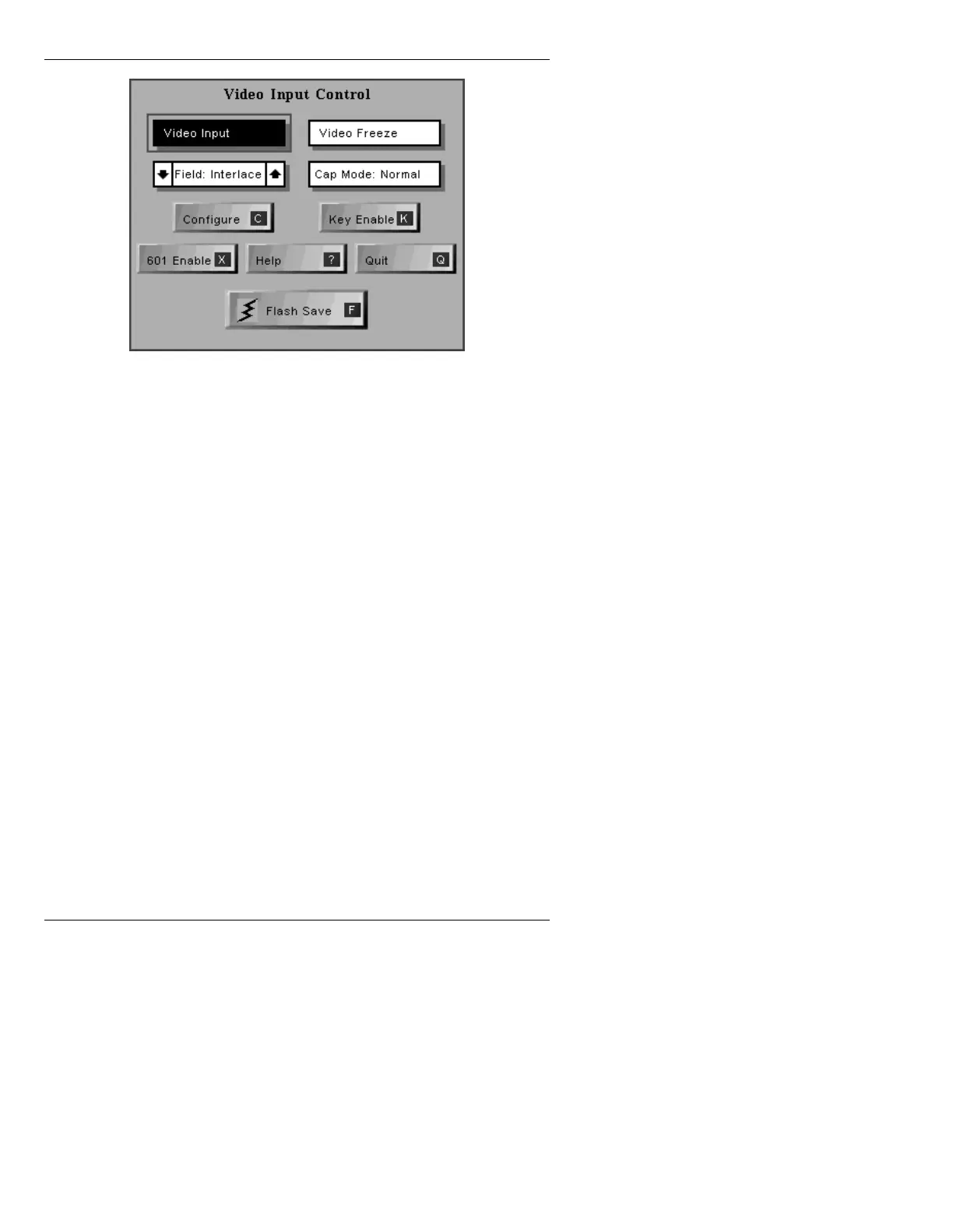
Figure 21-24. Video Input Control Menu
Note that depending on system configuration, this menu
may appear slightly different.
For detailed information on video Input operation,
please refer to Section 20.
([LWLQJ5*%7RROV4
To leave RGB Tools and return to Message Compose:
• Press
Q or select Quit.
If an image has been edged, scaled, pasted, or matted,
and it has not been added to a font (using Font Create
Utility) or saved as a message (using Message Record), a
message appears on the Prompt Line before exiting RGB
Tools.
If the image has not been saved as a font character or as a
Message Compose message, any changes are lost if the
font is overwritten by a new font using Font Utility, or if
you exit Message Compose.



 To Next Page