CHYRON Corporation
Total Motion Control 23-18 Revision D
6HWWLQJWKH&DSWXUH/LPLW
The Capture Limit specifies the drive and the maximum
amount of disk space allocated to a Video Capture.
To set the Capture Limit:
[ ] 1. If preparing to capture a CMF, the Capture
Limit menu is accessible from the CMF
Configure menu. Press
C or select Capture
Limit
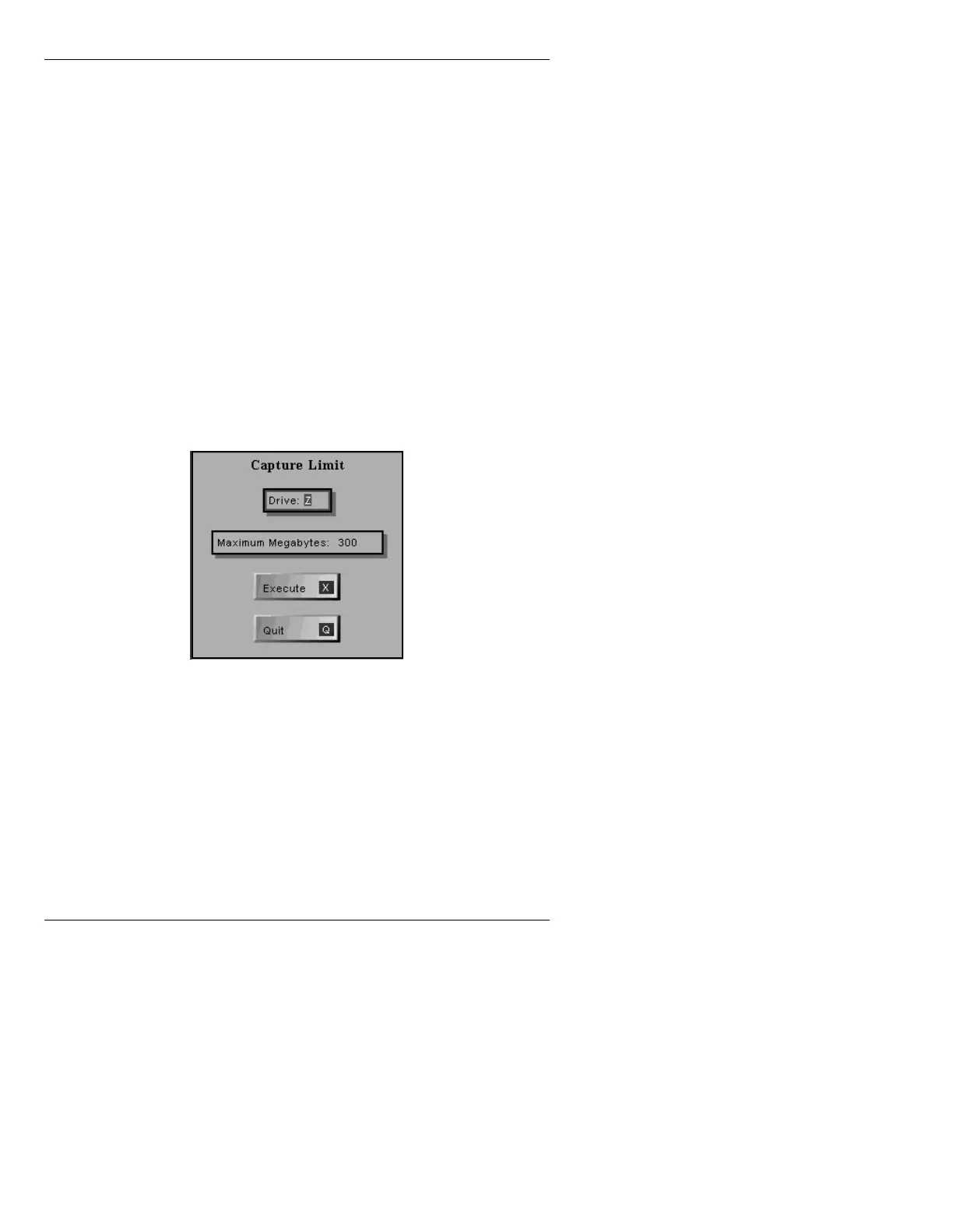
. The Capture Limit menu (Figure 23-7)
is displayed.
If preparing to capture a CMF, the Capture
Limit menu is accessible from the Total
Motion Control Panel menu. Press
N or select
Configure. The Capture Limit menu is
displayed.
Figure 23-7. Set Capture Limit Window
[ ] 2. Enter the drive letter in the Drive: field. It
must be a SCSI Express drive, and can only be
labeled
W, X, Y or Z.
[ ] 3. Enter the maximum amount of disk space, in
megabytes, in the
Maximum Megabytes field,
that can be taken up by a Capture file. This is
limited only by the size of the drive.



 To Next Page