CHYRON Corporation
Disk Utilities 19-16 Revision D
Printing List If a printer is available, (iNFiNiT! option only) enter the
PRINTER: field, then press the SPACE BAR to select Y.
Press
CNTL Q or Quit to return to the Disk Utilities main
menu. Press
MODE SLCT to exit Disk Utilities.
&RS\
This function lets you copy files from one directory to
another, or copy directories from one disk to another.
NOTE
The Disk Utilities COPY function is
one of the ways to create Machine
Font directories.
This procedure
appears in §19.6.3 on page 19-19.
(You may also create Machine Font
directories using the Font Create or
Advanced Font Create programs.)
From the Disk Utilities menu:
• Press
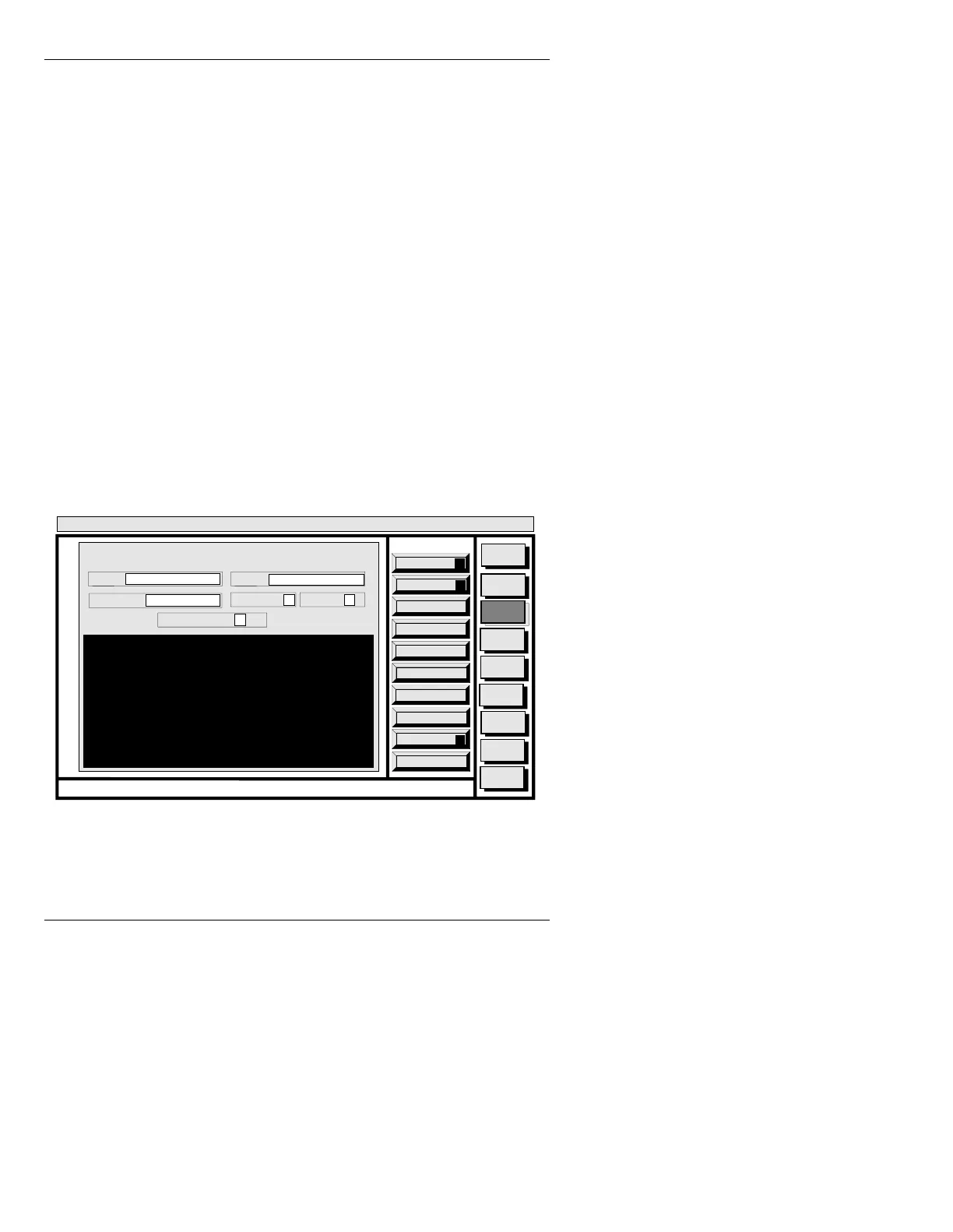
C or Copy to display the COPY window (Fig-
ure 19-10).
Figure 19-10. COPY Window
You can either enter file names and directories directly, or
have the system list them prior to copying them.
Quit
Q
List
L
Execute
X
Message
Compose
Advcd.
Font
Disk
Utils
Network
Utils
Fonts By
Wire
<System>
Disk Utility
< version >
15:07 5/29/96
COPY
FROM: C/INFINIT
TO: C/INFINIT
FILE TYPE: ALL
CONFIRM: Y VERIFY: Y
COPY NAMES: *
CNTL



 To Next Page