CHYRON Corporation
Directory Features 8-44 Revision D
• Erase the existing message using the DEL MSG
(§8.4.3) function, then record the message to that ID
number.
• Record over the existing message by pressing the
ALT key, then pressing the key that corresponds to
the message type (§8.5.15). If outside the Control
Record window, press
CNTL RCD ALT then the key
that corresponds to the Selective Record, or
ALT
CNTL RCD
then the key that corresponds to the mes-
sage type.
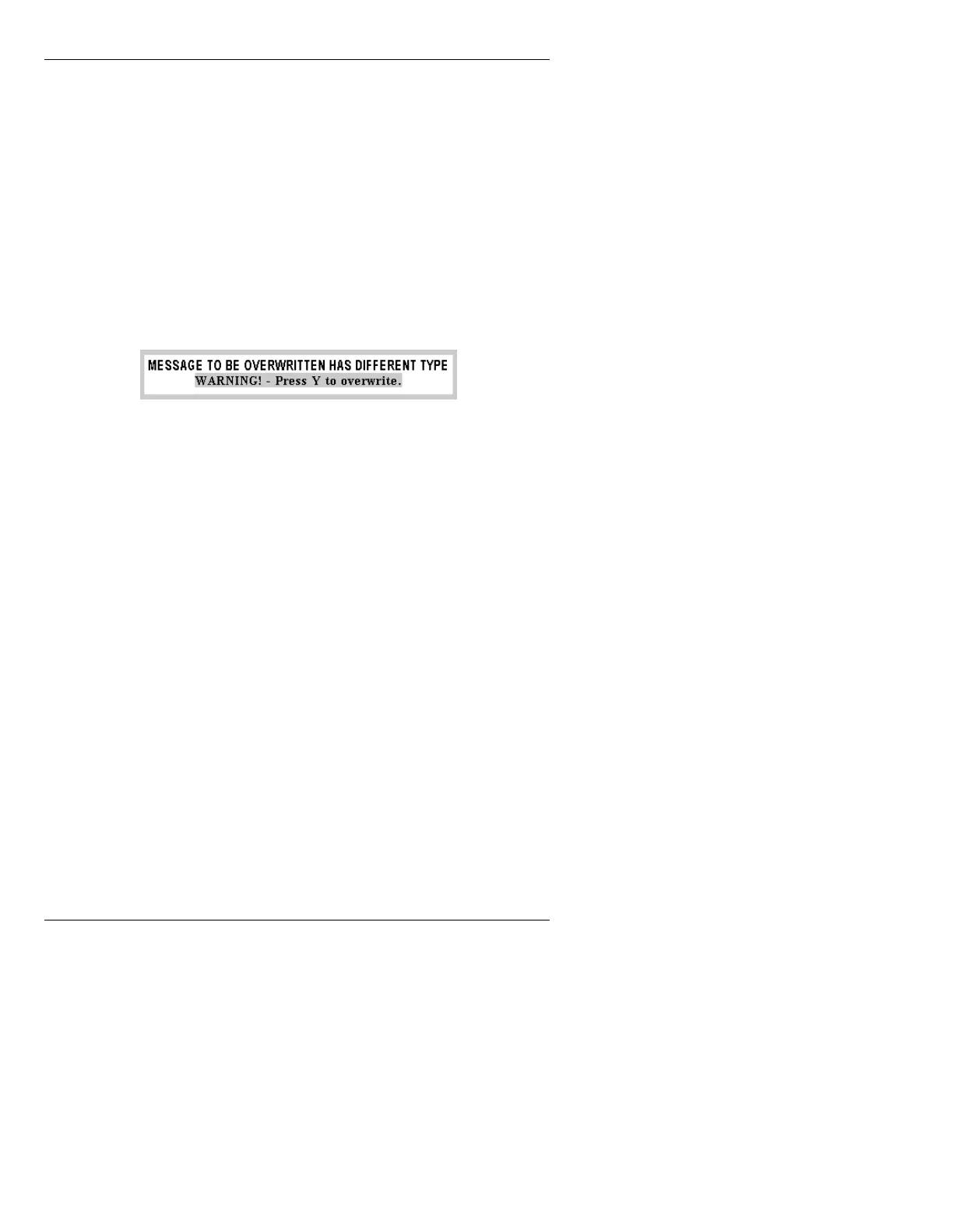
If an attempt is made to overwrite a message of a differ-
ent type, the following appears.
Figure 8-19. Different Message Type Overwrite Query
• Press Y to overwrite, or any other key to return to the
Control Record menu.
5HFRUG7H[W2QO\7
This function records only foreground text and objects,
and does not record the background. No other informa-
tion is recorded.
To record Text only:
[ ] 1. Press
CLR, then enter a message ID using the
Address Keypad.
[ ] 2. Press
CNTL RCD T.



 To Next Page