iNFiNiT! Family Operation Manual
Revision D 21-39 RGB Tools
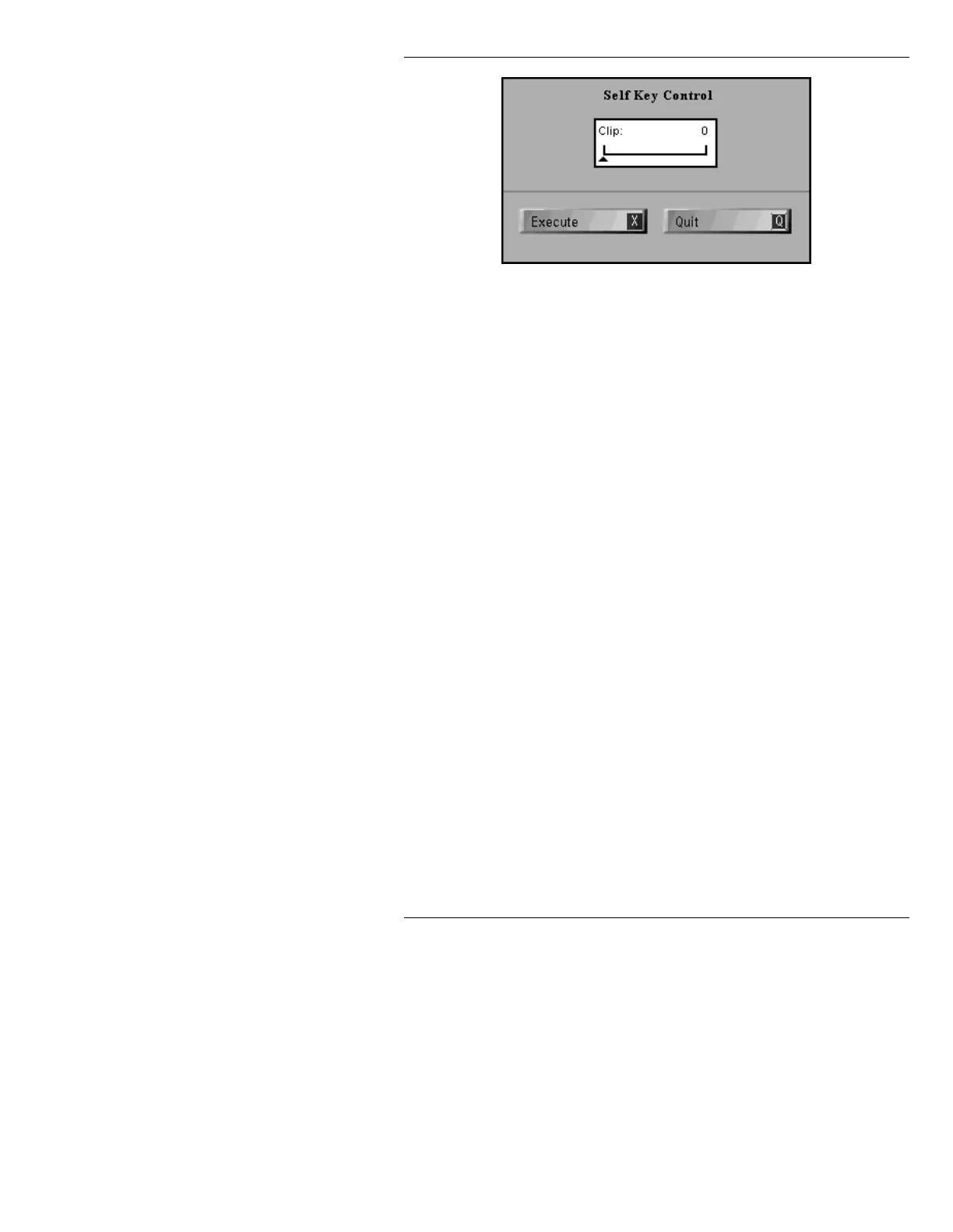
Figure 21-21. Self Key Control Menu
[ ] 3. Use the Address Keypad or the mouse to enter
an intensity level from
0 to 128 on the Clip
slider. The higher the level, the more black that
is clipped.
[ ] 4. Press
DO or X; or select Execute to generate
the Key. While in the Self Key, the original
image is maintained in the non-displaying
buffer, so that the Clip value can be adjusted
and Self Key re-executed with no image
breakdown. Once the menu is exited, the
clipped image is set, and the original image is
lost.
[ ] 5. Press
Q or select Quit to fix the Key object and
exit the Matte Tools window.
OR...
Press
ESC to exit the Matte tools window and
restore the buffer to its original condition.
$OSKD)LOWHU$
Alpha Filter applies antialiasing to the edge of the key
object (anything in the frame buffer), eliminating any
stair-stepping. Using the
Filter Size slider, the edge soft-
ness can be adjusted. The higher the value, the softer the
edge.



 To Next Page