iNFiNiT! Family Operation Manual
Revision D 3-33 Start-Up
More details on setting network addresses are found in
the Network Utilities Handbook. Please note that several
additional fields may appear in Figure 3-28 if NFS Net-
working is installed!
6HW*3,L1) L1L72QO\6(783*
The General Purpose Interface allows remote triggering
of Function Keys
F1 through F8. On Dual User
iNFiNiT! systems, a Set GPI function determines the
behavior of the GPI switches.
[ ] 1. Press
G or select the Set GPI icon. The
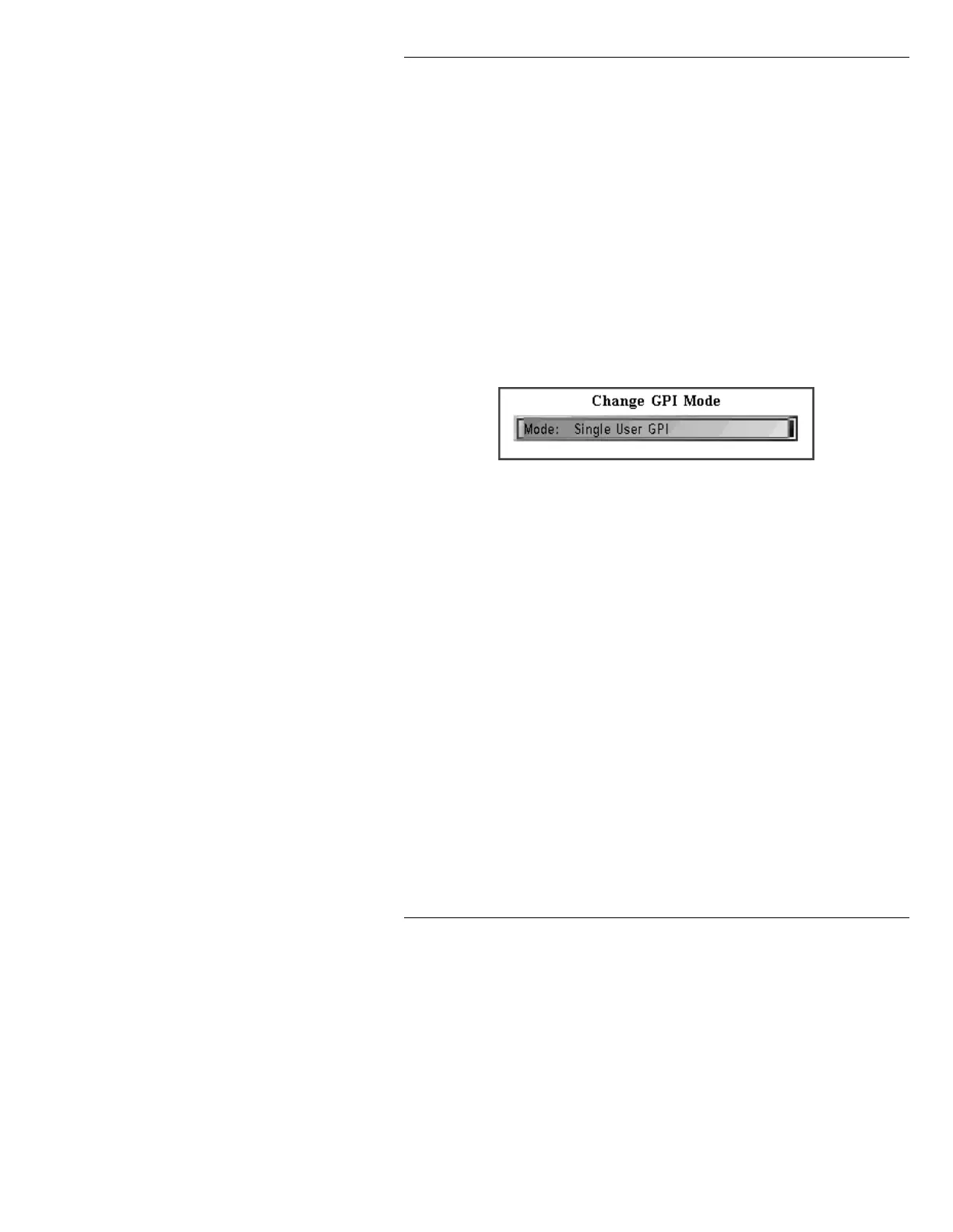
Change GPI Mode window is displayed.
Figure 3-29. Change GPI Mode Window
[ ] 2. Press the SPACE BAR to toggle between
Single and Dual, then press CNTL to exit
Change GPI Mode window. Switch control
distribution is as follows:
See Section 2 - Installation, for GPI hook-up procedures.
Single User Mode
GPI closures 1 through 8 control Function Keys
F1 through F8.
Dual User Mode
GPI closures 1 through 4 trigger Primary User
Function Keys
F7 through F10.
GPI closures
5 through 8 trigger Secondary User
Function Keys
F7 through F10.



 To Next Page