CHYRON Corporation
Start-Up 3-32 Revision D
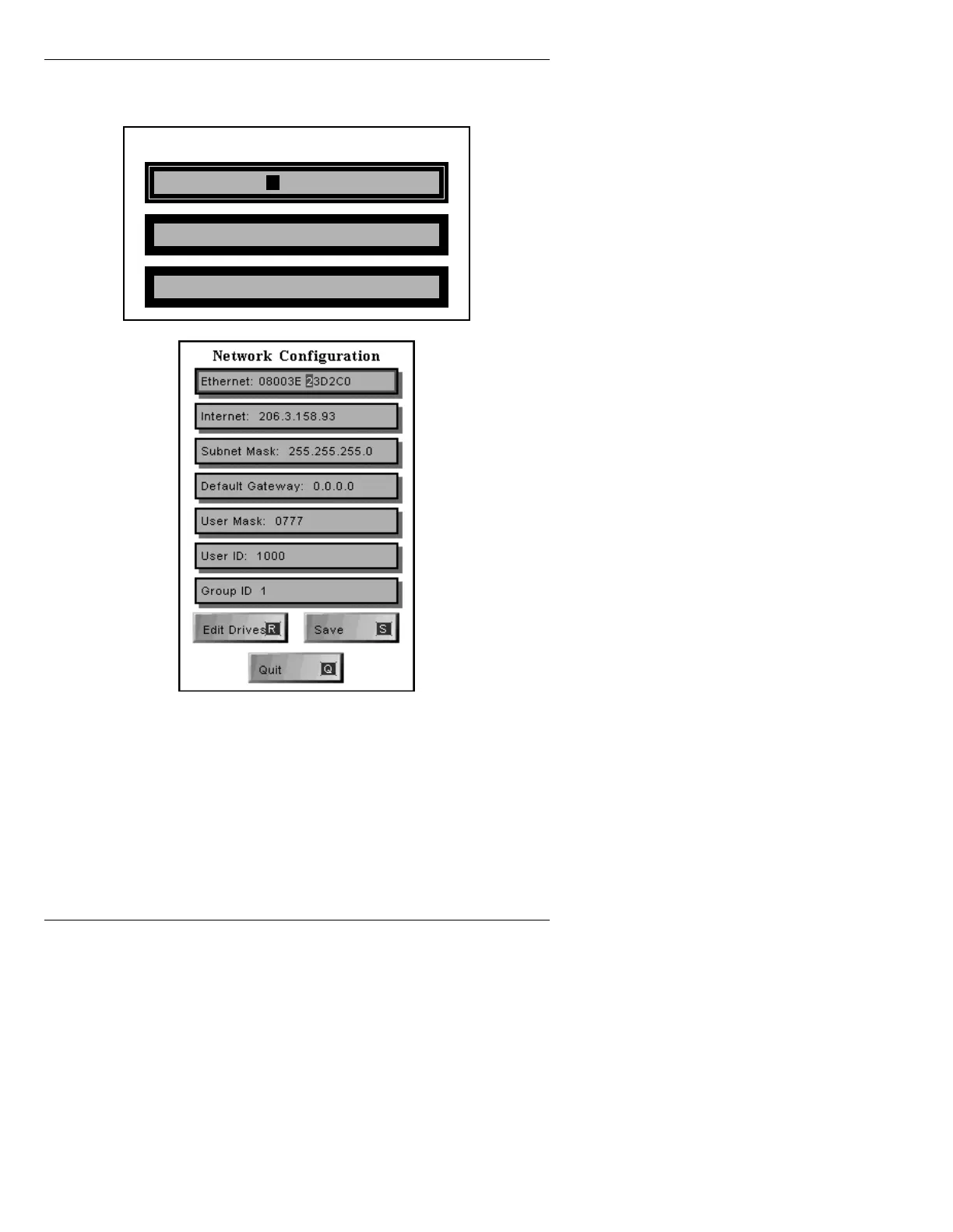
• Press N or select the Network icon. The Set Network
Addresses menu is displayed.
Figure 3-28. Network Address Setup Menu
The 12-digit station address of a system is printed on a
label located inside the CPU board's front panel. The
Internet address and Subnet Mask (if used) are usually
assigned by the network administrator at your facility.
System must be rebooted for changes to take effect.
Set Network Addresses
Ethernet: NNNNNN NNNNNN
Internet: NNN.NNN.NNN.NNN
Subnet Mask: NNN.NNN.NNN.NNN
N



 To Next Page