iNFiNiT! Family Operation Manual
Revision D 17-3 Multiple Effects
To activate or deactivate buffers or Mix, or to turn buffer
assignments on or off:
• Press
or click using the mouse.
To enter a numerical value into a field:
• Press
CLR, enter a value using the Address Keypad,
then press
.
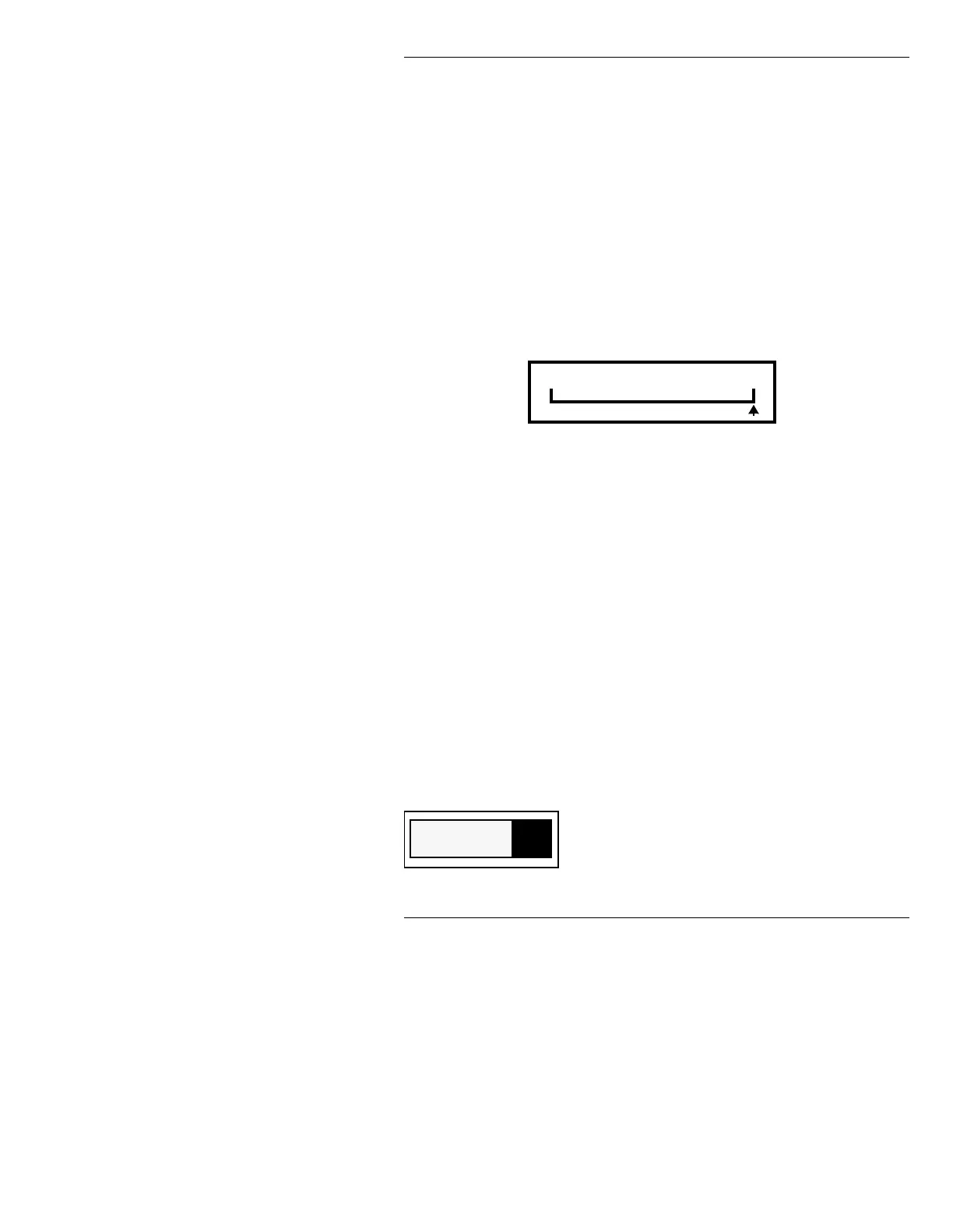
Data that involves slider adjustment can also be entered
by pressing
SHIFT CHAR + Î or Í to raise the value or
to toggle forward, or
SHIFT CHAR + Ï or Ì to lower
the value or toggle backwards.
Figure 17-2. Percent Slider
)XQFWLRQ,FRQV
0XOWLSOH(IIHFWV0 DLQ0HQX
Most of the function icons in the Multiple Effects main
menu are tied in to the corresponding icons in the Mix
Effects main menu. Overall operation is similar. There
are also a few additions.
The
Row Menu function is not available to the Mix line
in the Multiple Effects window (§17.4). The
Recall Pre
and
Row Menu functions are not available to the Mix
Settings window (§17.5), the Transform window (§17.6),
and the Multiple Effects Time Line window (§17.7).
CNTL K: Allows for one frame buffer to be used
as a Key source and another frame buffer to be
used as a Fill source. The result is combined into
a single output. See §16.10 for more detailed
information. Setup in the Multiple Effects main
Percent 100
Key Enable
K



 To Next Page