CHYRON Corporation
Disk Utilities 19-26 Revision D
You can also delete a range of file names by entering the
starting and ending names in the
DELETE NAMES: field
(for example, message numbers 10 to 20 would be
entered as
10-20). Or, delete all files having the same pre-
fix (numeric or alpha) by entering "
*" after the prefix.
Press
CNTL Q or select Quit to leave the DELETE win-
dow and return to the Disk Utilities main menu.
'LVN6WDWXV
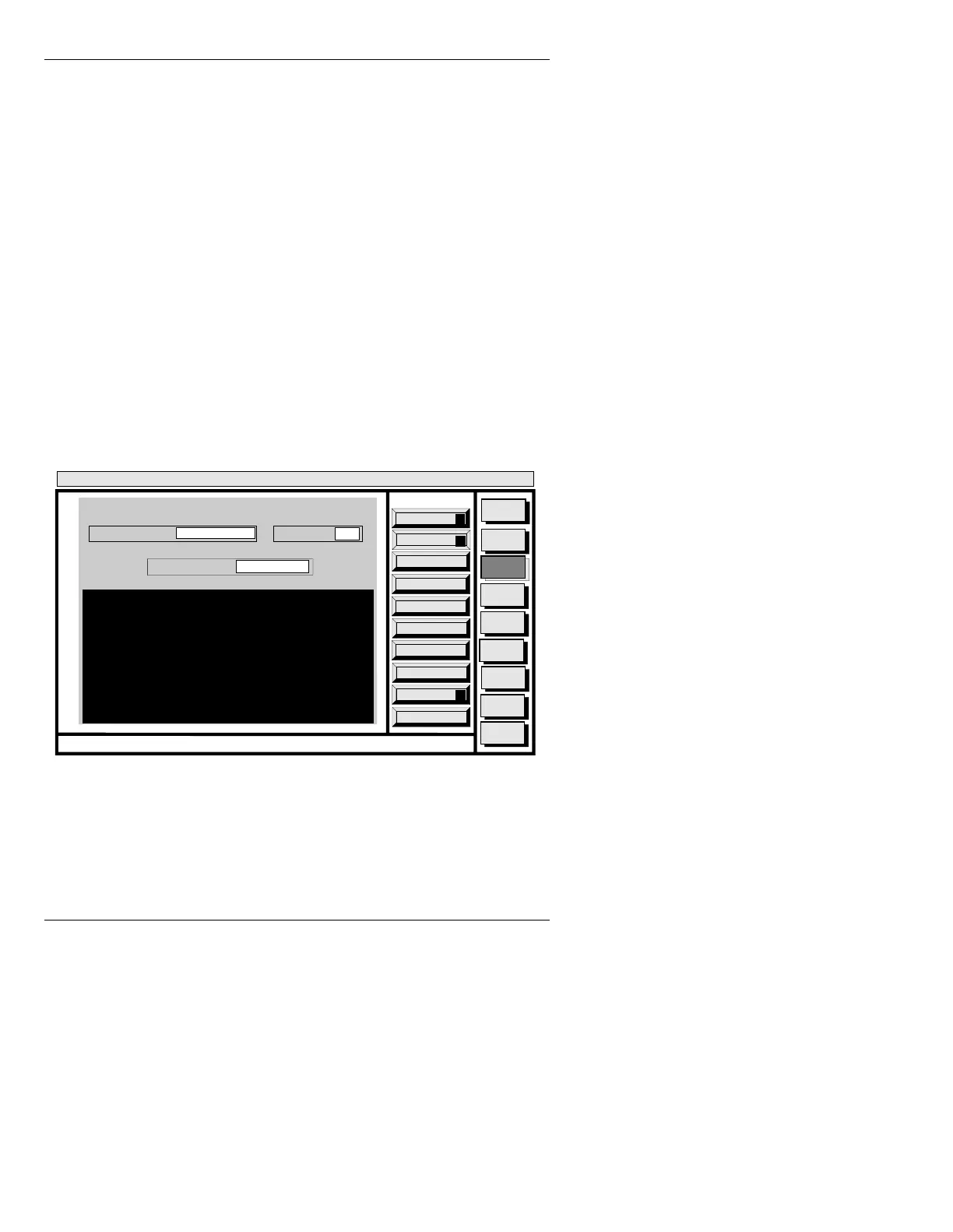
This function lets you see file and directory specifics
such as creation date, size in bytes, and number of items
in a directory. In addition, disk memory specifications
(total, used, available) are viewed here.
To display the DISK STATUS window (Figure 19-16):
• Press
S or select Disk Status.
Figure 19-16. DISK STATUS Window
Quit
Q
Avail Bytes
A
Execute
X
Message
Compose
Advcd.
Font
Disk
Utils
Network
Utils
<System>
Disk Utility
< version >
15:07 5/29/95
DISK STATUS
CURRENT DIR:
FILE TYPE: ALL
A/INFINIT
STATUS NAMES: *
CNTL



 To Next Page