CHYRON Corporation
Colors & Palettes 10-14 Revision D
&UHDWLQJD6XESDOHWWH
6WDQGDUG6XESDOHWWH
Using a Standard Subpalette, up to 29 discrete colors can
be assigned to an object. Not all objects have to contain
29 positions or have to use colors that start at position 3.
[ ] 1. Place a multi-colored character on the Edit
Monitor. All font characters will be affected
by any change, so preview each one after
establishing colors for the character.
[ ] 2. Press
COLOR FONT. This guarantees that the
Subpalette used when the character was either
typed or read is selected.
[ ] 3. From the Message Compose main menu, press
CNTL P or select Palette to enter Palette
mode, then press
P again or select Sub Pal.
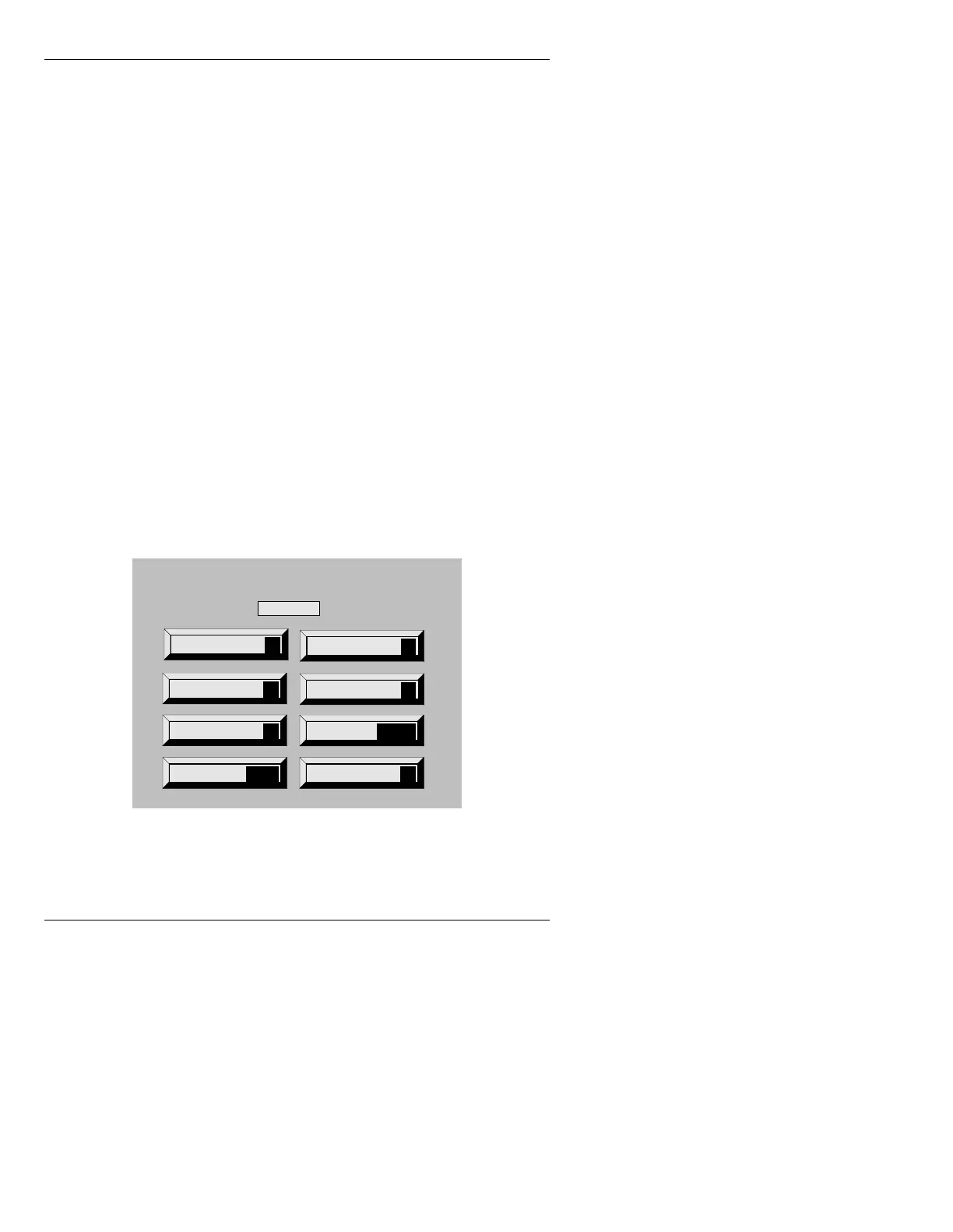
The Subpalette menu (Figure 10-8) replaces the Palette
menu (Figure 10-2). On the Edit Monitor, a Subpalette
Spectrum (Figure 10-9) replaces the Color Cubes.
Figure 10-8. Subpalette Menu
Reset
R
Mark Pos
M
Move dsply
D
Palette
P
Subpalette
Read
READ
Gradate
G
Quit
Q
Record
RCD
Index: 3



 To Next Page