iNFiNiT! Family Operation Manual
Revision D 21-35 RGB Tools
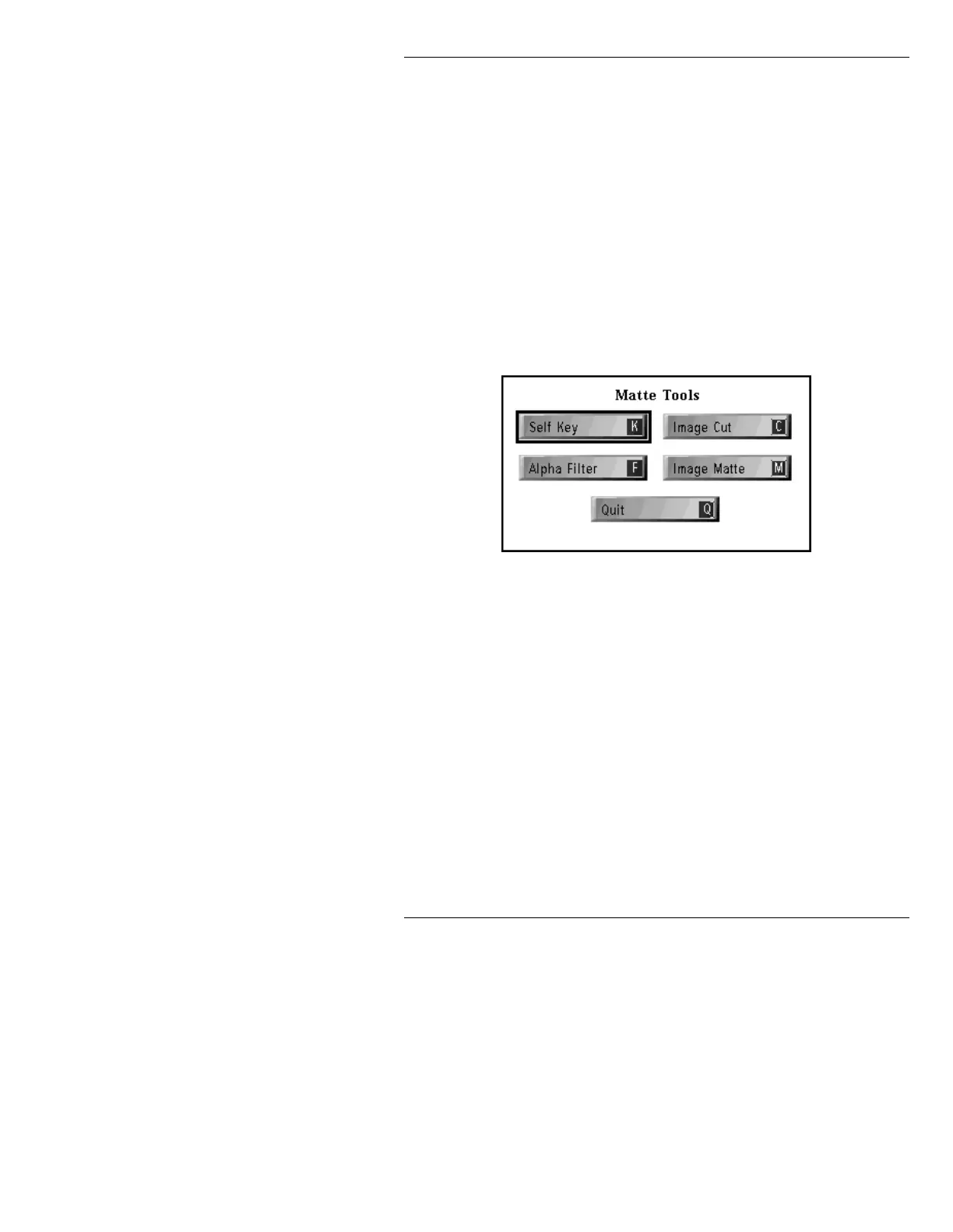
Using Matte Tools, any object that can be displayed can
also be used as the key object. There are four Matte
Tools:
Self Key: Generates a key for an object.
Alpha Filter: Applies antialiasing to an object.
Image Cut: Used for producing the shape for keying.
Image Matte: Performs the shape keying, combining an
image with the key shape created using the other Matte
Tools.
To display the Matte Tools menu:
• From the RGB Tools main menu, press
M or select
Matte Tools.
Figure 21-19. Matte Tools Menu
Each of the Matte Tools is described below in the order in
which it would likely be used.
,PDJH&XW&
The Image Cut function lets you cut out or adjust an
irregularly shaped area in the current frame buffer for use
as a key object. Apply this feature to an existing RGB
image to define an object to which Self Key and Alpha
Filtering is applied later.



 To Next Page