CHYRON Corporation
Flash Font 13-54 Revision D
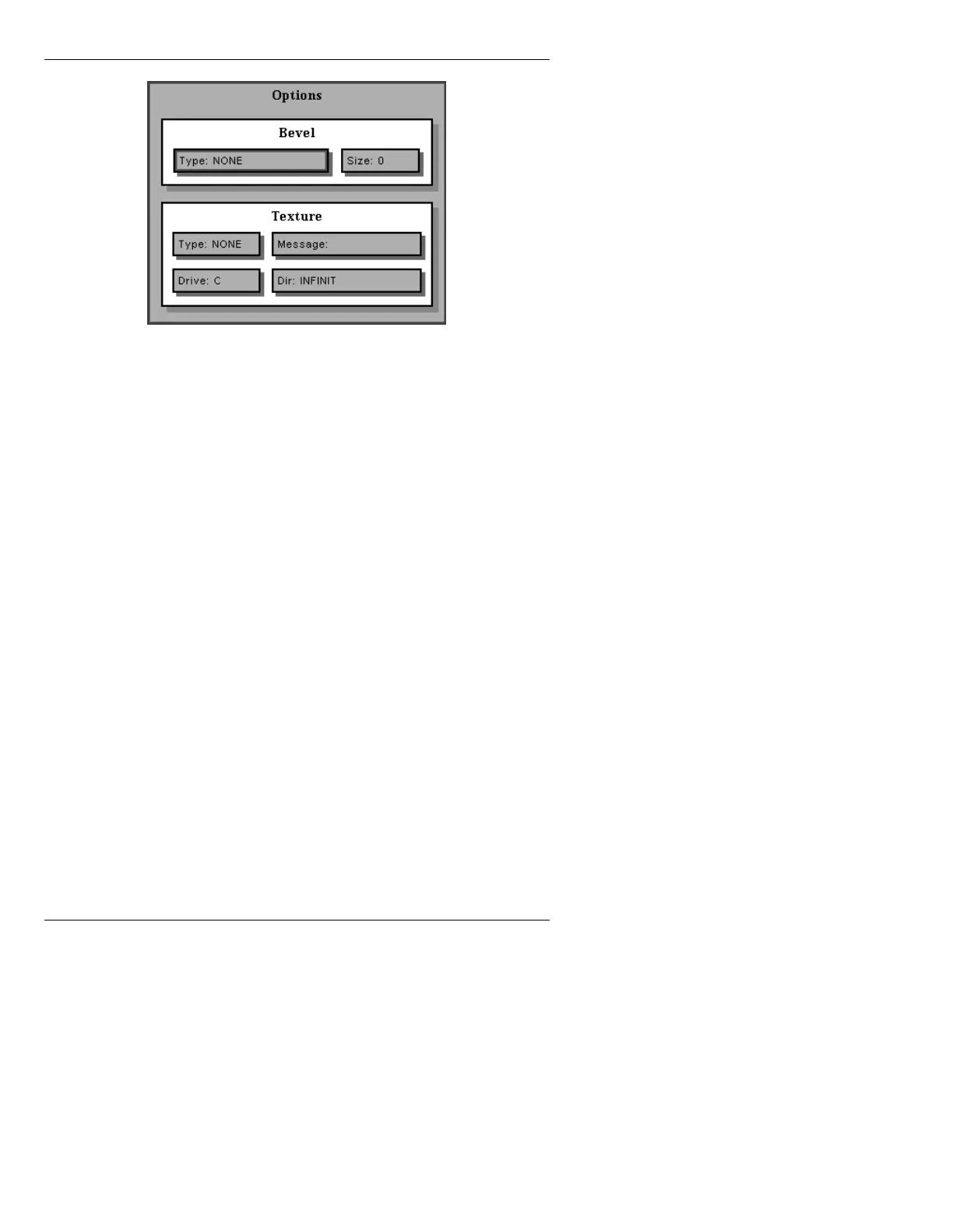
Figure 13-29. Options Window
This window is divided into two areas, Bevel and Tex-
ture. Bevel is applied only to the edge of a 3D character,
and Texture only to the face.
%HYHO
Type:
• Toggle through the Type: choices by pressing the
SPACE BAR. Choose NONE, Q-S CURVE, R-REVERSE,
S-CURVE, S-SLANTED, T-SMOOTH CHISEL, U-
SCOOPED, V-ROUNDED, W-PIPED EDGE, X-CHISELED,
Y-SCALLOPED, or Z-STEEP ROUNDED.
• The first letter of each
Type can be pressed while the
field is highlighted. To select that
Type directly, press
the
SPACE BAR or click on the field to toggle through
the choices.
Size:
Size
is the thickness of the Bevel, in scanlines.
• Enter a value from
1 to 30.



 To Next Page