CHYRON Corporation
Video Input Option 20-14 Revision D
The Alpha Multiply feature must be used when a video
source is scanned in where Alpha (Key) is independent of
RGB. For example, a 50% transparent white pixel is rep-
resented in the CHYRON frame buffers as R:128 G:128
B:128 and Alpha:128, not as
R:255 G:255 B:255 and
Alpha:128.
NOTE
A pixel’s RGB value
cannot
exceed
Alpha.
9LGHR2IIVHW2
This expert function allows a horizontal (X) offset to be
set for captured video. When set, this offset is saved and
used for all subsequent captures.
After setting the offset, live video must be enabled by
selecting
Video Input. When video is captured using
Video Freeze, the offset image is displayed.
To set the horizontal offset:
[ ] 1. Press
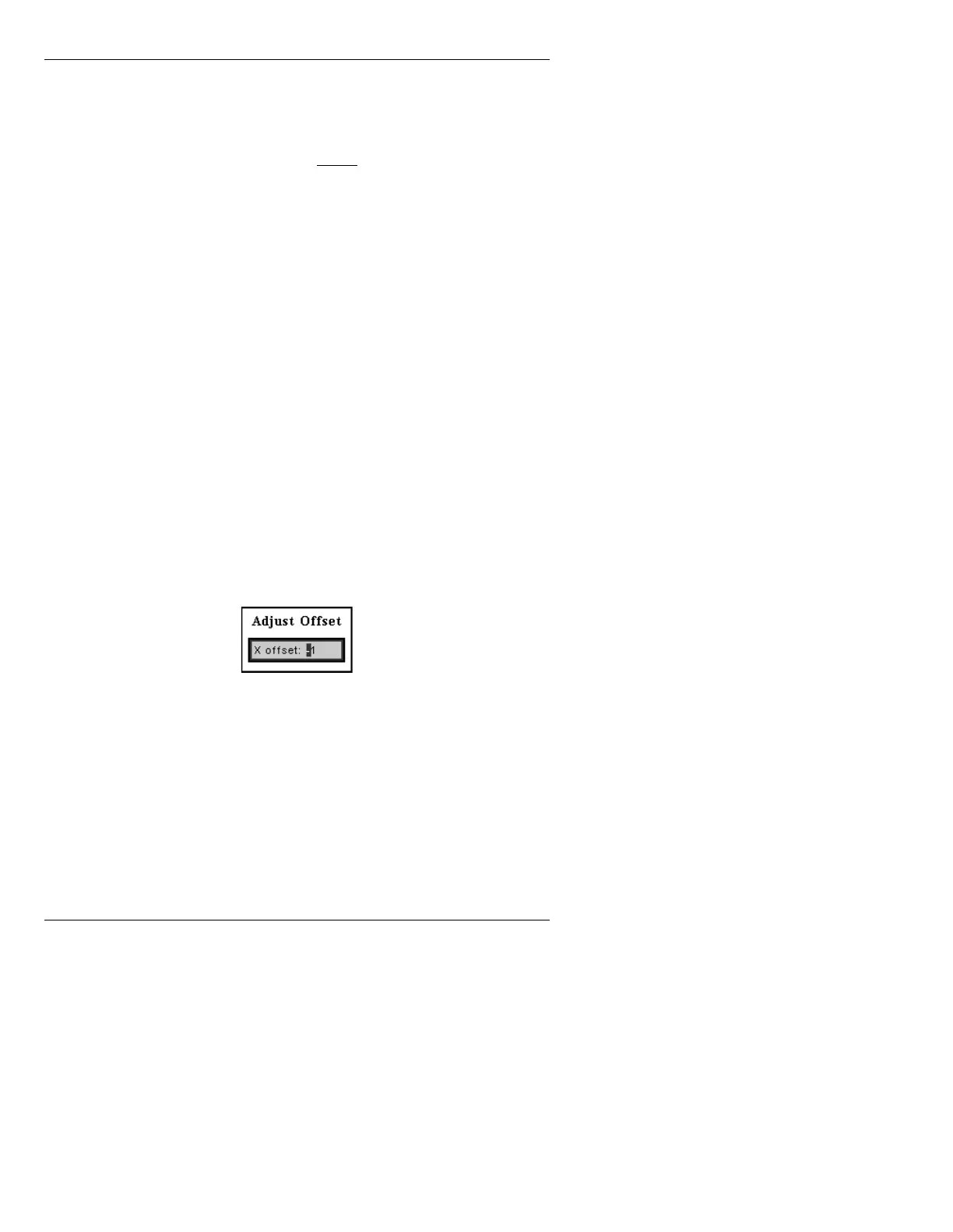
O. The is Adjust Offset window (Figure
20-7) displayed.
Figure 20-7. Adjust Offset Window
[ ] 2. Enter an offset from -20480 to +20480, then
press
.
-1 is the default setting.
Note that the
X value of 1024 equals 1 scanline in Y, thus
this field can be used to delay or increase the incoming
video by up to 20 scanlines. Doing this however, results
in a loss of an equivalent amount of data, and black is
shifted in to replace it.



 To Next Page