CHYRON Corporation
Video Input Option 20-8 Revision D
)ODVK6DYH
Flash Save is a feature available on systems
equipped with the Video Input Module and Extended
Effects Frame Buffers.
Flash Save enables you to quickly save 6 NTSC (or 4
PAL) frames into Frame Buffer memory, and use the
Flash Browse utility for viewing. Any frame(s) may then
be saved to disk.
NOTE
The Flash Save function icon appears
in the Video Input Control menu of a
system equipped an Extended Effects
Frame Buffer(s).
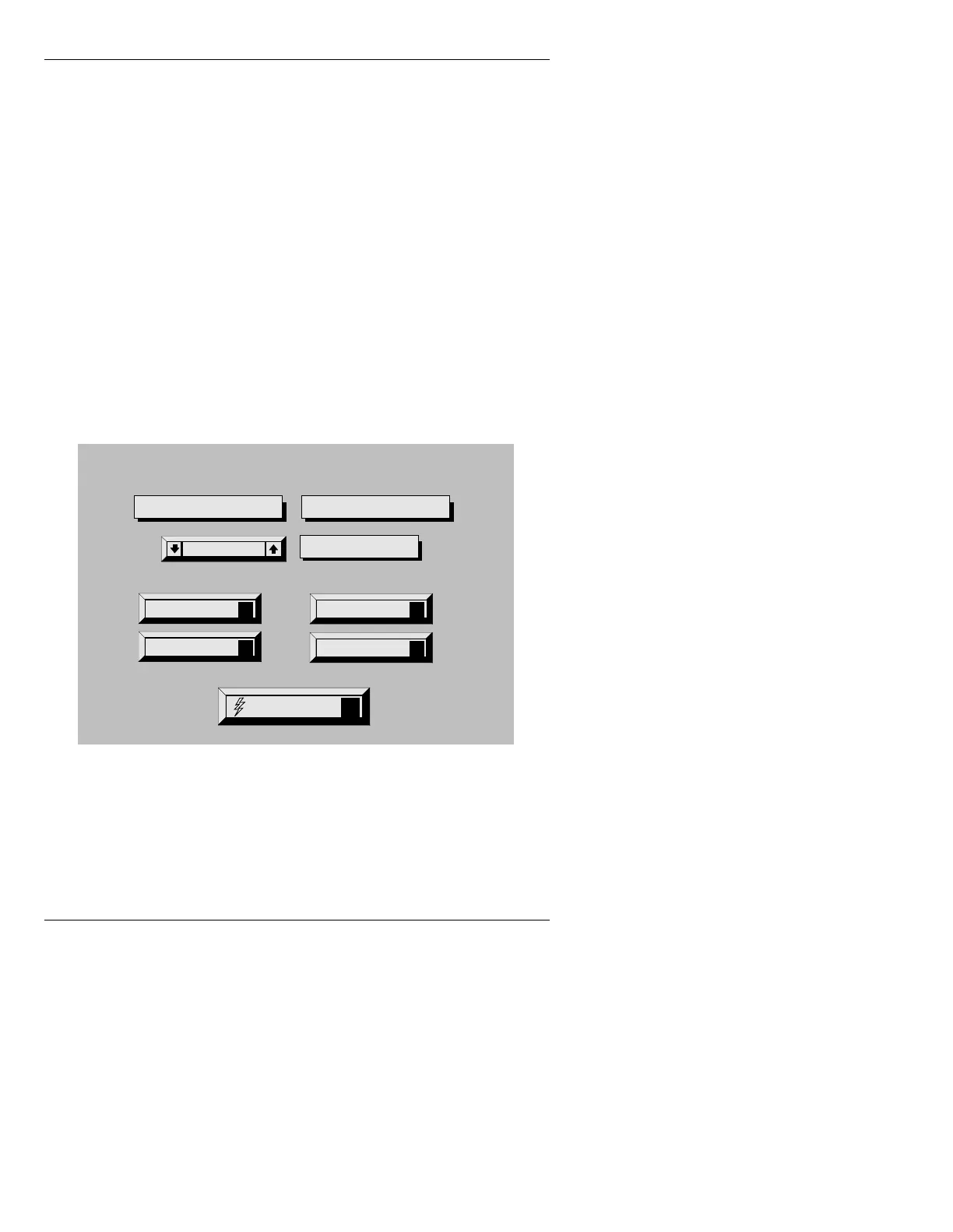
Figure 20-4. Video Input Control Menu with
Flash Save Option
To perform a Flash Save:
• Enter the Video Input menu, then press
F. The system
displays the Flash Save Utility menu (Figure 20-5).
Quit
Q
Help
?
Field: Normal
Key Enable
K
Configure
C
Video Input Control
Capture Mode: Offset
Video Freeze
Video Input
Flash Save
F



 To Next Page