iNFiNiT! Family Operation Manual
Revision D 8-9 Directory Features
'LUHFWRU\'HIDXOWV
A set of defaults can be defined for each message direc-
tory. These defaults are applied to all files within the
directory. Directory Defaults can be accessed from either
Message Compose or from the Message Directory Util-
ity.
• In the Message Compose main menu, press the
SETUP key, then press D or select the Defaults icon.
OR...
• If you are in Message Directory Utility, press
CNTL
E
or select the Defaults icon.
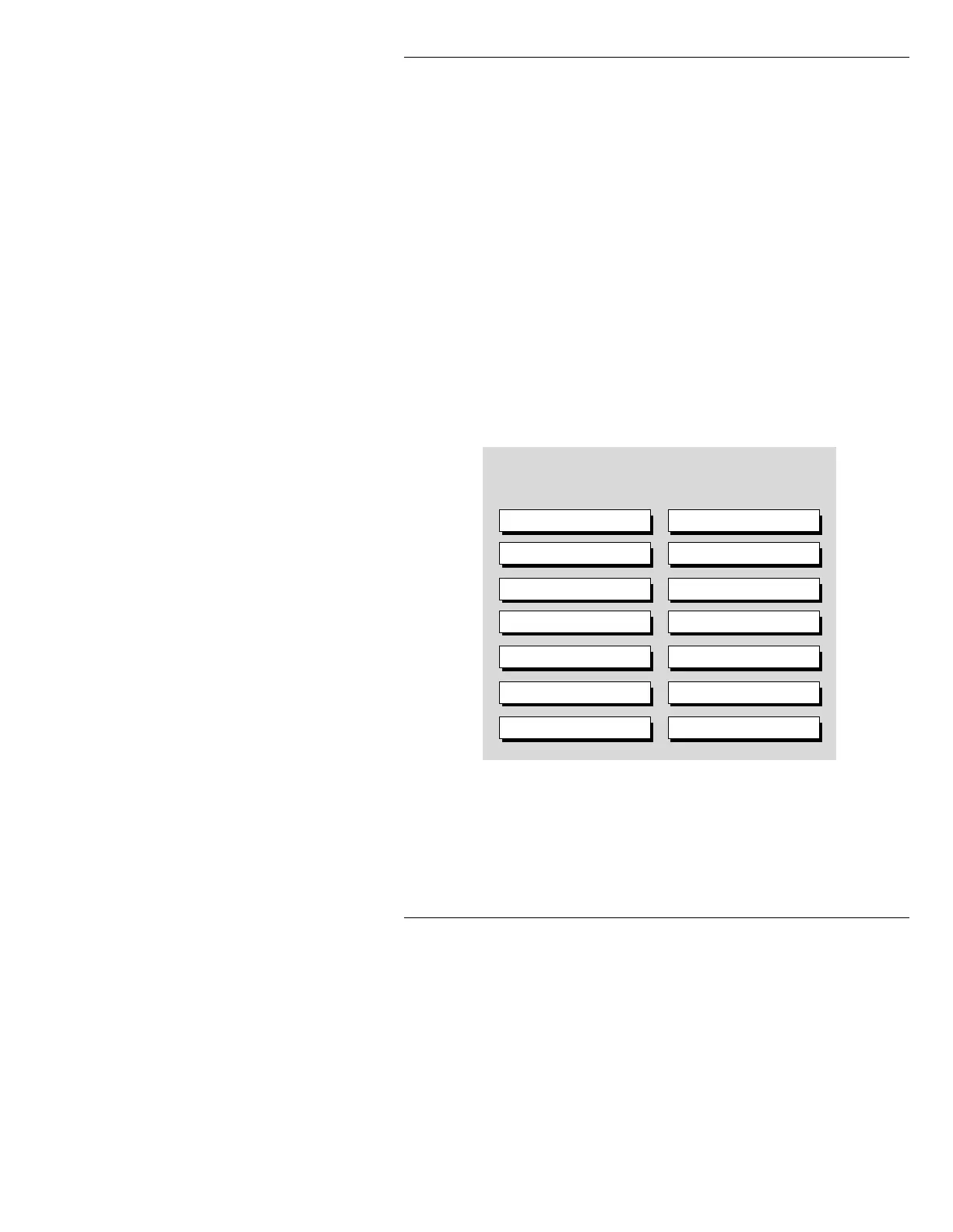
The Directory Defaults window is displayed. The set-
tings shown are the System Defaults settings.
Figure 8-5. Directory Defaults List
• Use the cursor keys ÌÍÎÏ to move through the
list and select a field.
C/Maxine Directory Defaults
Super Shift Value: 0
Palette: N
Tabs: N
Verify of File Delete: N
Write Protect Directory: N
Save Palette - CNTL REC E: N
Move Tabs By Position: Y
Safe Title Box: N
Fonts: N
Function Keys: N
Inter-Row Space %: 100
Load Fonts during READ: N
Display XY Position: N
Auto Change Font Dir: N



 To Next Page