CHYRON Corporation
Software Overview 5-4 Revision D
02'(6/&70RGH6HOHFW
You can exit from one program and enter another using
the
MODE SLCT function.
To exit a program:
• Press
MODE SLCT.
In most programs, this exits directly to the Program
Loader menu. When working in programs such as Mes-
sage Compose or Network Utilities, however, the follow-
ing menu appears:
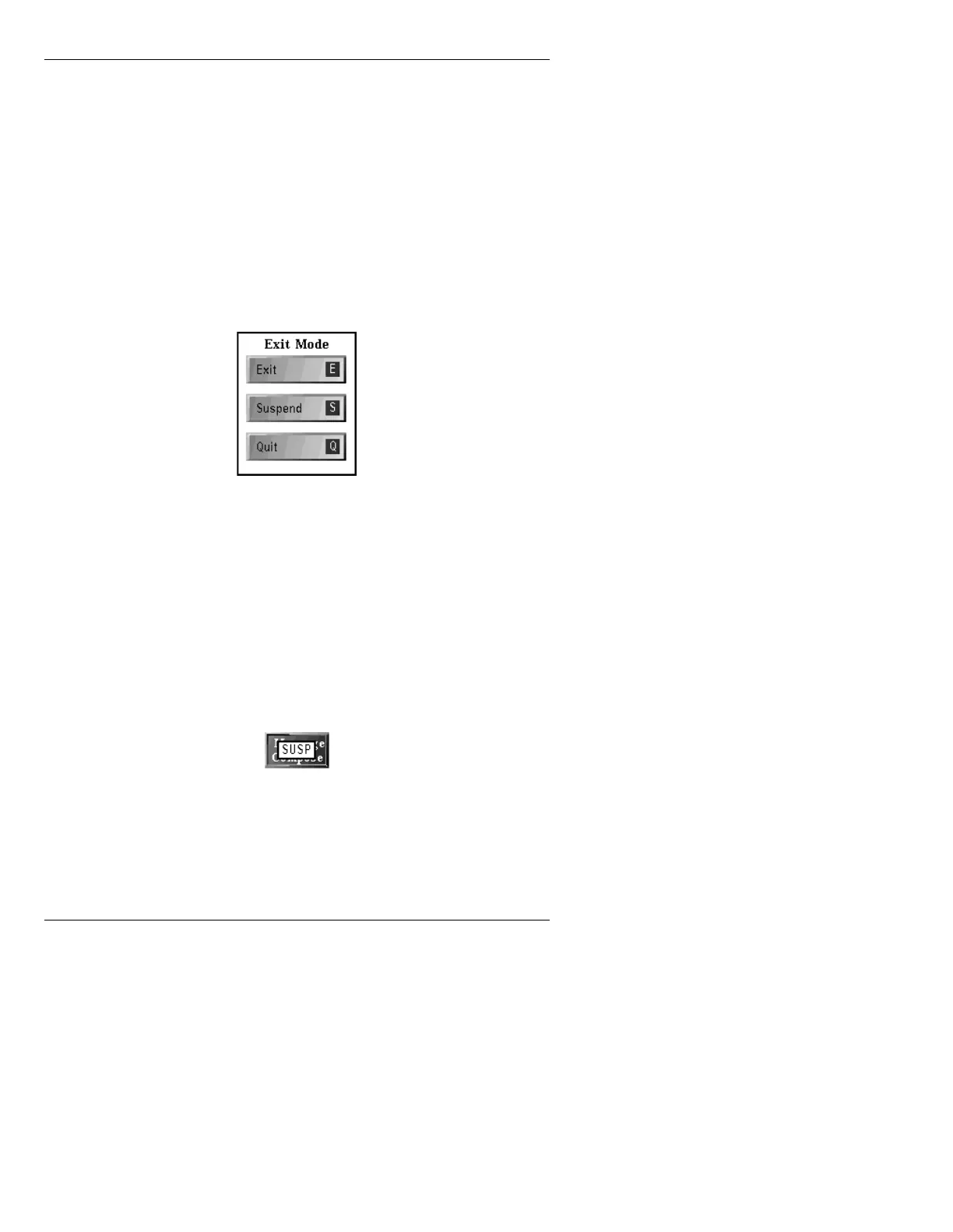
Figure 5-4. Exit Mode Menu
Exit Leaves the program and returns to the Program Loader
menu.
Suspend Activates Suspend function. When Suspend is
selected, the Program Loader menu appears as usual, but
the program icon now shows that the program’s operation
has been suspended (Figure 5-5). All settings and on-
screen images remain intact.
Figure 5-5. Suspended Program
Quit Cancels the Exit process and returns you to Message
Compose where you left off.



 To Next Page