CHYRON Corporation
Flash Font 13-16 Revision D
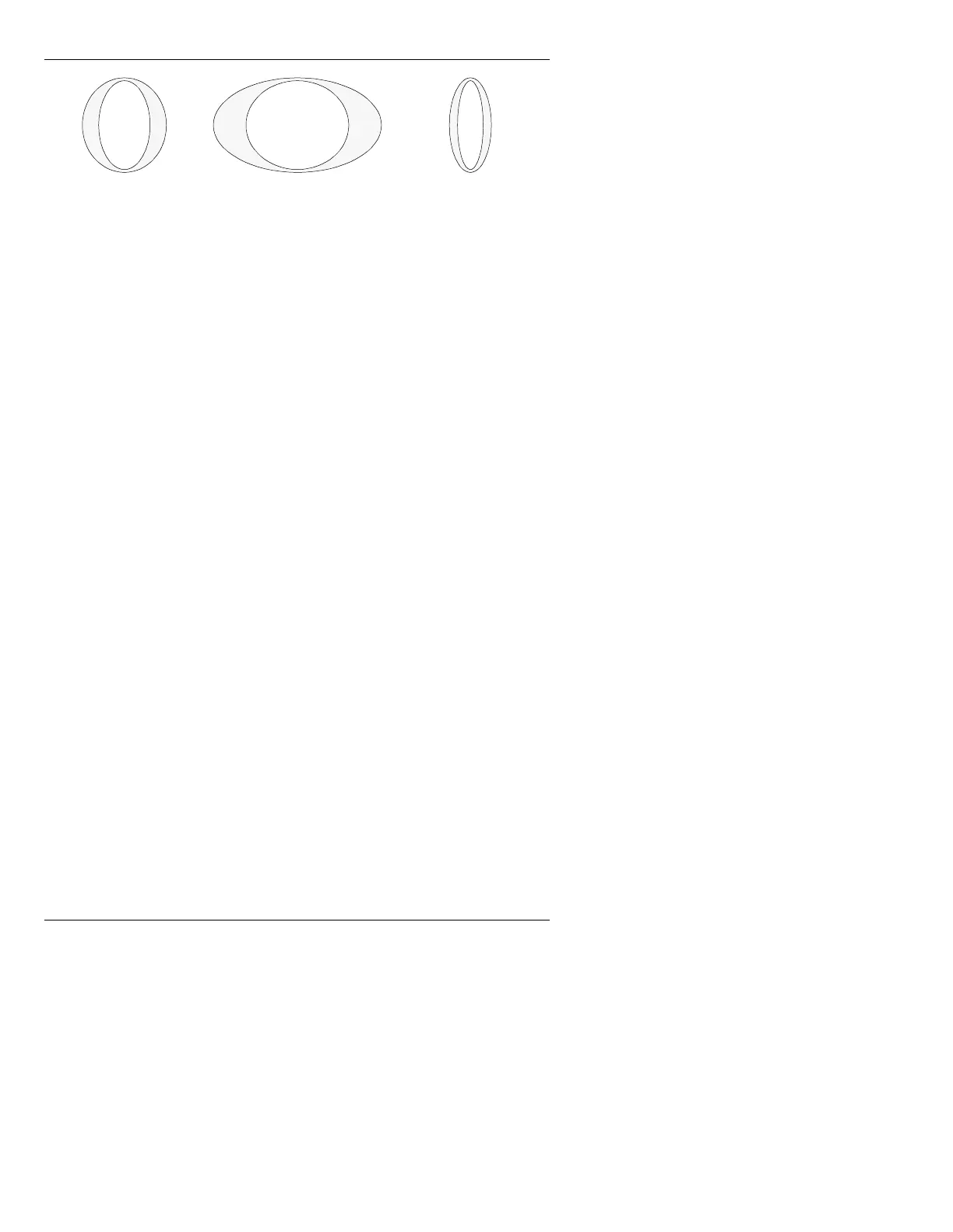
Figure 13-10. Aspect
To set Aspect:
• Enter the new value in the
Aspect: field. When
using the Address Keypad to enter a value, do not
enter a decimal point. The system automatically
inserts one. For example, if you want to change the
width to 0.25 of its original size, enter
25 in the
Aspect: field, then press
.
NOTE: If 16 X 9 in the Message Compose Setup menu is
activated,
Aspect is automatically set to .75 on entry to
the Flash Font main menu. See §3.6.21, §6.8 and §6.9
for information on
16 X 9
.
(GJHV
Edge Type, Size, and Direction can be set for a Flash Font.
Edge Type There are six Types from which to choose: None,
Shadow (Drop Shadow), Offset, Border, Combnd 1
and
Combnd 2. All Edge Types except for None use the
color set in
Edge Color. Edge Size can be set for all
Edge
Types but None. Edge Direction can be set for all
Edge
Types except None and Border.
•
Combnd 1 combines Border and Shadow. The
width of the
Shadow equals the set Edge Size, and
the width of the
Border equals 1/2 (rounded down)
the set
Edge Size.
Original Width
(Aspect: 1.0)
Twice the Width
(Aspect: 2.0)
One-half the Width
(Aspect: 0.5)



 To Next Page