CHYRON Corporation
Total Motion Control 23-8 Revision D
0HVVDJH&RPSRVH6&6,6HWXS
Fast Read and Record of Stills are also available from
Message Compose.
[ ] 1. From the Message Compose main menu, press
SET-UP E
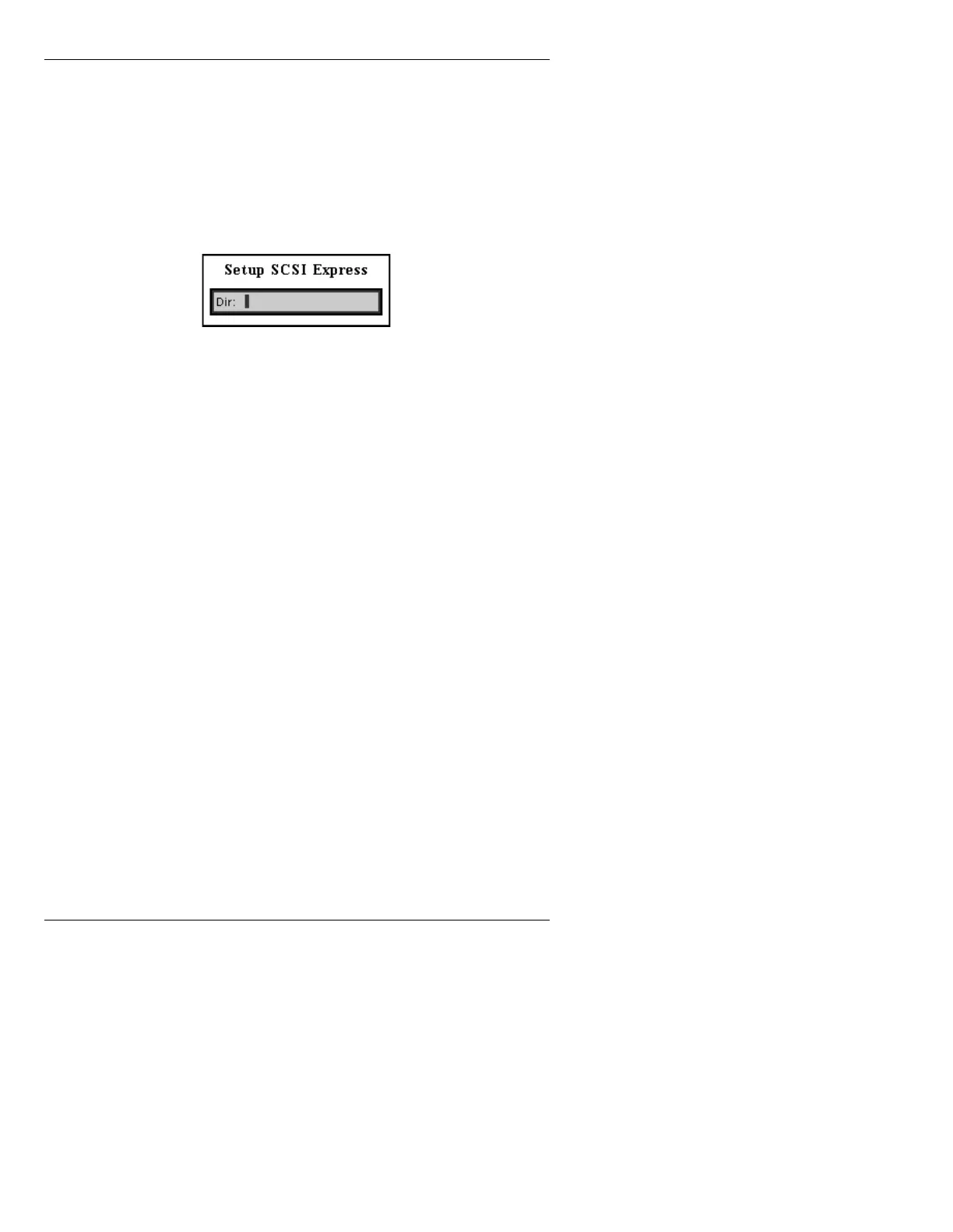
to display the setup SCSI Express
window (Figure 23-3).
Figure 23-3. Setup SCSI Express Window
[ ] 2. Enter the drive letter of the SCSI Express drive
(e.g. drive
Z), and the system name in the
following format:
<drive letter>/<directory
name>
. Examples: Z/INFINIT; Y/VIDEO. It
is not necessary to add
/MESSAGE to the end,
as it is automatically assumed to be part of the
path.
[ ] 3. Press
CNTL.
Once the SCSI Express path is set, the path is saved on
the boot volume in file
/SYSTEM/ETC/SCSI.EXP. Each
time the user enters Message Compose, the SCSI Express
path is loaded from this file, so the setup does not have to
be performed again unless the path is to be changed.
NOTE
If executing a CMF or JPEG file from
Multiple Effects, SCSI Express must
be set up within Message Compose
as well as from Disk Utilities, or
Multiple Effects will not know where
to find the CMF or JPEG file.



 To Next Page