CHYRON Corporation
Start-Up 3-44 Revision D
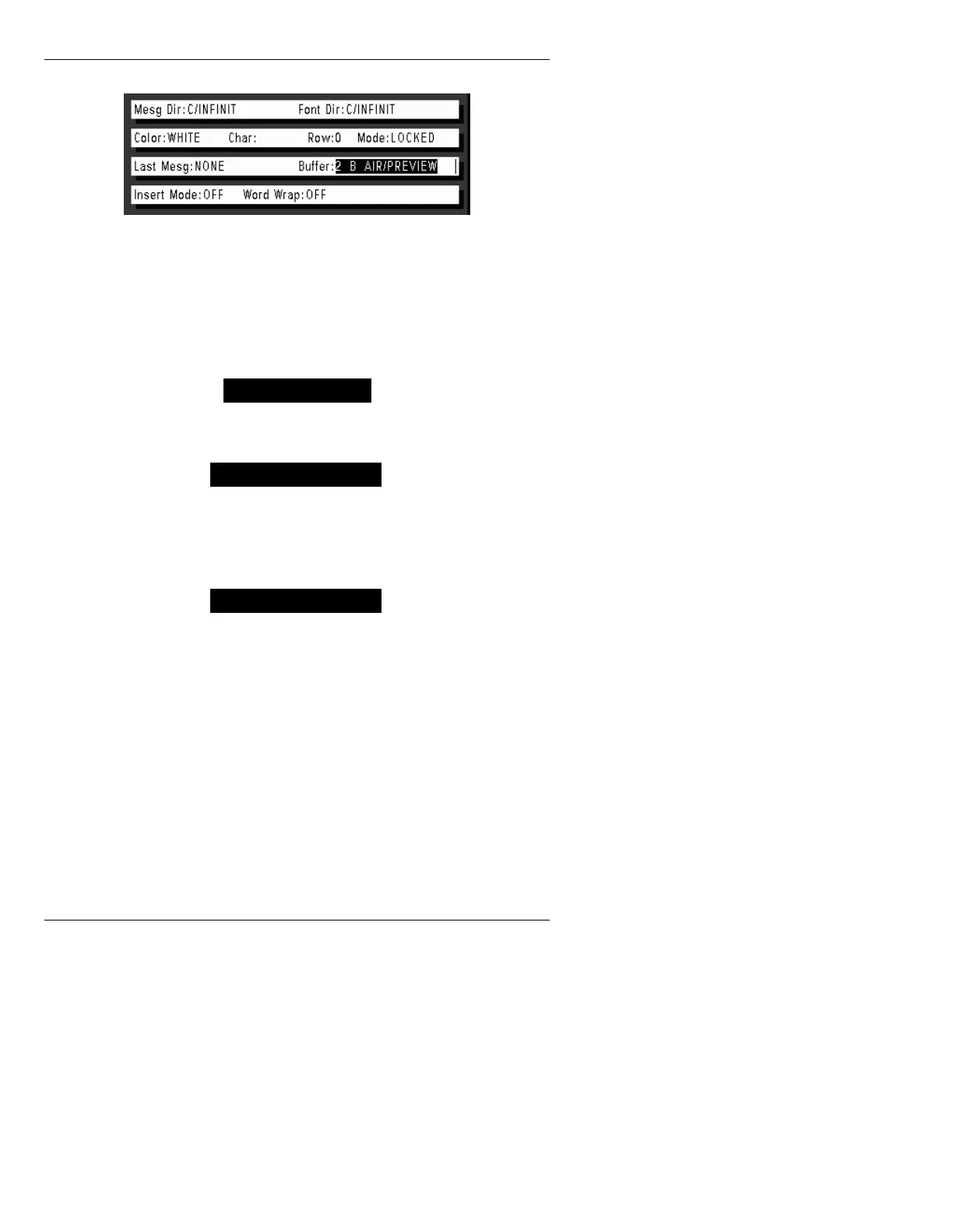
Figure 3-41. Status Area - Protected Mode
In addition, the word Preview is displayed in the cursor
channel in the lower right corner of the Edit Monitor
screen below the Safe Title box. Other mix configura-
tions are displayed as follows:
Figure 3-42. Same Buffer Assigned to B and A
Figure 3-43. Same Buffer Assigned to B and PREVIEW
Figure 3-44. Same Buffer Assigned to B, A and PREVIEW
.H\EG.H\ERDUG0DS6(7830
:L1)L1L72QO\
Using the Keybd Map function, users can select from the
default Chyron keyboard layout or the Windows key-
board layout.
An important distinction must be made between a key-
map and a Character Placement Table. The Windows
Keymap function physically maps the keys themselves to



 To Next Page