CHYRON Corporation
Clock & Timer Displays 11-2 Revision D
&ORFN6HWXS
To configure the Clock Setup Utility, enter the Message
Compose main menu, then:
• Press
SETUP C.
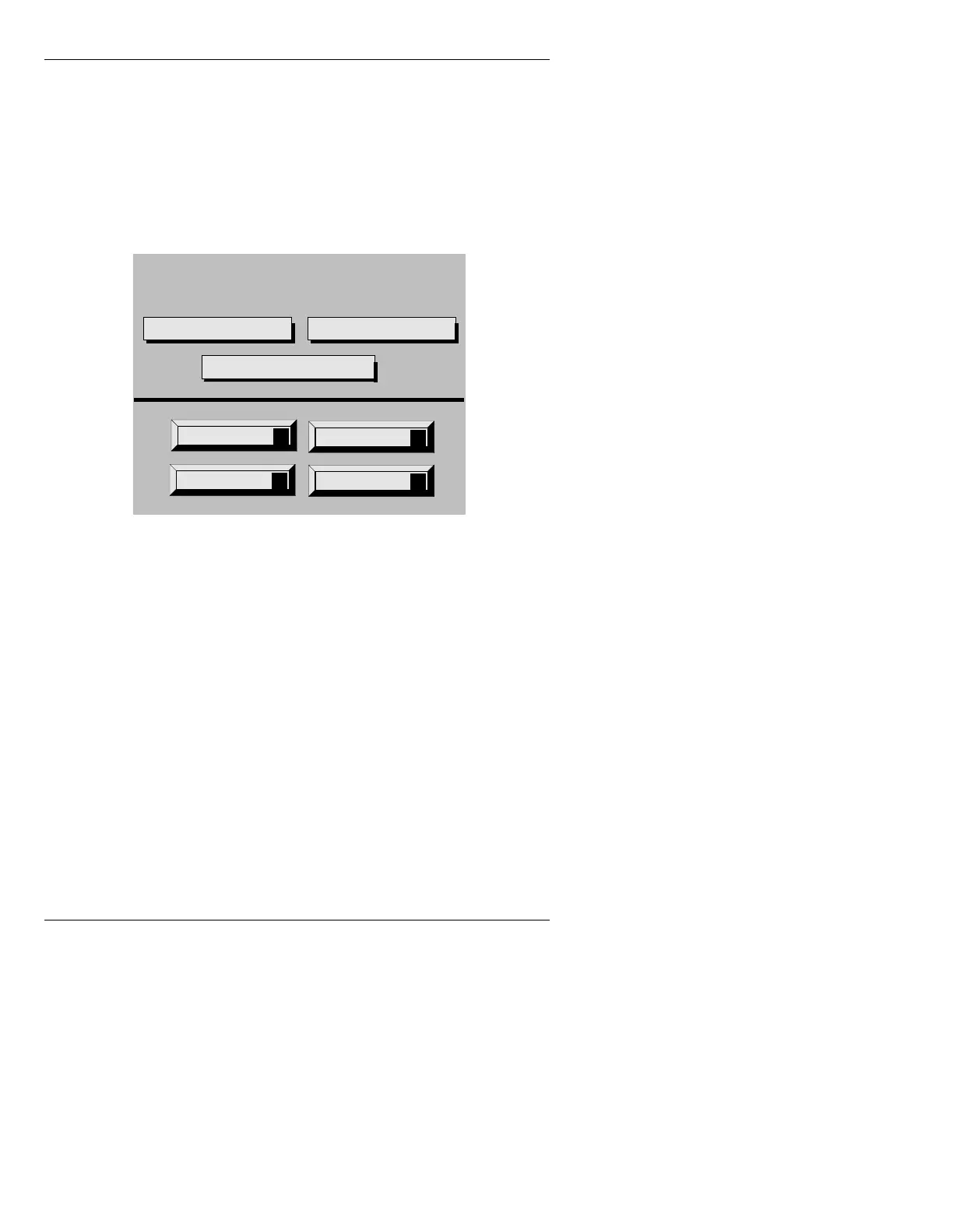
The Clock Setup Utility window (Figure 11-1) is dis-
played.
Figure 11-1. Clock Setup Utility Menu
The following sections review the parameters and func-
tions in the Clock Setup Utility.
3DUDPHWHUV
• To place the cursor on the Mode:, Format:, or Lead-
ing Zeros:
field, use the cursor keys, TAB or SHIFT+
TAB
,
, or the mouse.
0RGH
Mode can be set to Clock, Timer Up or Timer Down.
Clock The Clock displays the time of day. Time is kept by the
internal system clock, which is set through the Program
Loader Setup menu (§3.6.1).
Quit
Q
Backgrnd
B
Reset
R
Start
S
Clock Setup Utility
Format: Mode: Clock
Leading Zeros: Displayed



 To Next Page