CHYRON Corporation
RGB Tools 21-28 Revision D
parency icon is not highlighted, Read
Effects Transparencies WILL NOT be
used
is displayed on the Prompt Line.
[ ] 3. Press
X or select Execute. The images in the
Foreground and Background buffers are
merged into the Foreground buffer using the
specified Transparency setting.
To exit the Merge Foreground/Background menu:
• Press
Q or select Quit.
) LOHV/
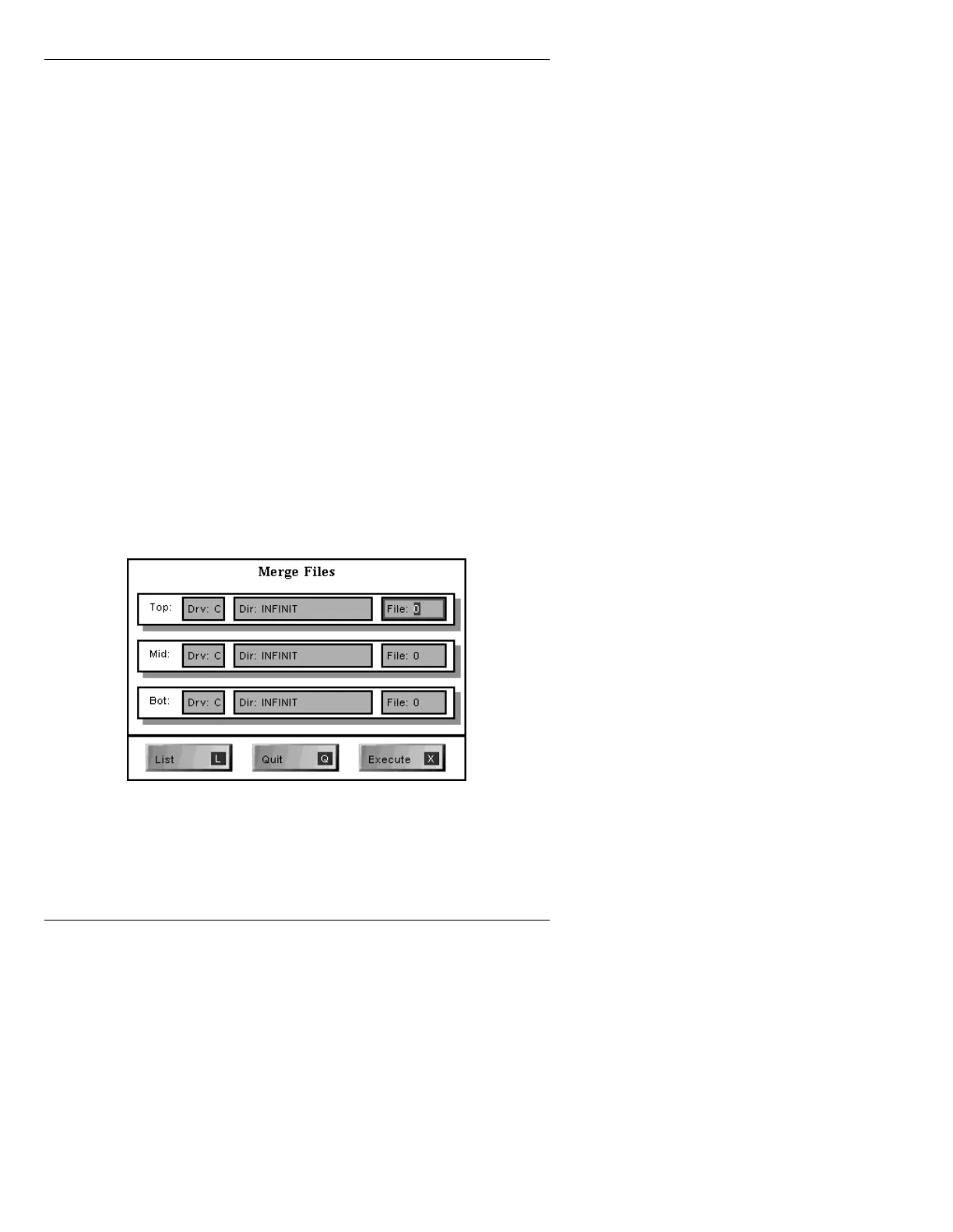
The Merge Files function combines RGB and alpha of
two or three specified RGB messages, then writes the
combined information into the current buffer. Top, Mid-
dle, or Bottom can be specified for each message.
To execute a file merge:
[ ] 1. From the RGB Merge menu, press
L or select
Files. The Merge Files menu is displayed.
Figure 21-16. Merge Files Menu
The
ID:
field allows entry of 8 digit ID numbers
only when IMAGESTOR! is in 8 digit mode.



 To Next Page