iNFiNiT! Family Operation Manual
Revision D 21-27 RGB Tools
(EEFB) or a CLYPS Capable Frame Buffer (CCFB), then
writes the combined information into the Foreground
buffer.
To execute a Foreground/Background Merge:
[ ] 1. From the RGB Merge menu, press
F or select
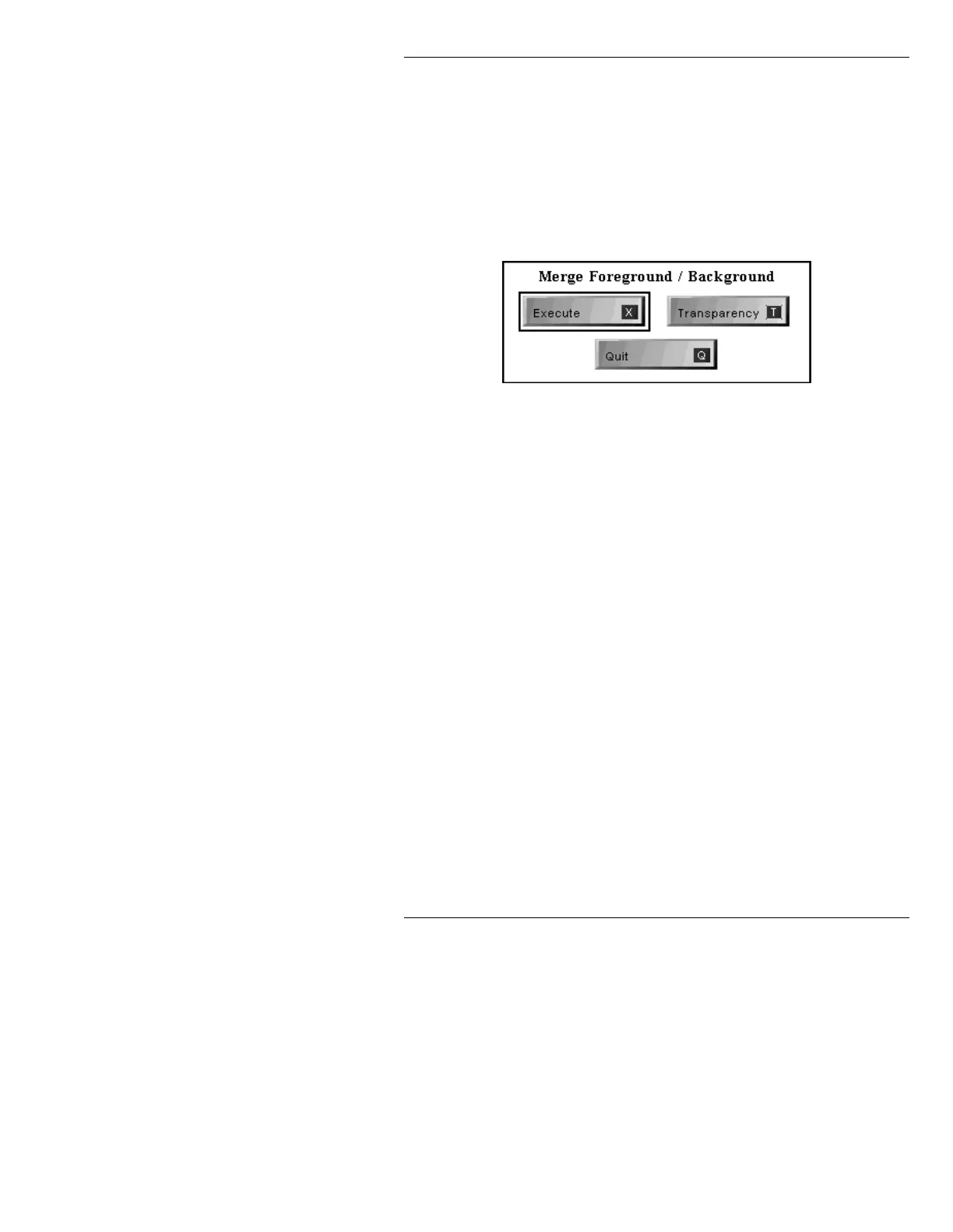
FG/BG. The Merge Foreground/Background
menu is displayed.
Figure 21-15. Merge Foreground/Background Menu
[ ] 2. Transparency is set one of two ways:
• 100% video.
•The
Foreground/Background Percent
settings in the Read Effects menu.
If the
Transparency icon is not highlighted
(default), the
Foreground/Background
Percent
settings are not used and video is
displayed at 100%. If the
Transparency icon
is highlighted, the
Foreground/Background
Percent
settings are used.
To select/deselect the
Transparency function:
• Press
T; place the cursor on the Transpar-
ency
icon, then press
or the SPACE
BAR
; or click on the icon. If the Transpar-
ency
icon is highlighted, Read Effects
Transparencies WILL be used
is dis-
played on the Prompt Line. If the
Trans-



 To Next Page