iNFiNiT! Family Operation Manual
Revision D 13-3 Flash Font
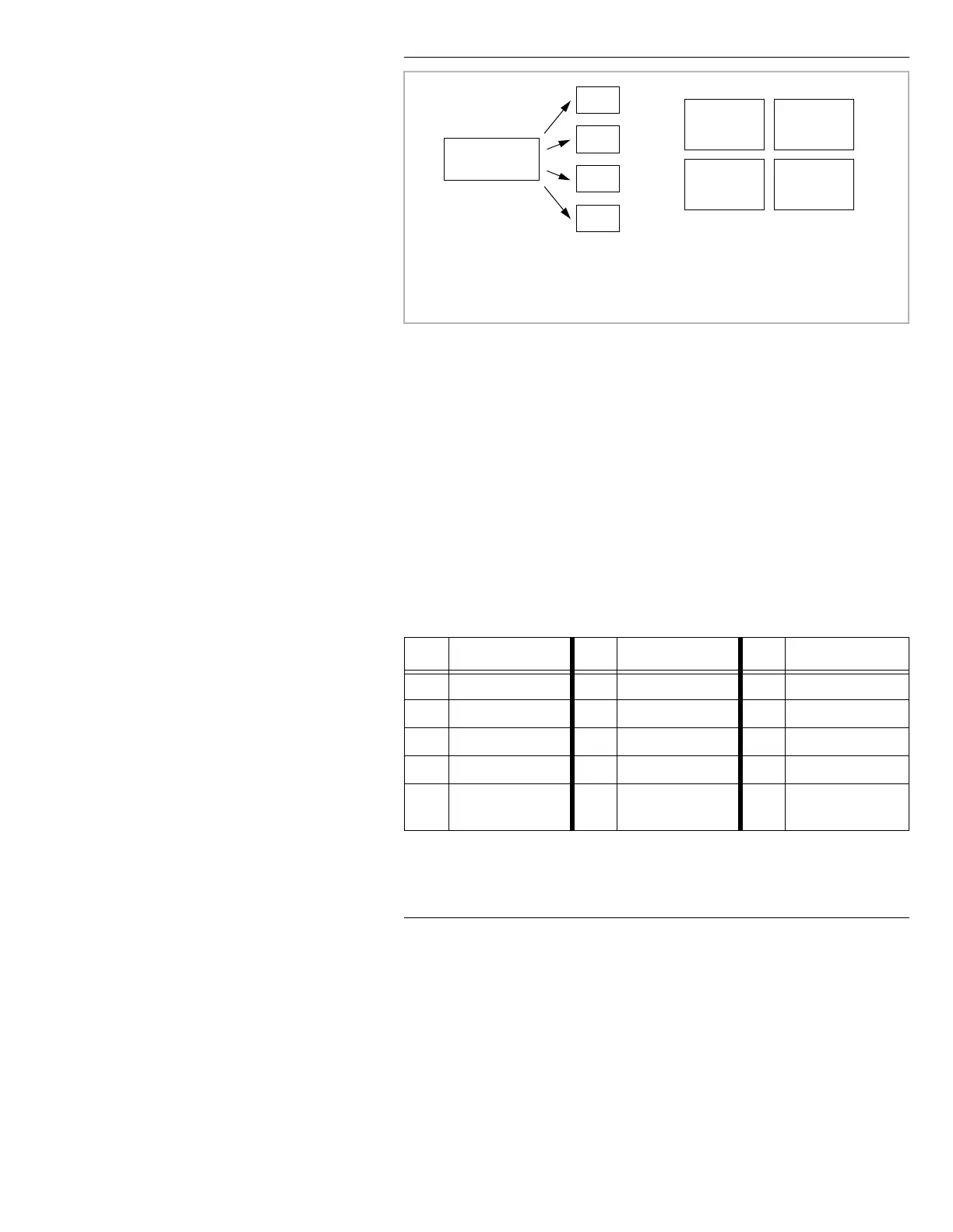
Figure 13-1. Machine Fonts vs. Flash Fonts
6HOHFWLQJDQG6HWWLQJ3DUDPHWHUV
The following bulleted items describe the different
choices available for selecting and setting parameters.
To select or highlight a menu item:
• Use the mouse to click on the item.
• Press
TAB, SHIFT + TAB, or cursor to the item.
• Use one of the Shortcut keys shown in Table 13-1 to
immediately jump the cursor to the item.
Table 13-1: Flash Font Convert Shortcut Keys
.H\ )XQFWLRQ .H\ )XQFWLRQ .H\ )XQFWLRQ
A
Aspect
K
Background
R
Edge Direction
B
Border Edge Type
L
List
S
Shadow Edge Type
C
Convert Font
M
Master Font
T
Texture Map
D
Drive
N
None Edge type
W
TrueType
E
Edge Size
O
Offset Edge Type
Y
Combnd 1
Edge Type
Msg
0001
Msg
0003
Msg
0054
Msg
0627
Machine Font
Information
Msg 0176 +
Flash Font
Information
Msg 0920 +
Flash Font
Information
Msg 0006 +
Flash Font
Information
Msg 0549 +
Flash Font
Information
Machine Font:
Accessible to any message
Flash Font:
Resides in the message for which
it was created, and accessible to
in any directory
all messages created during the
Message Compose session



 To Next Page