iNFiNiT! Family Operation Manual
Revision D 13-23 Flash Font
No. 2A02024) for information on TrueType Fonts, and
editing and creating Character Placement Tables,
respectively.
&RQILJXUH*
0XOWLSOH)ODVK)RQWV
It is possible to have access to six Flash Fonts at one
time, making a total of 22 fonts available for use. Before
loading more than one Flash Font, the maximum number
that you intend to use must be set in the Configure menu.
To access the Configure menu:
[ ] 1. Press
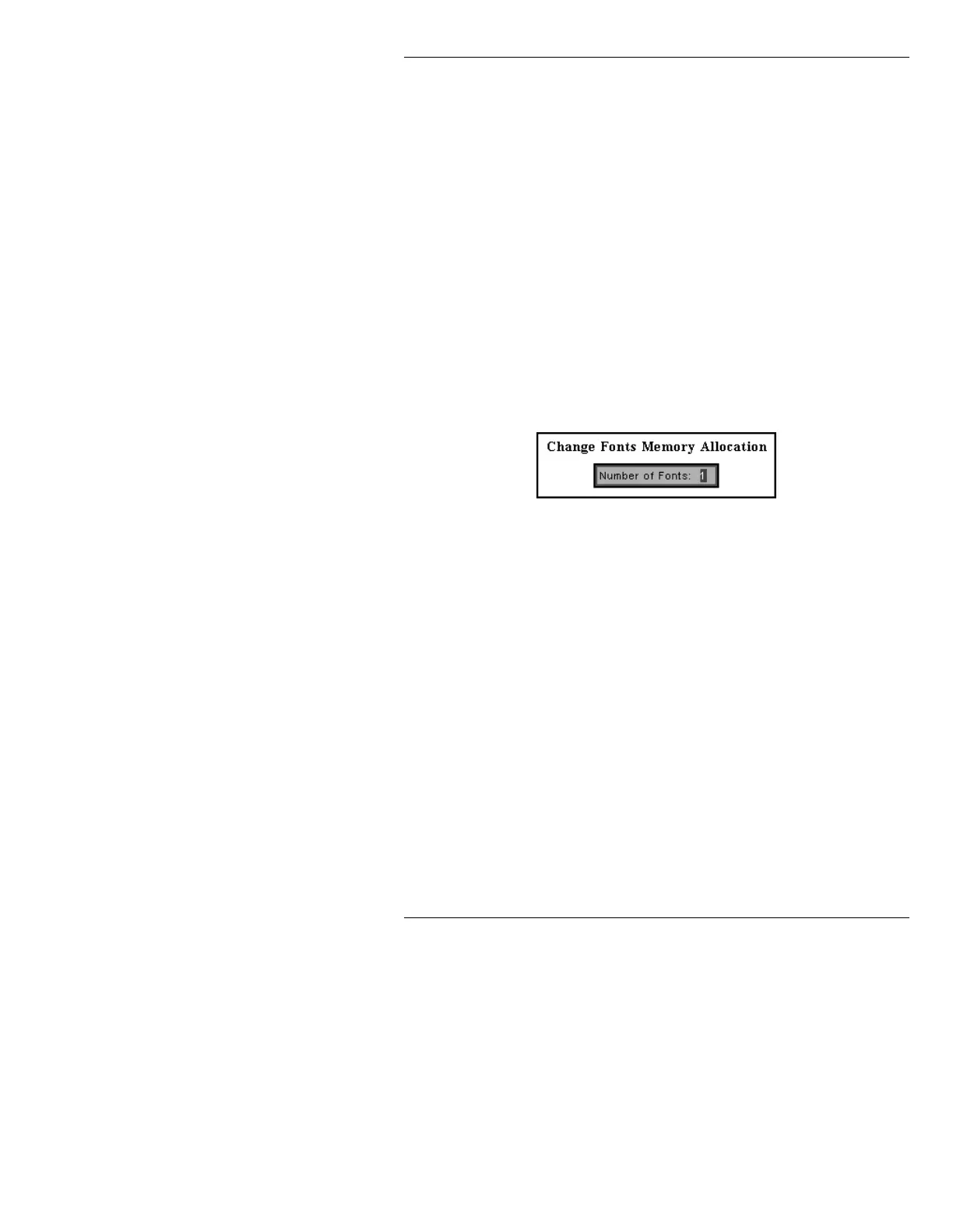
G or select Configure. The Change
Fonts Memory Allocation window (Figure 13-
15) is displayed.
Figure 13-15. Change Fonts Memory Allocation Window
[ ] 2. Enter the maximum number of Flash Fonts that
you intend to use (from
1 to 6), then press
.
The Configure menu is exited, and the Flash
Font main menu is displayed.
%DFNJURXQG.
It may sometimes be desirable to highlight text against a
transparent band in order to make it stand out. This is
especially useful for giving lower thirds a sharp look, and
for subtitling. The
Background function allows you to
set the width and transparency of the band. The color of
the band is the first subpalette color (index
3) of the cur-



 To Next Page