CHYRON Corporation
Flash Font 13-22 Revision D
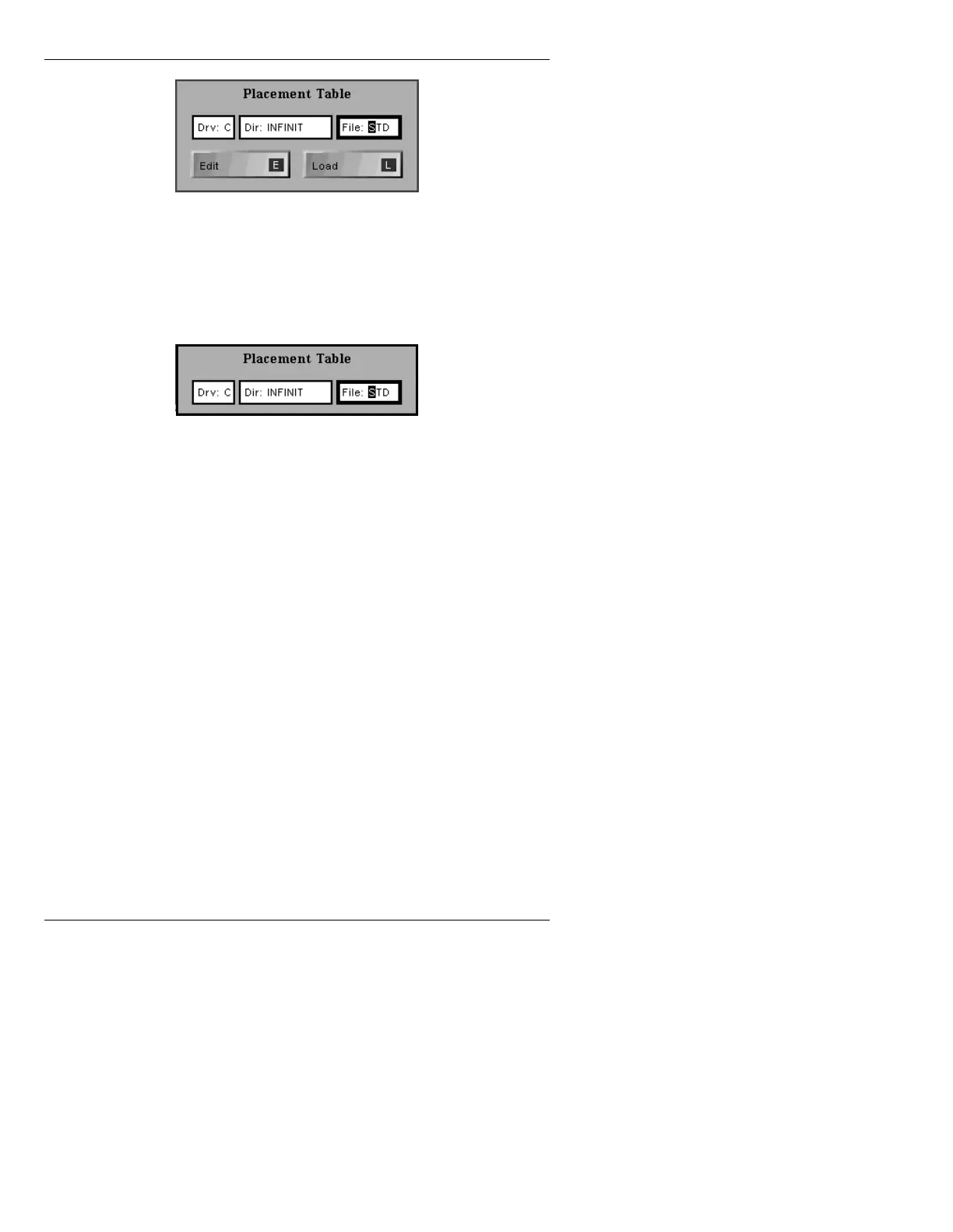
Figure 13-13. Placement Table Window - WiNFiNiT!
If not using the WiNFiNiT! interface, the
following Placement Table window (Figure
13-14) is displayed.
Figure 13-14. Placement Table Window
[ ] 2. Enter the drive, directory and Placement Table
name in the
Drv:, Dir:, and File: fields
respectively in the Placement Table window.
[ ] 3. Press
CNTL or
, or select Load (WiNFiNiT!
only) to exit the window and load the specified
Placement Table. Press
ESC to exit without
saving changes.
For those not using the WiNFiNiT! interface, to create or
edit a customized Character Placement Table, please
refer to §18.7 on page 18-20 (Font Create).
For those using the WiNFiNiT! interface, Font Create
can be used, or the Edit Placement function in Flash
Font, accessed by selecting
Edit
in the Placement Table
window (Figure 13-13). WiNFiNiT! users can also
import TrueType fonts that can be converted into
iNFiNiT! Family Master Fonts. Please refer to Sections
9.4 and 9.4.2 of the WiNFiNiT! Option Handbook (Pub.



 To Next Page