iNFiNiT! Family Operation Manual
Revision D 2-59 Installation
%DFNLQJ8 SWKH+ DUG'ULY H
Before copying the upgrade software to the hard drive, you can
back up the hard drive to a removable medium such as a ZIP
disk or a Bernoulli disk.
[ ] 1. From the Disk Utilities main menu, press
C
or
select
Copy
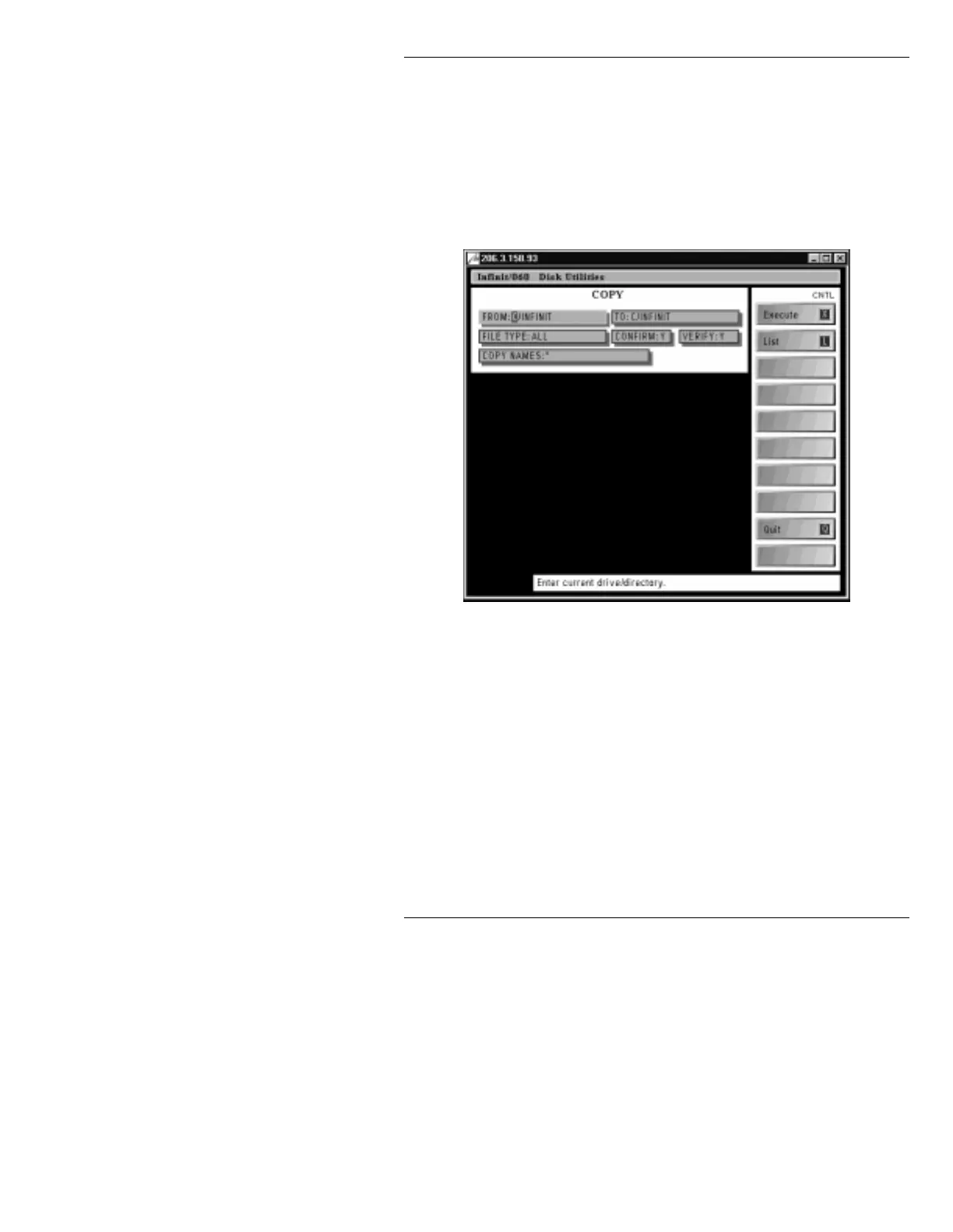
. The Disk Utilities COPY menu
(Figure 2-30) is displayed.
Figure 2-30. Disk Utilities COPY Menu
[ ] 2. In the fields at the top of the Disk Utilities COPY
menu, enter the following information:
FROM:
C/
TO: <Drive Letter>/
FILE TYPE: ALL
CONFIRM: Y
VERIFY: Y
COPY NAMES: *
It is recommended, though not necessary, that
CONFIRM:
be set to
Y
. If
Confirm
is set to
N
,
Copy
executes without confirmation. If
Confirm
is set to
Y
, any time
Copy
encounters a file with



 To Next Page