iNFiNiT! Family Operation Manual
Revision D 7-51 Formatting & Editing
2YHUYLHZRI)ODVK)HDWXUHV
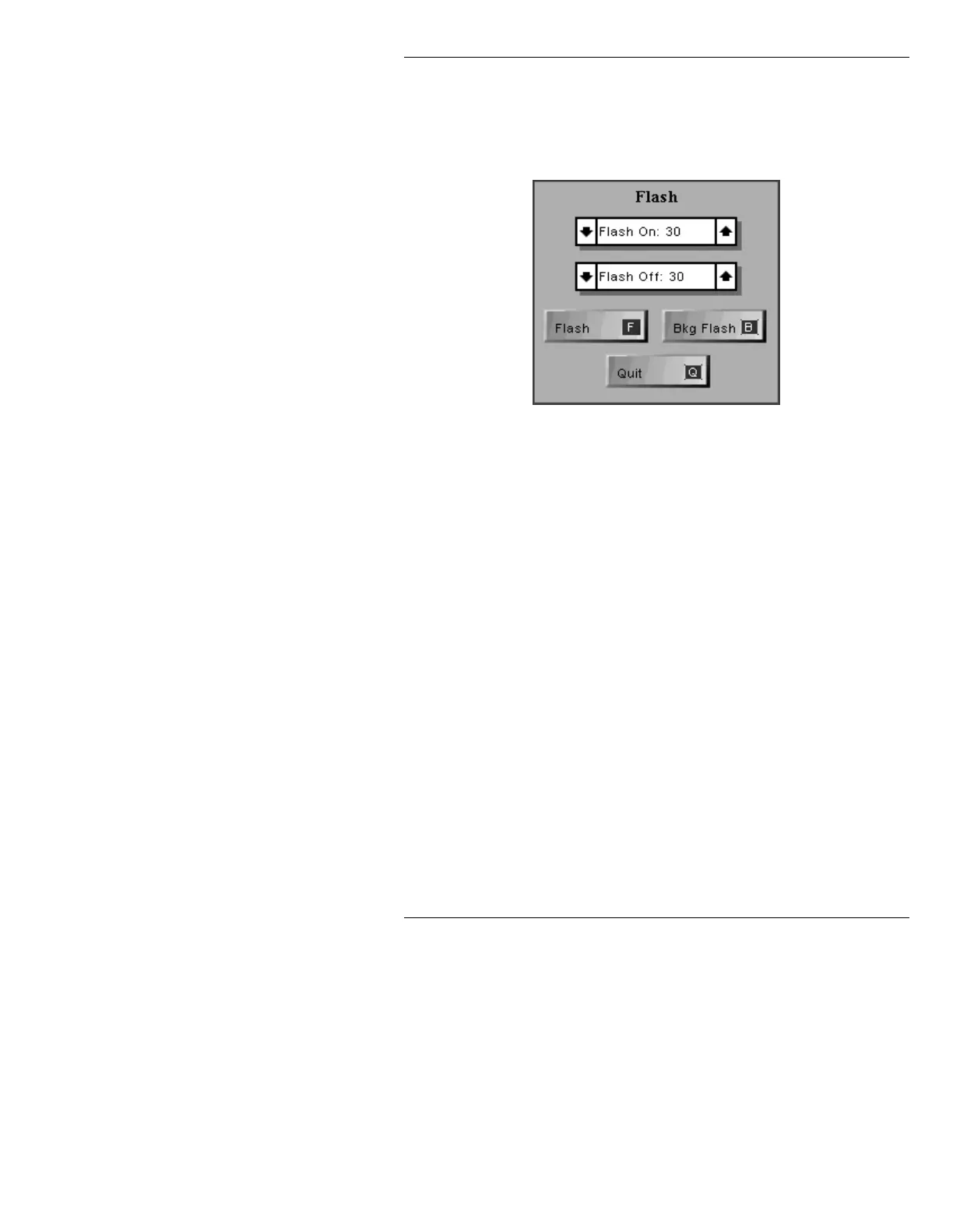
The Flash Function window is displayed by pressing the
SET-UP
F while in the Message Compose main menu.
Figure 7-10. Flash Window
The fields and function icons within the window are as
follows:
On Time In fields, the length of time text is visible while
flashing. Default value is 30 (1/2 second
NTSC).
Off Time In fields, the length of time that text is NOT
visible while flashing. Default value is 30 (1/2
second NTSC).
Flash Starts and stops flashing. The flash operates
from the character the cursor is on to the end of
the word. Each word must be started
separately.
Bkg Press B or select Bkg Flash. Places the buffer
Flash containing the flash display into the selected
buffer, and runs it in the background. The
Message Compose main menu returns, and the
next available buffer becomes the current



 To Next Page