CHYRON Corporation
Directory Features 8-40 Revision D
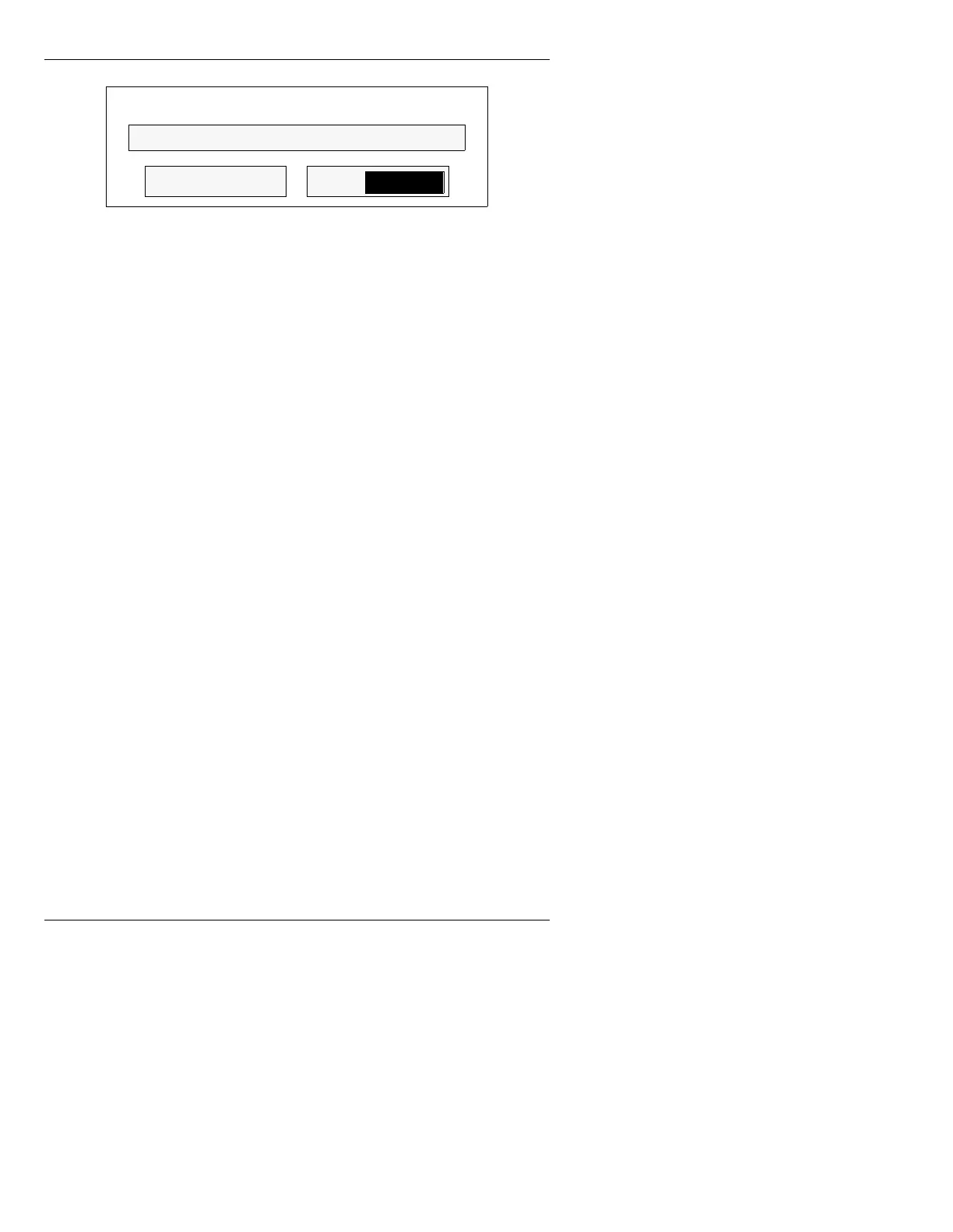
Figure 8-16. Alphanumeric Delete -
Drive/Directory Window
To delete a message with an Alphanumeric Name:
[ ] 1. Enter a message name in the
File: field.
[ ] 2. Press
DEL MSG or
.
A message can be deleted using a standard one to four
digit ID number while either in or out of the alphanu-
meric Delete - Drive/Directory window. If you are out of
the alphanumeric Delete Message window.
[ ] 1. Using the Address Keypad, enter the ID
number of the message to be deleted, then
press
DEL MSG.
The alphanumeric Delete - Drive/Directory
window (Figure 8-16) is displayed.
[ ] 2. Press
DEL MSG or
.
To exit the Delete - Drive/Directory window without exe-
cuting Delete Message:
• Press
CNTL or ESC.
5HDGLQJ0HVVDJHZLWK
$OSKDQXPHULF1DPH
To read a message with an Alphanumeric Name:
[ ] 1. If not in Alphanumeric Mode, Press
CNTL 2 to
enter Alphanumeric Mode.
DEL MSG
DelList
Delete - Drive/Directory
File:



 To Next Page