iNFiNiT! Family Operation Manual
Revision D 13-19 Flash Font
7H[WXUH0DS7
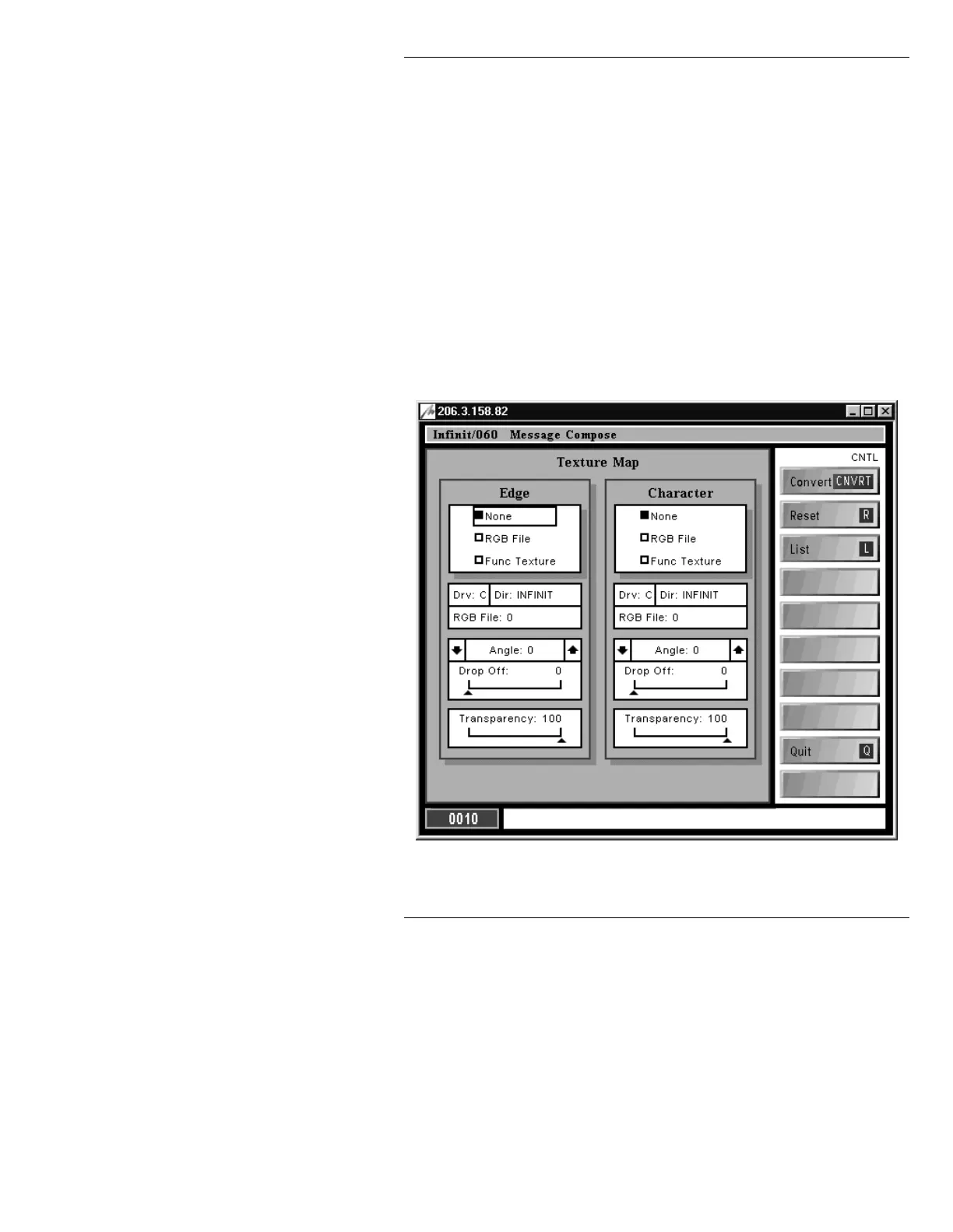
The Texture Map allows you to apply a texture to Flash
Font characters. The texture can come from an
RGB File
image or a Func Texture (Functional texture). An RGB
image can be created in RGB Tools or Image Tools, or it
can be imported using networking software such as WiN-
FiNiT!. Texture can also be set to
None. Additionally,
Transparency and Drop Off can be applied to Flash
Font characters. The Texture Map is divided into two
menus - Edge and Character. A separate texture can be
created for each element.
To display the Texture Map menu (Figure 13-12), press
T
or select
Texture:
Figure 13-12. Texture Map Menu



 To Next Page