iNFiNiT! Family Operation Manual
Revision D 14-23 Buffers & Channels
You can also perform buffer and channel assignments in
the Mix Settings windows in both the Mix Effect main
menu (§16.7), and the Multiple Effects main menu
(§17.5).
XFER, CNTL XFER, ALT XFER and Mix Set-
tings changes are all interconnected. Any change made
in one of these menus is reflected in the others.
CHNG, CNTL CHNG, XFER, CNTL XFER and ALT
XFER
operations can be performed while in either the
Mix Effects or Multiple Effects main menus.
CHNG and
CNTL CHNG can also be performed while in the Read
Effects main menu.
)UDPH%XIIHU$OORFDWLRQ
The following describes the basic and optional buffer
configurations for the iNFiNiT! and the MAX!>.
0$;!)UDPH%XIIHU$OORFDWLRQ
The MAX!> is equipped with one standard frame buffer.
The buffer, designated FB-A (frame buffer 1) is installed
in slot J6 in the main chassis unit. A second optional
buffer FB-B (frame buffer 2) can be installed in slot J5.
iNFiNiT!
Dual
Users
2 Both Users
No
Both Users
No
Primary User
Yes
Secondary User
No
3 Primary User
Yes
Both Users
No
Primary User
Yes
Secondary User
No
Secondary User
No
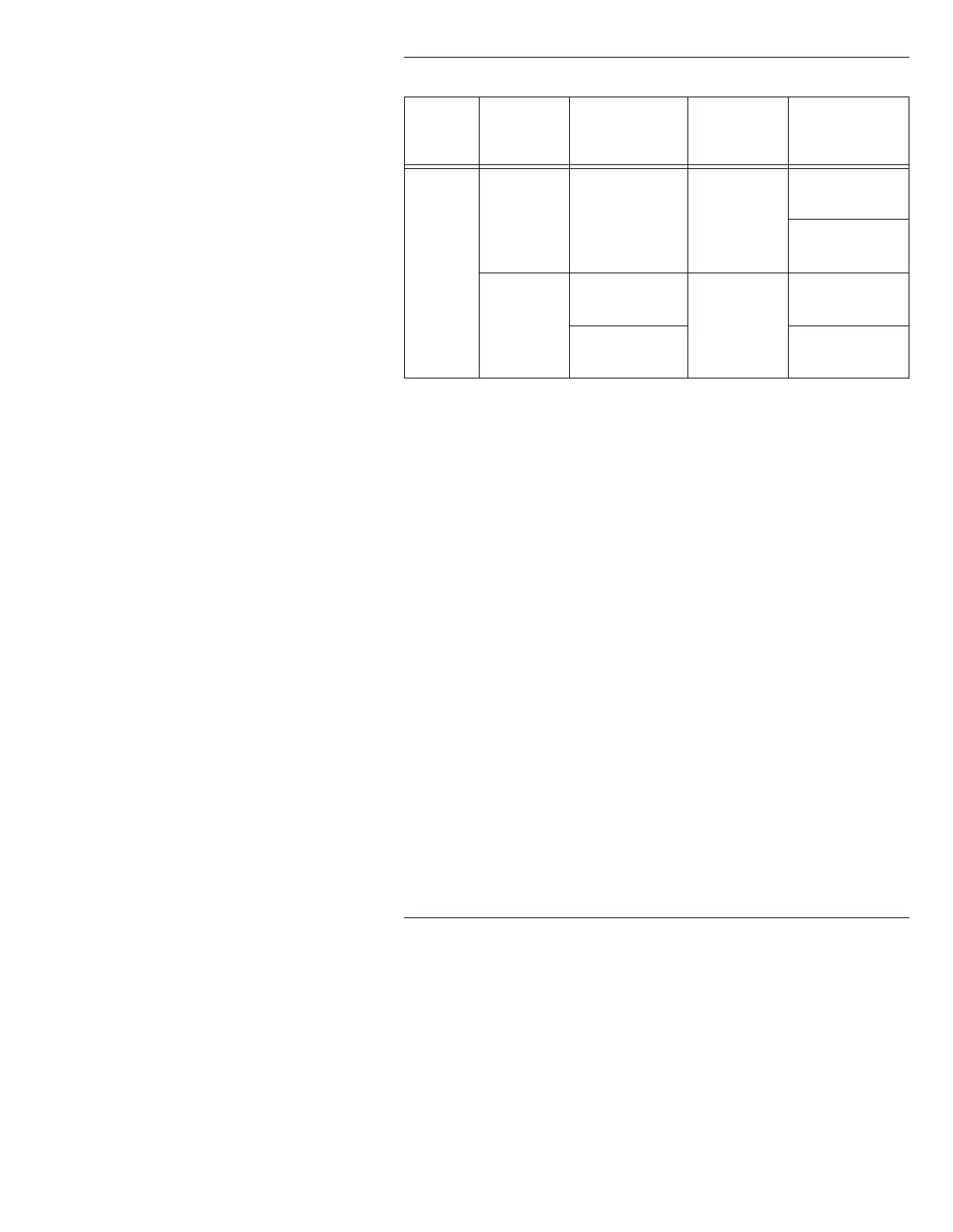
Table 14-1: Summary of CHNG and XFER Operations
6\VWHP
1XPEHURI
)UDPH
%XIIHUV
&+1*DQG
&17/&+1*
;)(5DQG
&17/;)(5
$/7;)(5



 To Next Page