iNFiNiT! Family Operation Manual
Revision D 19-3 Disk Utilities
If your system is equipped with the optional mouse, it
can be used to select icons in the Disk Utilities menus. To
exit
Disk Utilities and return to the Program Loader
menu, press
MODE SLCT (§5.2, §6.11).
3DVVZRUG3URWHFWLRQ
A Password Protection feature is integrated with Disk
Utilities to prevent overwrite of operating system soft-
ware. The password restricts operations on only the
SYSTEM/PROGRAMS and SYSTEM/DRIVERS files.
• Once a password has been set, it can be changed, or
password protection can be disabled.
• An operator using a password can now rename
SYS-
TEM/PROGRAMS
and SYSTEM/DRIVERS files.
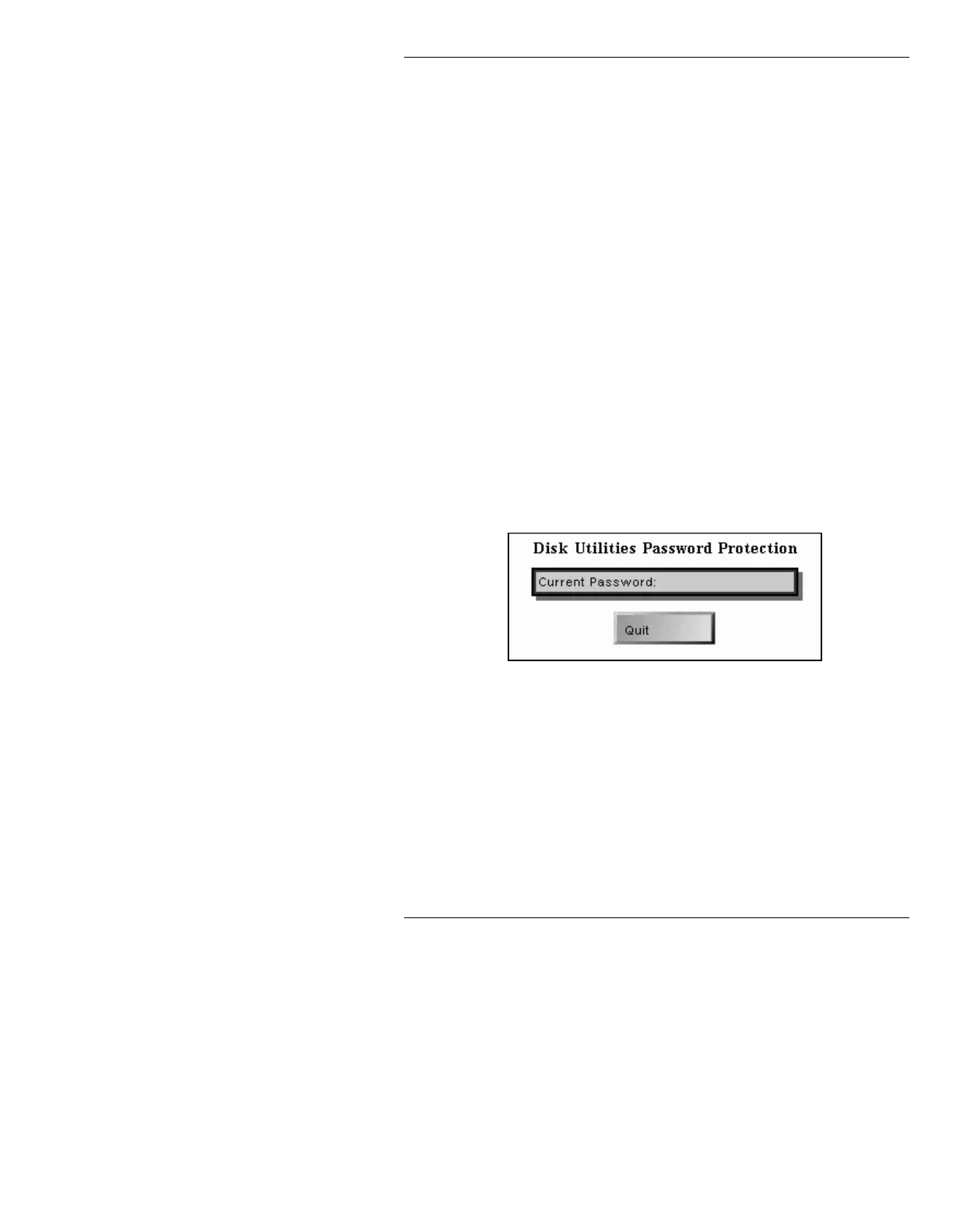
• Once a password is set, any time a
Copy, Rename,
Delete or Format is attempted on either the SYS-
TEM/PROGRAMS
or the SYSTEM/DRIVERS the
following window is displayed:
Figure 19-2. Password Query
Enter the password (set in the following procedure), then
press
. You can now perform the abovementioned
operations in the
SYSTEM/PROGRAMS or SYSTEM/
DRIVERS
directories.
Note that all characters that are typed into password
fields are represented by asterisks.



 To Next Page