CHYRON Corporation
Disk Utilities 19-4 Revision D
NOTE
If you set a password and then forget
it, the only way to disable the
password is to clear CMOS RAM!
Write it down and keep it in a safe
place!!!
To enable password protection:
[ ] 1. From within the Disk Utilities main menu,
press
W or select Password. The Password
function icon is found on the second page of
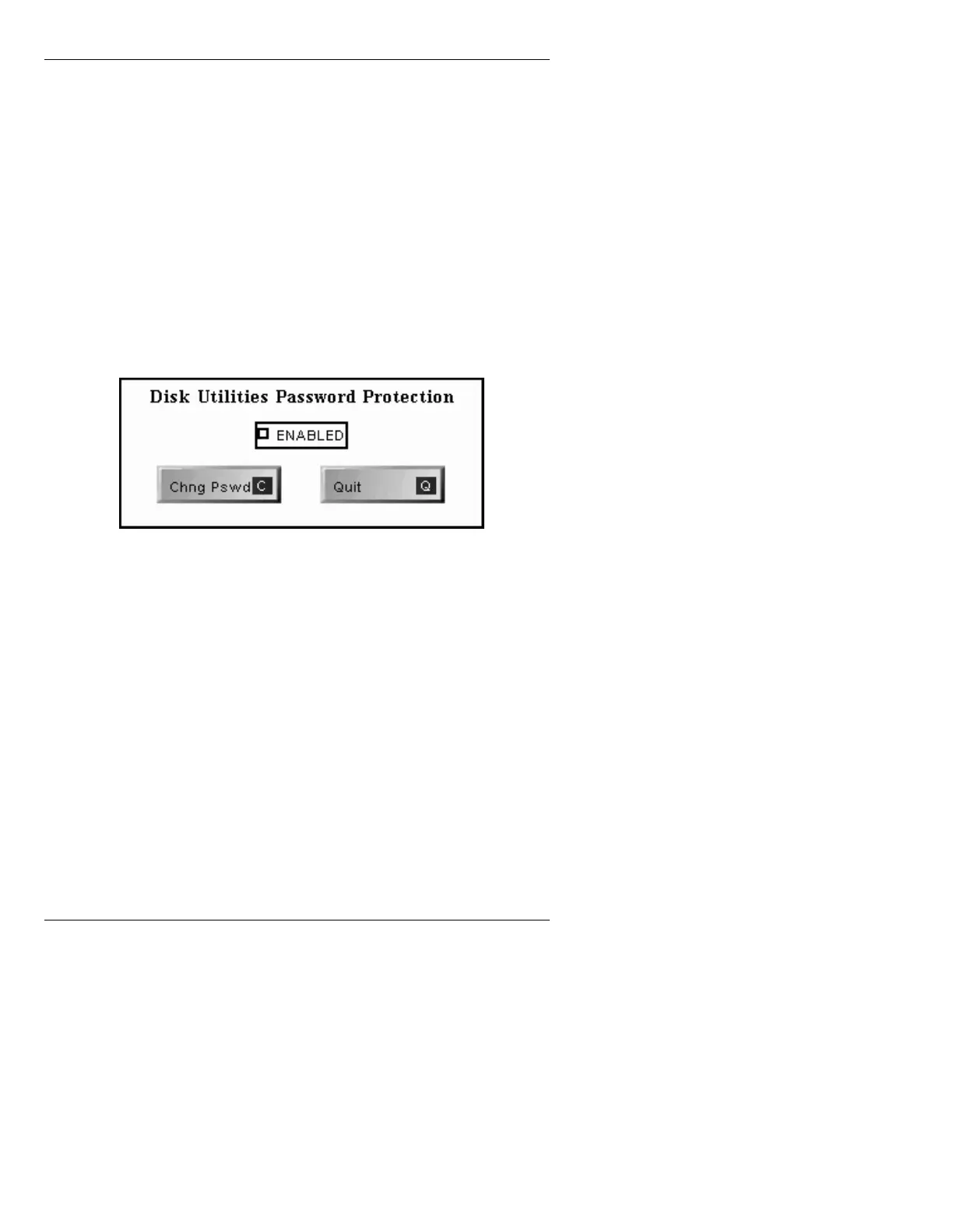
function icons. The Disk Utilities Password
Protection window (Figure 19-3) is displayed.
Figure 19-3. Disk Utilities Password Protection Window
[ ] 2. Select Enabled. The Enable Password
Protection Window (Figure 19-4) is displayed.



 To Next Page