iNFiNiT! Family Operation Manual
Revision D 19-5 Disk Utilities
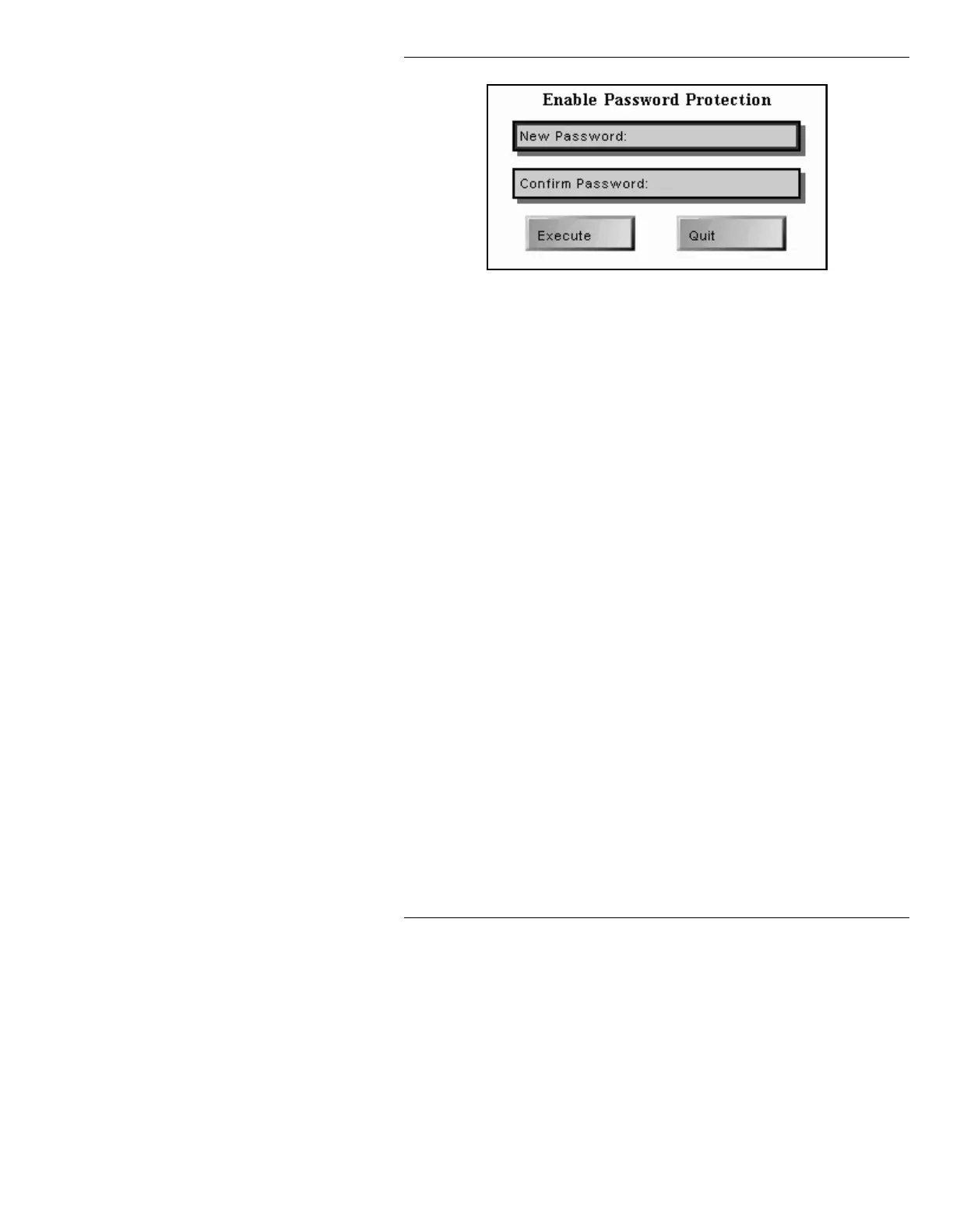
Figure 19-4. Enable Password Protection Window
[ ] 3. Enter a password of no more than eight
alphanumeric characters in the
New
Password:
field, then press
.
[ ] 4. Re-enter the same password in the
Confirm
Password:
field, then press
twice to
execute. The system returns to the Disk
Utilities Password Protection window. The
ENABLED box is now highlighted.
[ ] 5. Press
Q or select Quit to return to the Disk
Utilities main menu.
To change a password:
[ ] 1. From within the Disk Utilities Password
Protection window (Figure 19-3), press
C or
select
Chng Pswd. The Change Disk Utilities
Password window (Figure 19-5) is displayed.



 To Next Page