iNFiNiT! Family Operation Manual
Revision D 19-43 Disk Utilities
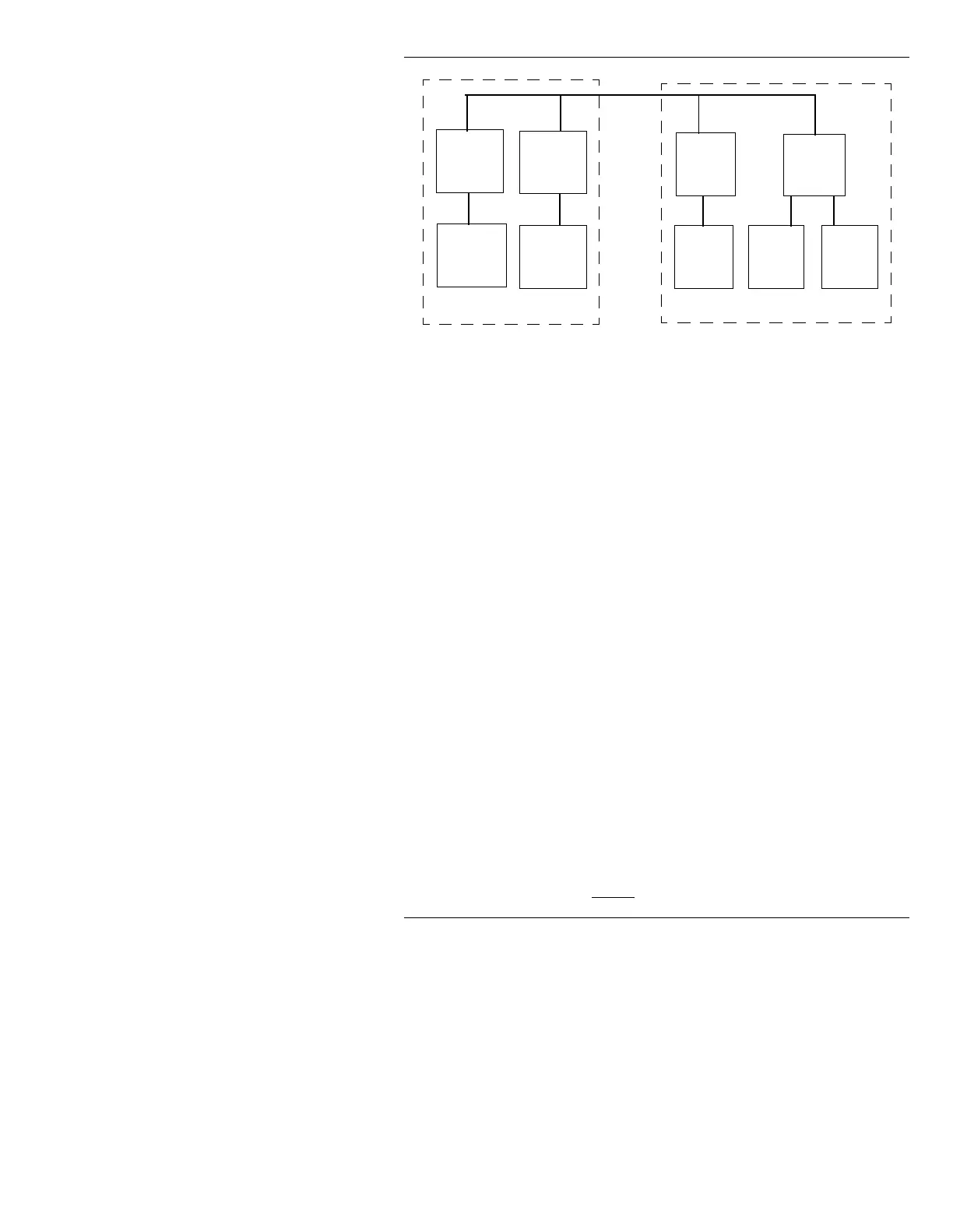
Figure 19-28. Sample Storage Device Configuration
The sample in Figure 19-28 is configured as follows:
• An internal hard drive at SCSI ID
0 and LUN 0.
• An internal removable media drive at SCSI ID
1 and
LUN
0 (iNFiNiT! only).
• An external hard drive at SCSI ID
2 and LUN 0.
• An external removable media drive at SCSI ID
3 and
LUN
0.
• An external removable media drive at SCSI ID
3 and
LUN
1.
&RQILJXUDWLRQ3URFHGXUH
Each of the operations available through the function
icons are described here. If the Disk Configuration win-
dow is not already open:
• From the Disk Utilities main menu, press
I or select
Configure.
The
SCSI ID: field is highlighted when the window first
opens. Enter a new value from
0 to 6, if desired, and
press
to drop to the
LUN NUMBER: field. Enter a new
LUN number, if desired. The SCSI and LUN values must
be entered before
Add is used.
SCSI
ID
0
SCSI
ID
1
LUN 0 LUN 0 LUN 0
LUN 0 LUN 1
SCSI
ID
2
SCSI
ID
3
Drive C Drive B Drive D Drive E Drive F



 To Next Page